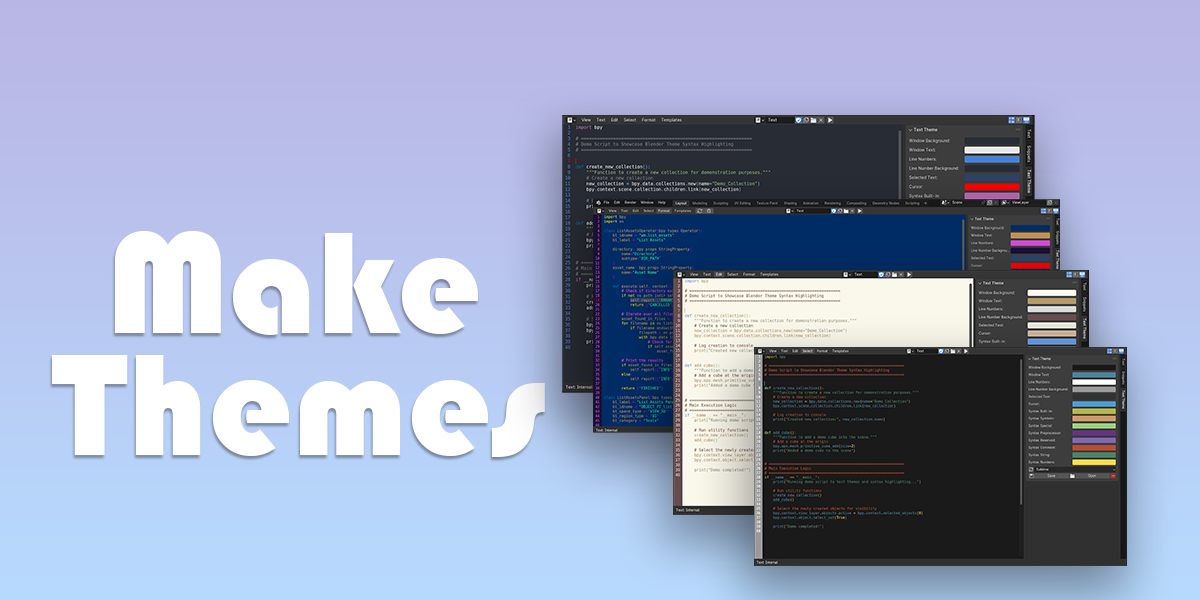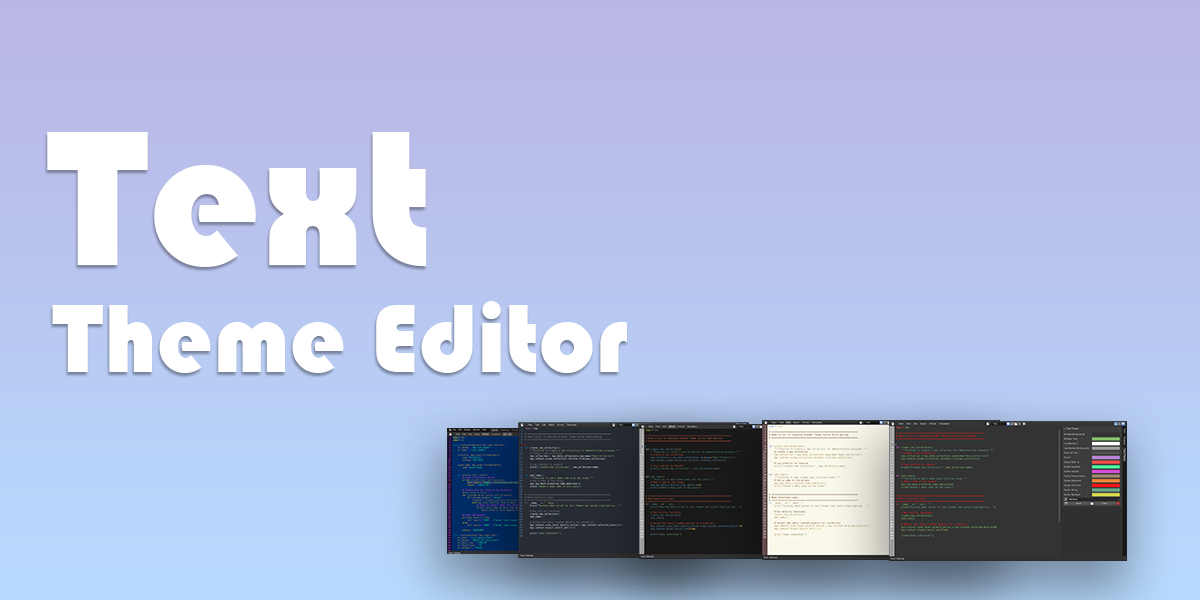
Text Editor Theme adds customizable colours and script navigation tools to Blender's Text Editor. It includes 52 ready-made themes, controls for creating and managing custom themes, and two bonus add-ons: Text Minimap and Code Navigator.
Choose a preset or create a custom theme
The preset library includes styles such as Warm Desert, Deep Ocean, Cyberpunk, Retro Film, and Pastel Garden. You can switch themes in real time, then create, save, or delete your own. Themes are stored as JSON files, which you can edit, share, import, and export.
A live HTML editor can sample colours from an image to generate a palette. This gives you a way to build a theme around colours you already use in a reference image.
Navigate code with the included add-ons
Text Minimap provides a code overview with clickable line and block navigation. Its panel lets you adjust colours and the border and remembers its toggle state.
Code Navigator lists imports, classes, and functions. You can filter the list, then click an entry to jump to and highlight that part of the script. Both tools are included with Text Editor Theme.
Compatibility and license
The product listing identifies version 1.0.4 and Blender compatibility from 3.6 through 5.0. It lists Windows, macOS, and Linux support and a GPL license. Check the Superhive product listing for current product details.
Text Editor Theme may suit Blender users who write or browse scripts in the Text Editor and want custom colours alongside tools for moving through code.