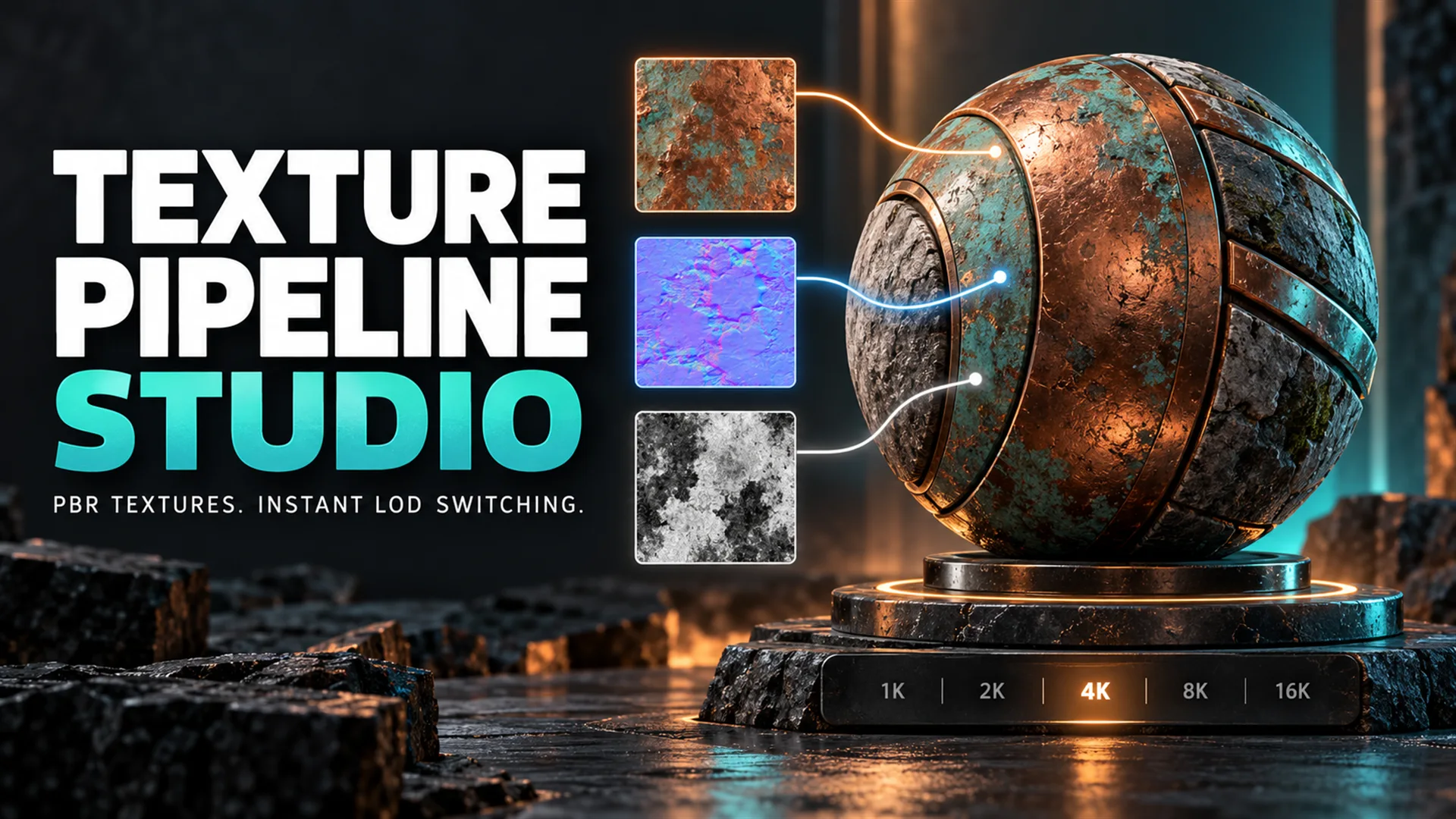
Texture Pipeline Studio is a Blender add-on for assigning PBR textures from resolution-based folders and switching between texture LODs. The Blender Extensions catalog lists version 8.10.1 with Blender 4.5.0 as its minimum version. It may suit artists who keep multiple resolutions of a texture set and want to change which set a scene uses.
How resolution switching works
That workflow depends on having texture assets organized by resolution, so you can use a smaller set while working and switch to a larger set when needed.
One review on the Extensions page describes switching between 1K textures for viewport work and 8K textures for final rendering without breaking shader nodes. The reviewer also says preparing the resolution-based folders takes some discipline. These are one user’s examples and experience, not documented size limits or a performance guarantee.
Setup and compatibility
Plan for some folder preparation if your texture library is not already organized by resolution. The Blender Extensions catalog declares that the add-on reads PBR texture images from folders you select on disk. It lists the license as GPL-3.0-or-later and version 8.10.1 as requiring Blender 4.5.0 or later.
Before reorganizing a large material library, check the official Extensions listing and the project repository for current installation and folder setup details.
Who may find it useful
Texture Pipeline Studio may fit Blender artists who store PBR materials at multiple resolutions and switch between lighter viewport textures and larger render textures. If your assets use one resolution each, or you rarely need to change texture resolution, organizing folders for this workflow may add preparation without much benefit.