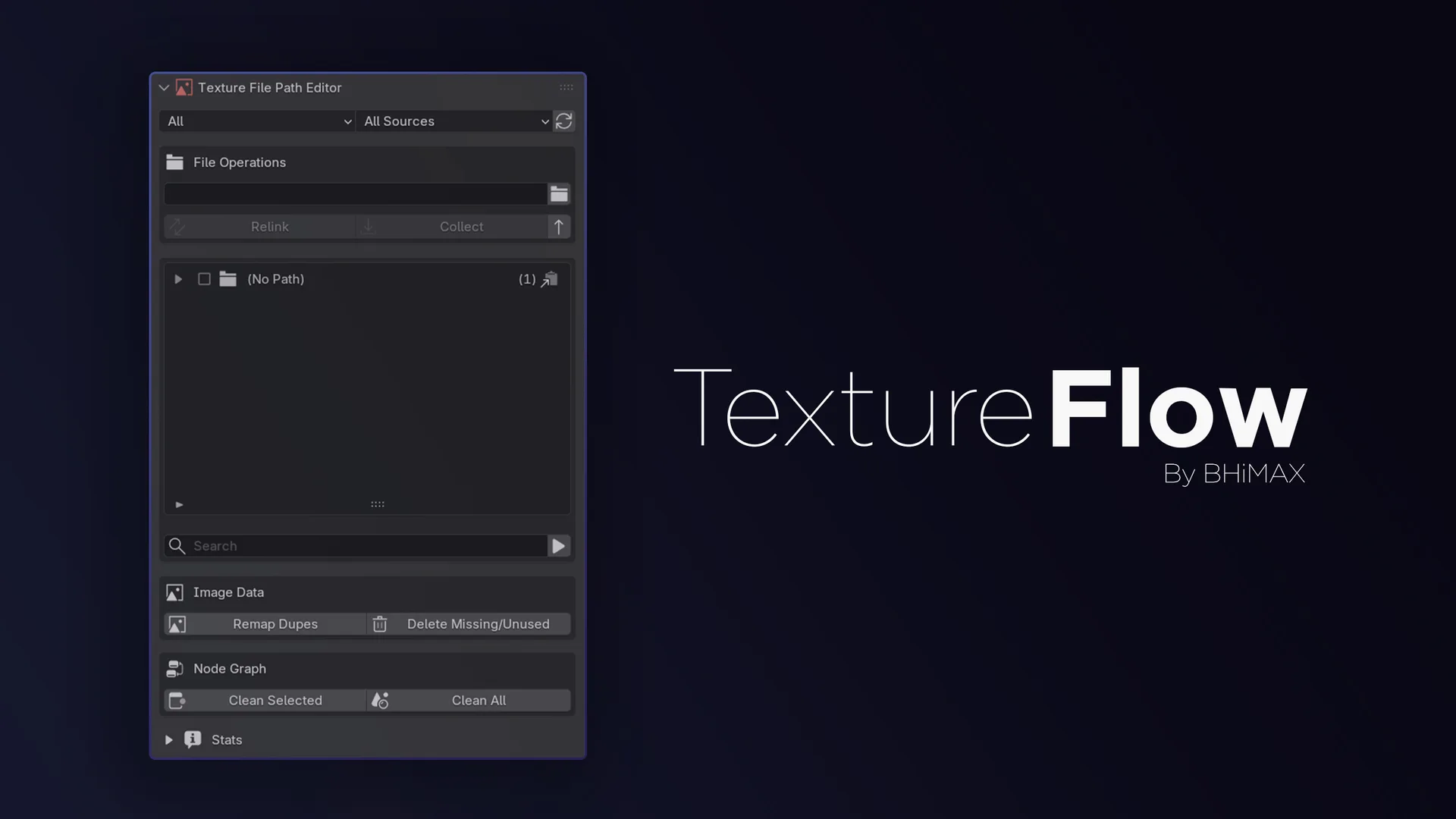
Texture Flow is a Blender add-on by BHiMAX for managing texture paths. Version 3.2.0 requires Blender 5.1 or later.
Inspect and manage texture paths
Texture Flow helps when a project needs texture paths inspected, relinked, or gathered. The extension requests permission to read and write texture files on disk.
The Blender Extensions catalog record lists Texture Flow under Material and Pipeline with a GPL-3.0-or-later license.
Choose how Texture Flow opens
Version 3.2 combines the browser and independent-window options in one add-on. The default browser mode opens a local page in your default browser and does not require a separate window package. You can select Independent Window in Texture Flow’s add-on preferences if you want the tool in its own application window.
The independent window uses PySide6. If Blender’s Python does not already have it, Texture Flow asks for confirmation before downloading PySide6-Essentials, about 80 MB, from PyPI through pip. The download is optional and installs in the add-on’s own folder. If PySide6 is already available in Blender’s Python, the add-on detects it and skips the download. Its declared network permission covers the local interface at 127.0.0.1 and the optional PySide6 download.
Compatibility and upgrading
Texture Flow 3.2.0 supports Blender 5.1 and newer. It was previously named Texture File Path Editor. If you are upgrading from that add-on, the version history advises removing the old copy before or after installing Texture Flow so Blender does not keep two copies. The earlier menu and window-mode preferences do not transfer, so check them again after installation.
The PySide6 copy downloaded by the older version is not reused. Texture Flow’s removal control deletes files it downloaded itself; a PySide6 installation supplied elsewhere in Blender’s Python is left in place.
Who may find it useful
Texture Flow fits Blender artists who need to inspect texture references, repair paths, or gather texture files as part of project work. The browser option keeps the setup simpler, while the independent window is available for users who prefer a separate interface and are comfortable with its optional PySide6 dependency. Check the Blender version and the extension’s file access before installing it in a production environment.