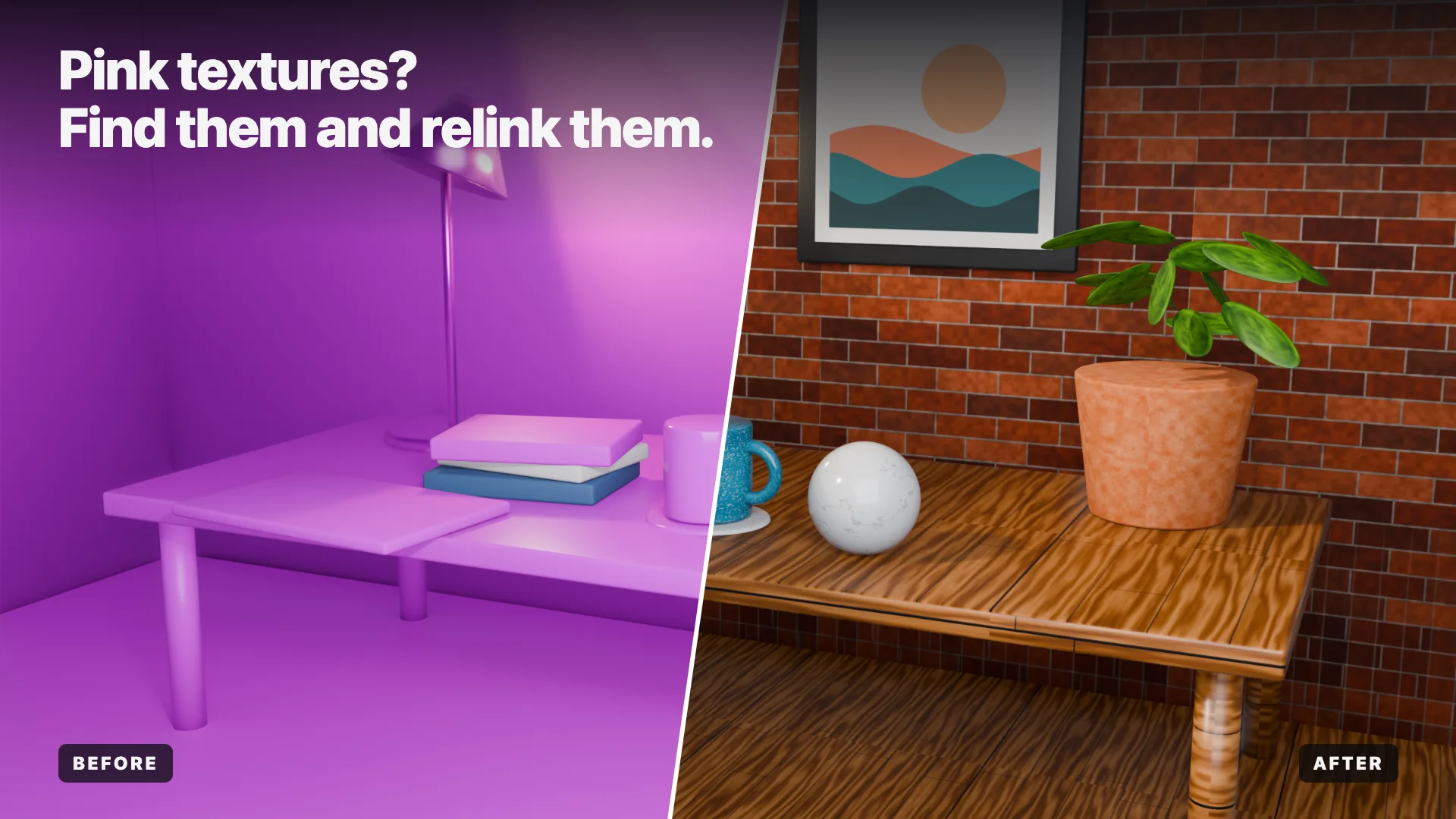
Texture Relinker is a Blender add-on for finding missing image files when their names or formats have changed. It scores filenames in a chosen folder, then lets you review matches before relinking them. For example, it can compare a missing wood_diff.png with a candidate named Wood_Diffuse.jpg.
How to relink missing textures
- In the 3D Viewport, open the sidebar with N and select the Relink tab. The scan is also available under File > External Data.
- Click Scan for Missing Textures. Set Folder to the directory containing the texture files. After a scan, the starting folder is the directory of the saved
.blendfile. The add-on checks files directly inside that folder. - Click Find Matches to see candidate files and their scores. Review the rows and leave checked only the files you want to relink. Adjust Threshold to accept stricter or weaker matches.
- Click Relink to update the selected image paths. When the
.blendfile is saved, Texture Relinker uses relative paths.
How filename matching works
Exact filenames receive the strongest match. A filename with a different extension, capitalization, or separators can still score highly. Similar names are scored by how alike they are, so a changed descriptive suffix may produce a candidate for review.
Names that differ by a number receive low scores on purpose. For example, studio_08.exr and studio_09.exr, or files marked 2k and 4k, may refer to different images. A Threshold value of 1.0 accepts exact names only. Check the candidate file before relinking when several textures have similar names.
What the add-on scans and changes
The scan lists images with missing files. Packed, generated, UDIM, and linked images are skipped. Texture Relinker does not rename, move, download, or delete files, and it does not use an internet connection. The add-on supports Undo.
Scan results and match lists last only for the current session. They are not saved in the .blend file and start empty when a file is opened. Folder and Threshold settings are saved with the file; a saved folder that does not exist on the computer is cleared when the file opens. After Undo, scan again to list images that are missing.
Compatibility and project details
Texture Relinker 0.1.2 lists Blender 4.2.0 or later as compatible; the developer reports testing on Blender 4.2 LTS and 5.2 LTS. The add-on is developed by Nattakit-Sunthonthip and is licensed under GNU GPL version 3 or later. Blender's Extensions installation instructions explain how to install an add-on from disk. See the Texture Relinker page on Blender Extensions for release details, or the project issue tracker for support.