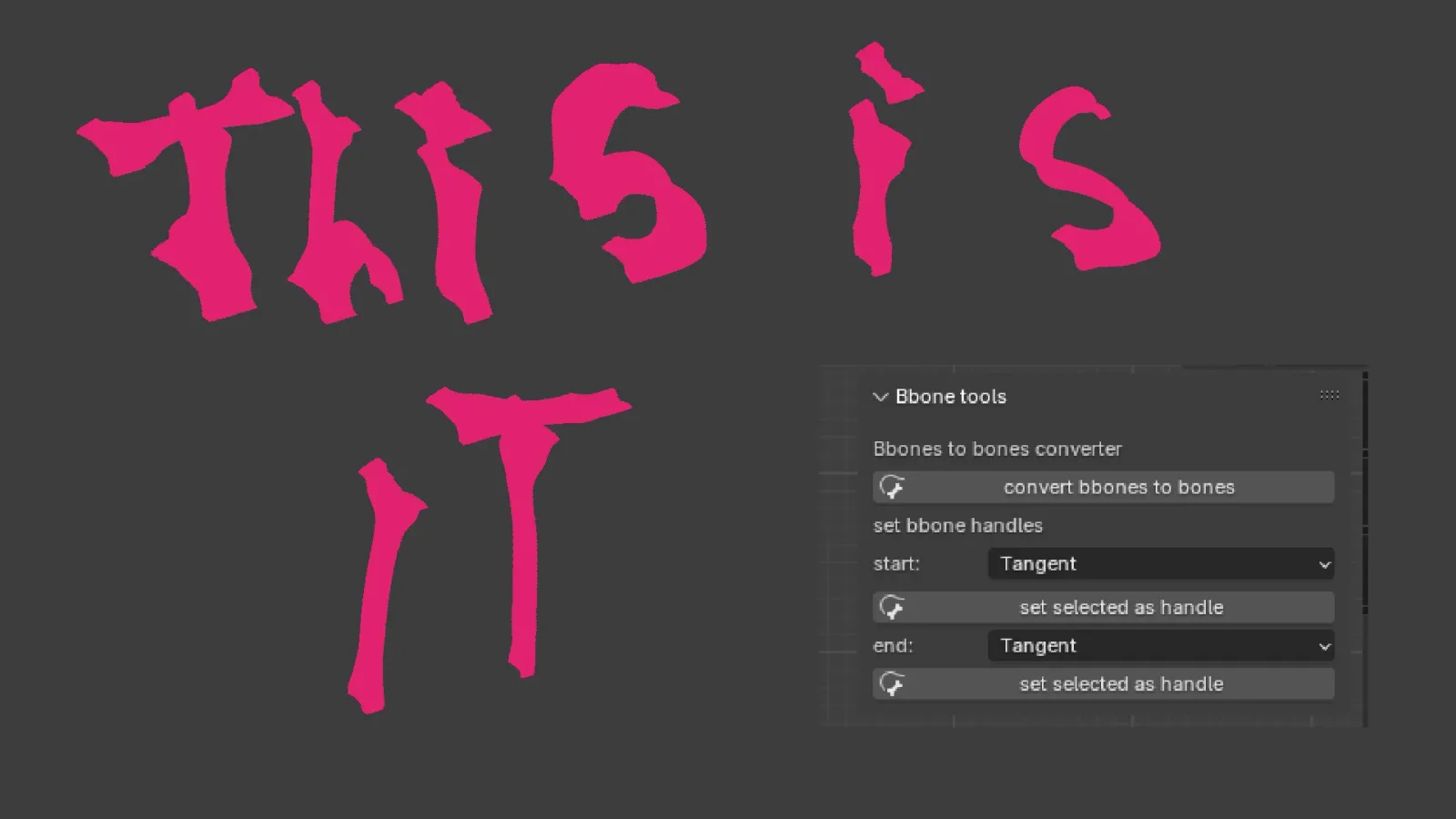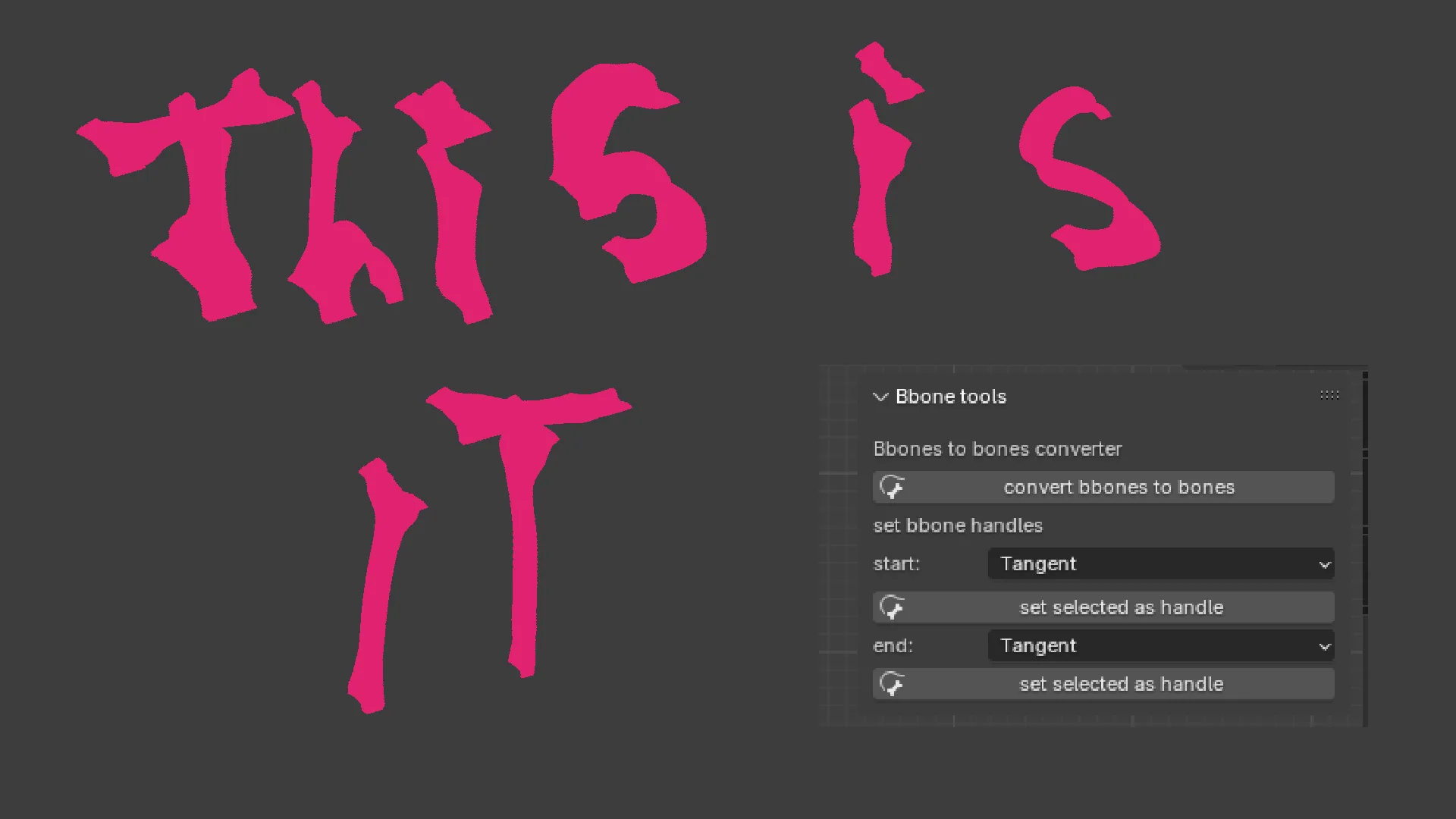
the bendybones toolkit is a Blender add-on for rigging with bendy bones. Its Edit Mode tools convert selected bendy bones into regular bones and set a bendy bone's handle type. The controls are available from the armature context menu and a dedicated sidebar item. Blender lists the add-on under Rigging in its Extensions catalog.
Convert bones and set handles
To convert bones, select the bendy bones in armature Edit Mode and run the conversion operation. To set a handle type, select the handle bone first, then select the bendy bone to change. Both operations are intended for Edit Mode.
Changes in version 1.6.0
Version 1.6.0 adds a picker for the mesh object and a setting to constrain or leave new segments unconstrained relative to the original bendy bone. It also corrects the hierarchy of new segment bones.
Compatibility and installation
Blender's catalog record lists version 1.6.0, maintainer Felipe-G, a minimum Blender version of 4.2.0, and the GNU General Public License v3.0 or later. To install a downloaded archive, use Blender's Extensions preferences and follow the Install from Disk instructions. Check the catalog listing for the release details before installing.