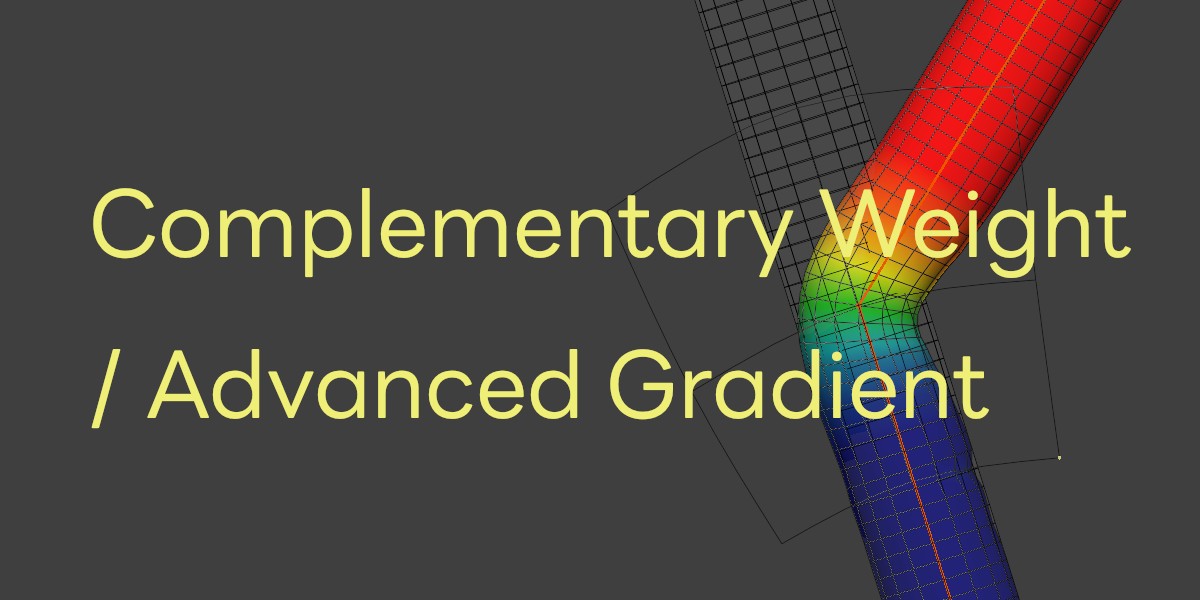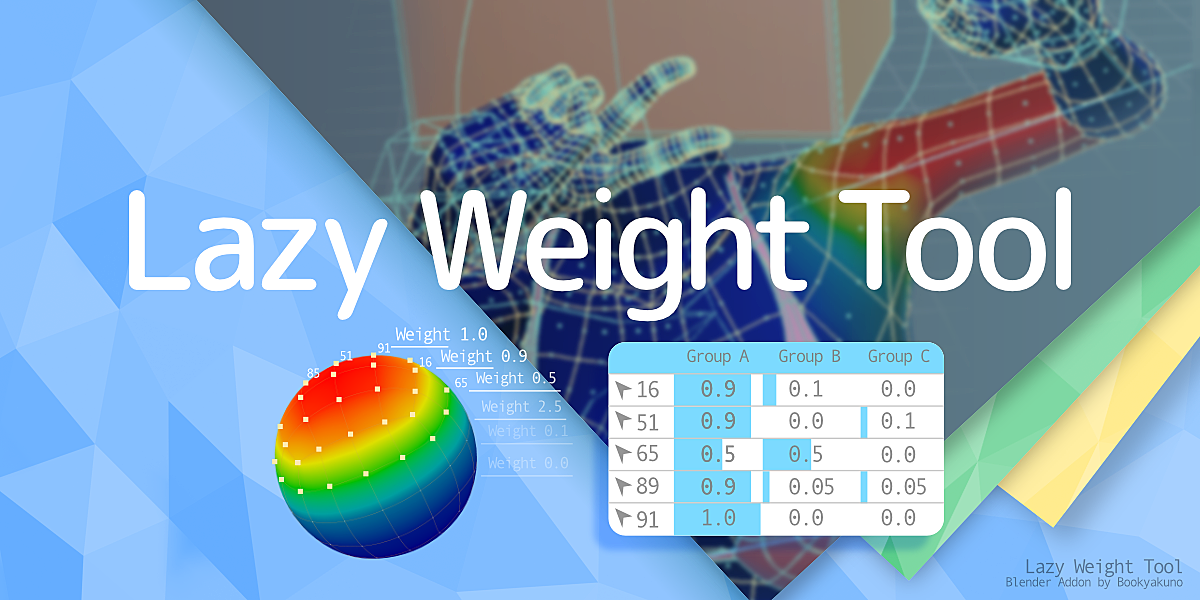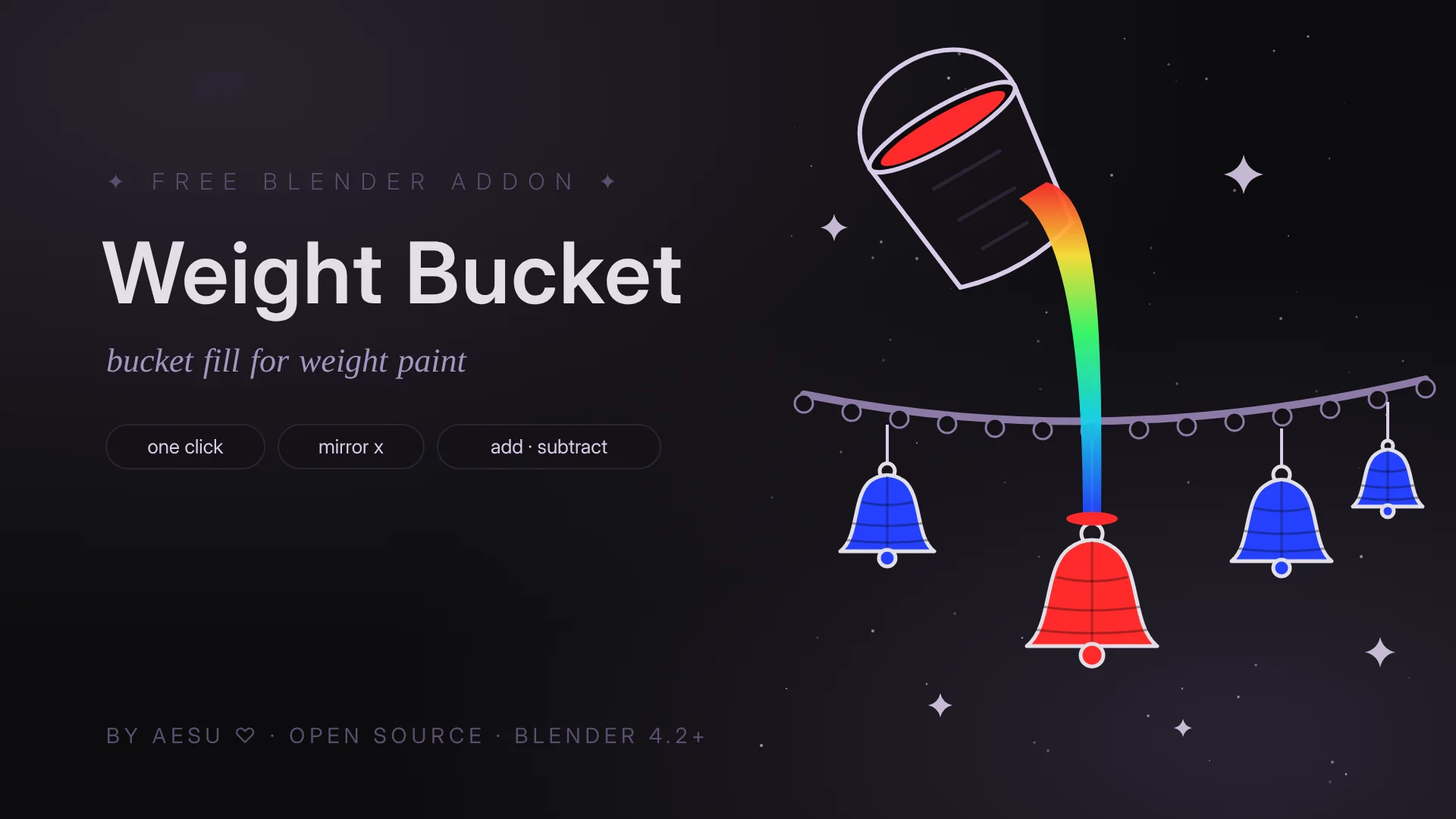
Weight Bucket is a Blender add-on for filling whole mesh islands with a chosen weight while you work in Weight Paint mode. It is useful when a vertex group needs the same value across a disconnected section of a mesh, without switching to Edit Mode to select linked vertices. The add-on is available for Blender 4.2.0 and later.
Fill a mesh island
- Select the armature, then Shift-select the mesh and switch to Weight Paint mode.
- Press N to open the sidebar and choose the AESU tab. Select the target bone or vertex group.
- Set the weight using the brush value or enter a custom value from 0.0 to 1.0.
- Hover over a mesh island and press Alt+F to fill it. For repeated fills, enable Bucket Mode and click each island. Press Esc or right-click to exit that mode.
Control how the weight is applied
Choose whether the new value replaces, adds to, or subtracts from the existing weight. Mirror X fills the matching island on the other side of the mesh. Normalize keeps weights adding up to 1.0. The add-on also works on posed meshes and skips hidden faces.
Version and installation
The Blender Extensions listing identifies version 1.0.2, a Blender 4.2.0 minimum, and the GPL-3.0-or-later license. To install a downloaded extension file, follow Blender's Install from Disk instructions. Report bugs or suggest features through the Weight Bucket issue tracker.