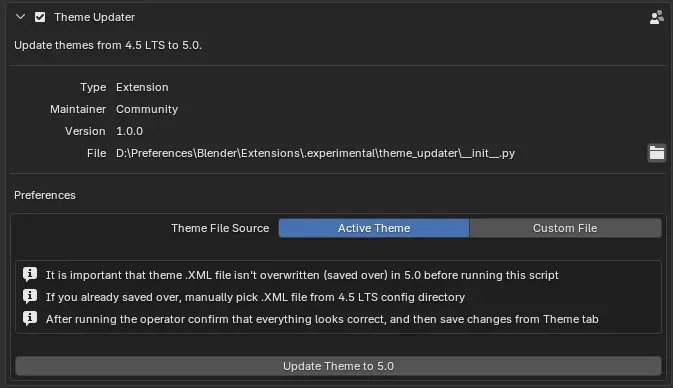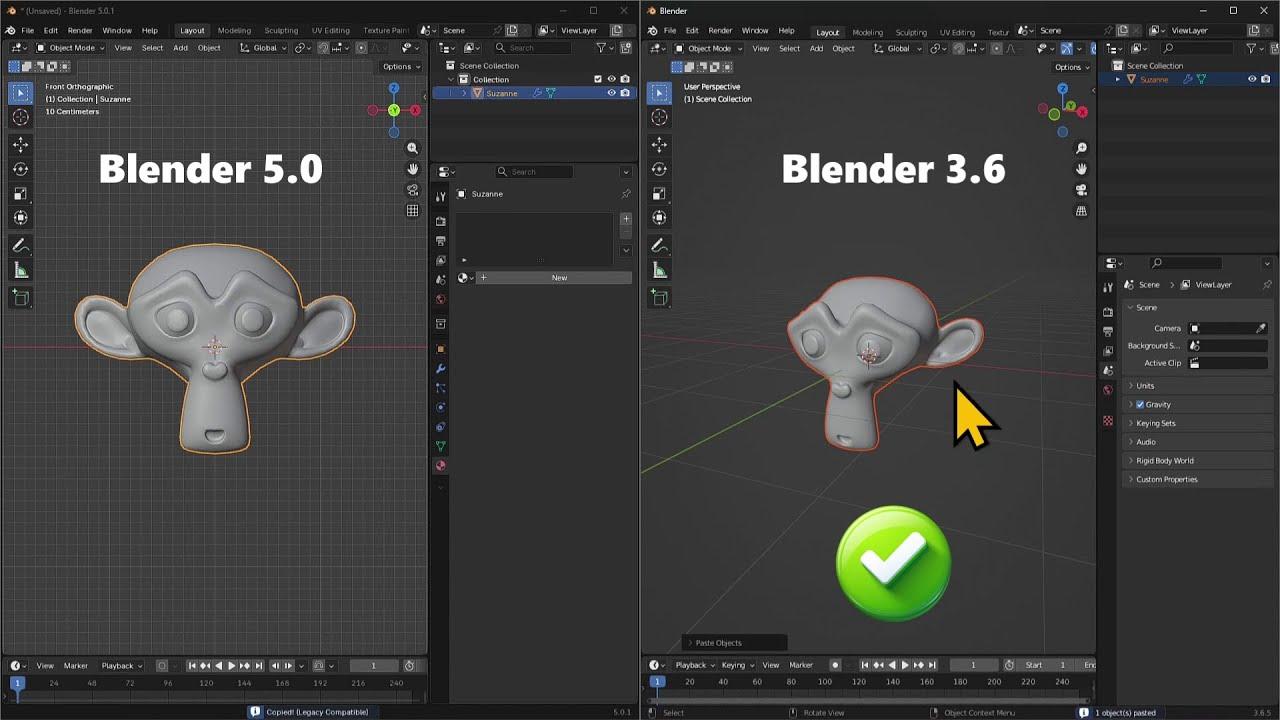
Theme Updater is a Blender add-on for adapting a custom theme saved in Blender 4.5 LTS or earlier to Blender 5.0. It reads the older theme's XML and uses colors from similar properties to populate Blender 5.0's generalized theme properties. The Blender Extensions listing shows version 1.0.0 and Blender 5.0.0 as its minimum version.
What Theme Updater handles
Blender 5.0 generalized some theme settings that were previously set per editor, including settings for sidebars, panels, and curves. Custom themes may fall back to default colors for these properties until values are assigned. Theme Updater uses similar properties in the older XML to suggest colors for the new settings. The mapping relies on assumptions, so some colors may need manual adjustment. The Blender 5.0 theme migration notes explain the changes behind the add-on.
Prepare an older theme file
Have an XML file saved in Blender 4.5 LTS or earlier. Theme Updater cannot read the original settings if the theme has already been overwritten in Blender 5.0. If you have another older XML file, use the add-on's "Custom File" mode to select it.
Run and review the update
- Install the add-on in Blender 5.0 or newer. You can use Blender's Install from Disk instructions.
- Make the theme you want to update active.
- Open the add-on preferences and choose "Update Theme to 5.0."
- Check the result, adjust any colors that do not match your theme, then save it from the Theme tab in preferences.
Version and license
The Blender Extensions API lists Theme Updater 1.0.0, Blender 5.0.0 as the minimum version, and a GPL-3.0-or-later license. Check the official listing for current release details.