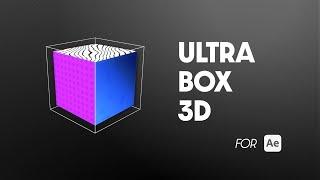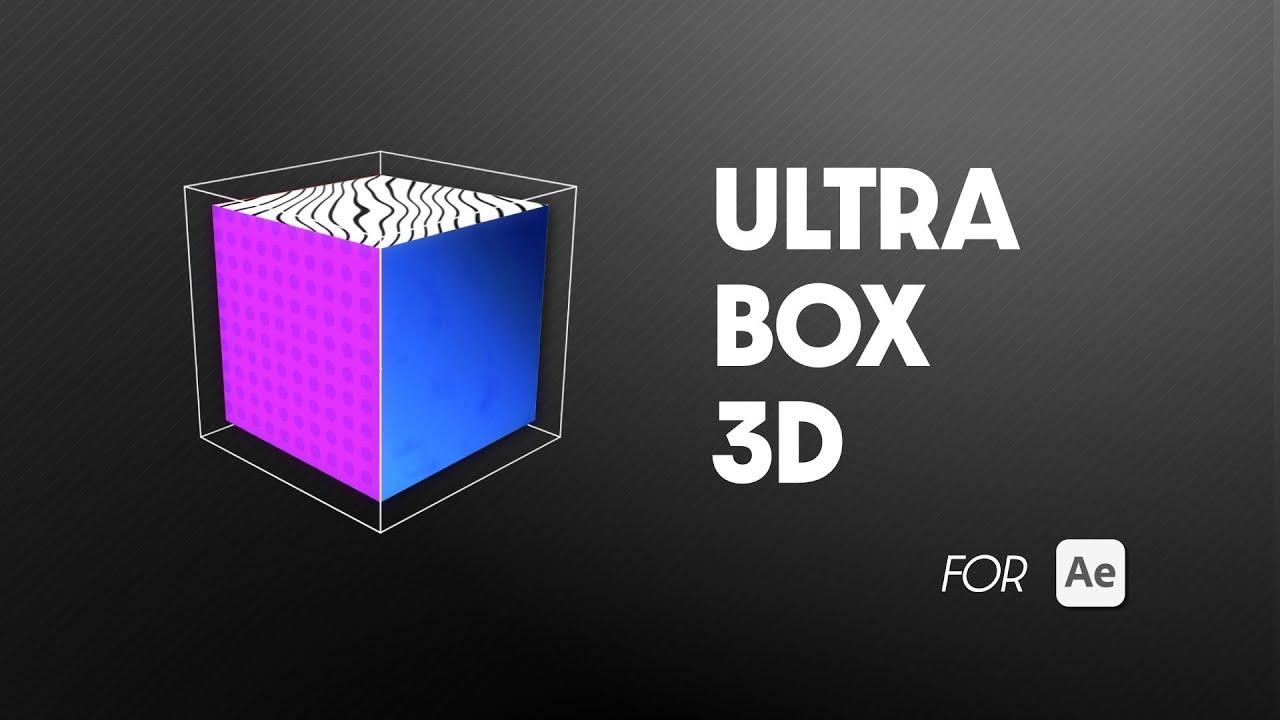
Tilles Motion Ultra Box 3D creates an animatable box rig in After Effects from shape layers, fills and expressions. It does not use the Cinema 4D renderer, so layer styles and blending modes remain available in a standard composition. One click creates a uniquely named composition without adding assets to the project.
Build and animate the box
Set Width, Height and Depth in pixels. The rig also exposes Taper Top, Taper Bottom and Chamfer as animatable controls.
Taper controls shrink or expand the corresponding face. At 100%, a taper creates a pyramid; at -100%, the face grows to twice its size. A positive Chamfer value adds four faces along the box edges. All faces are parented to the control layer, which moves, rotates and scales the box together.
Choose a display mode
- Fills: Draws the box faces with shape layers and expressions.
- Wireframe: Hides the fills and shows strokes. Change the stroke color and width, apply dashes or use wiggle path.
- Textures: Creates texture compositions parented to the faces. Shift-click the main button to activate this mode. The textures are not scaled or distorted when you resize the cube.
For a solid box, use Fills.
Save setup defaults
The gear button saves the default box size, texture composition size and whether to create a camera for the next session.
Compatibility and listing details
The listing names After Effects 2025, 2024, 2023, 2022 and 2021 as compatible. It describes the plugin as free to download and use, but current licensing terms are not confirmed in the available details. Check the Toolfarm product listing for current availability and terms.