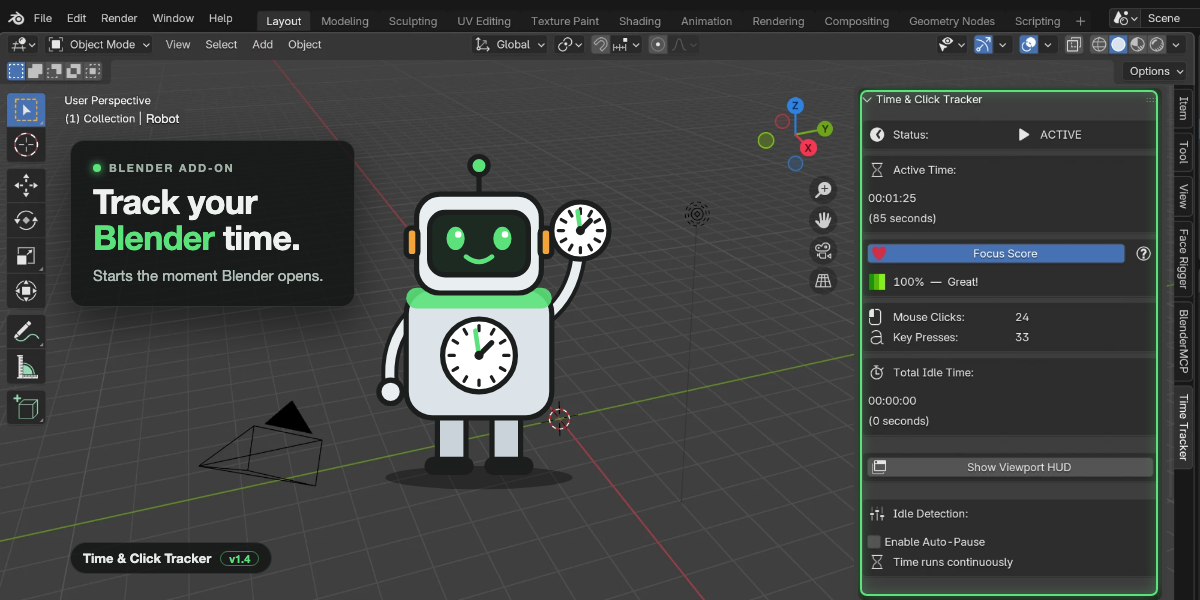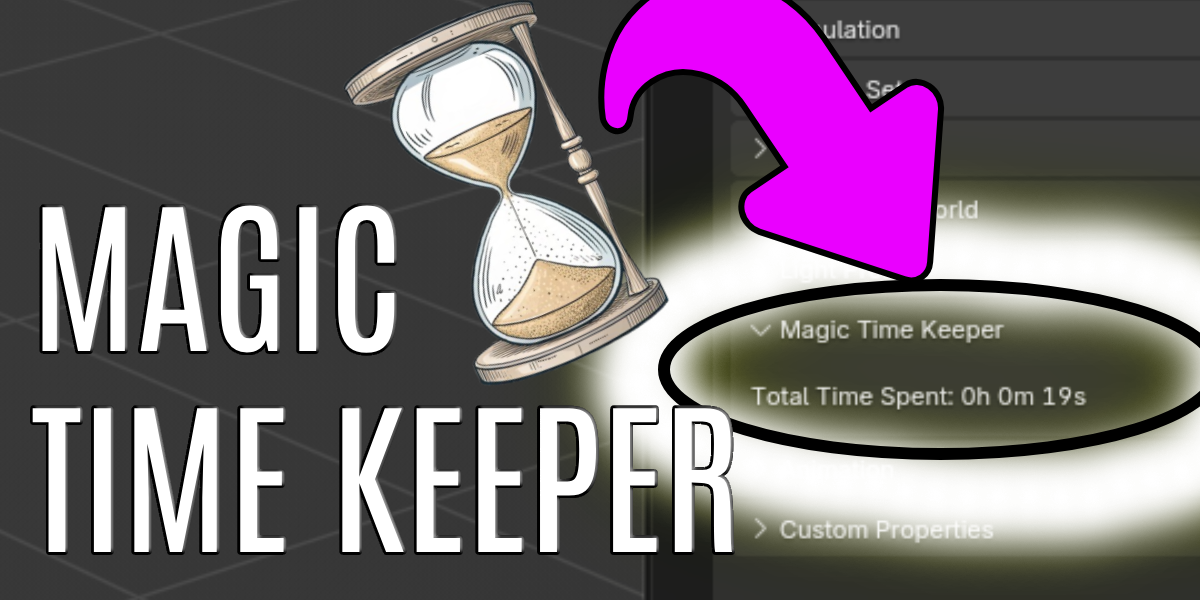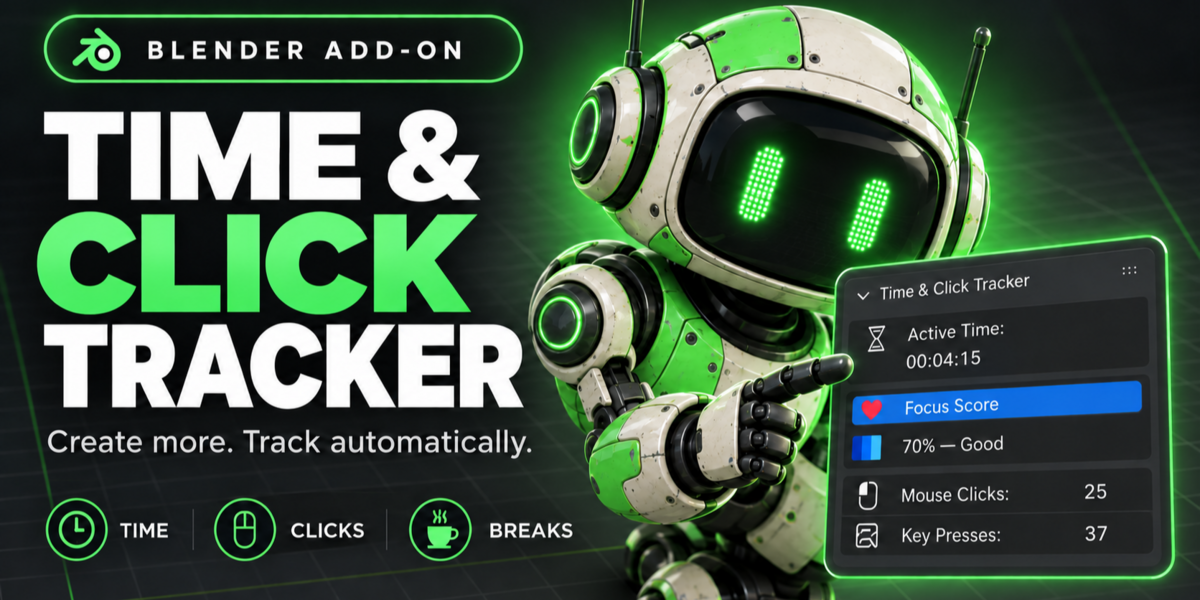
Time & Click Tracker is a Blender add-on for logging active and idle time, counting mouse clicks and key presses, and setting break reminders. It starts when Blender opens and again when you open a file, so you can see session time without starting a separate timer.
Track active time and idle periods
The add-on shows active time to the second in Blender's N-panel, where you can pause or resume tracking. It detects inactivity after a delay you choose, set to 10 seconds by default, and records idle time separately. Optional Auto-Pause stops the active timer while you are away. The Focus Score is calculated as active time divided by active plus idle time, shown as a percentage. The listing rates scores of 75% or higher as Great, 50% to 74% as Good, and below 50% as Low.
Count input without recording its content
Time & Click Tracker counts mouse clicks and key presses. It does not record which keys you press or what you type. The developer says the data stays on your computer and the add-on makes no internet connections.
Set reminders and keep time in view
Choose a break reminder interval from five minutes to eight hours. A popup can show quick wellness tips, and an optional sound alert works on Windows, macOS, and Linux. You can snooze a reminder for five minutes and check the countdown to the next one. The optional viewport HUD puts a timer in the 3D View; its color indicates whether tracking is active, idle, or paused, and its font size is adjustable.
Review sessions and project totals
The history keeps the last 60 sessions and displays up to 30 in the panel. Each entry includes its date, active and idle time, Focus Score, clicks, and key presses. Export the history as CSV for a spreadsheet or TXT for a readable report. Turn on Save With .blend File to keep running totals with a project; tracking continues when you reopen it.
These records can help freelancers review active time for client billing, compare similar projects when estimating work, or look at focus patterns across sessions. Break reminders provide a separate prompt to step away from the screen.
Compatibility and installation
The developer's requirements section lists Blender 4.2 or newer, including Blender 5. Its release note for version 1.4 says it adds full Blender 5 support. The marketplace compatibility field separately lists Blender 2.93 to 5.2, so confirm with the creator if you use an earlier Blender release. The listing gives Windows, macOS, and Linux as supported systems and GPL-3.0 as the license. To install, download the ZIP without extracting it, then use Blender's Edit > Preferences > Get Extensions menu and choose Install from Disk from the upper-right menu. In the 3D View, press N and open the Time Tracker tab. The developer describes the add-on as under 50 KB and says it does not affect scenes or renders. See the Blender add-on listing for current requirements and details.