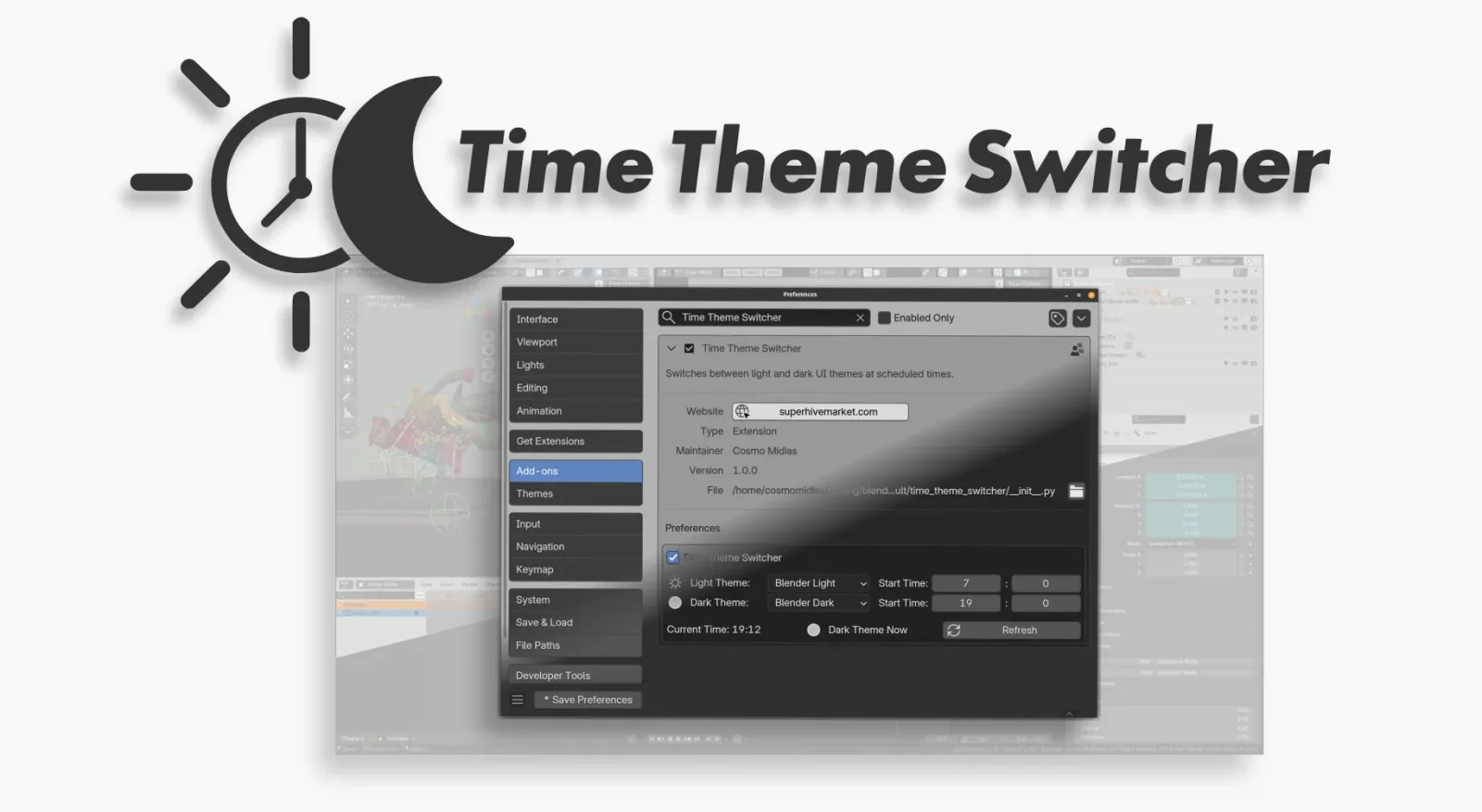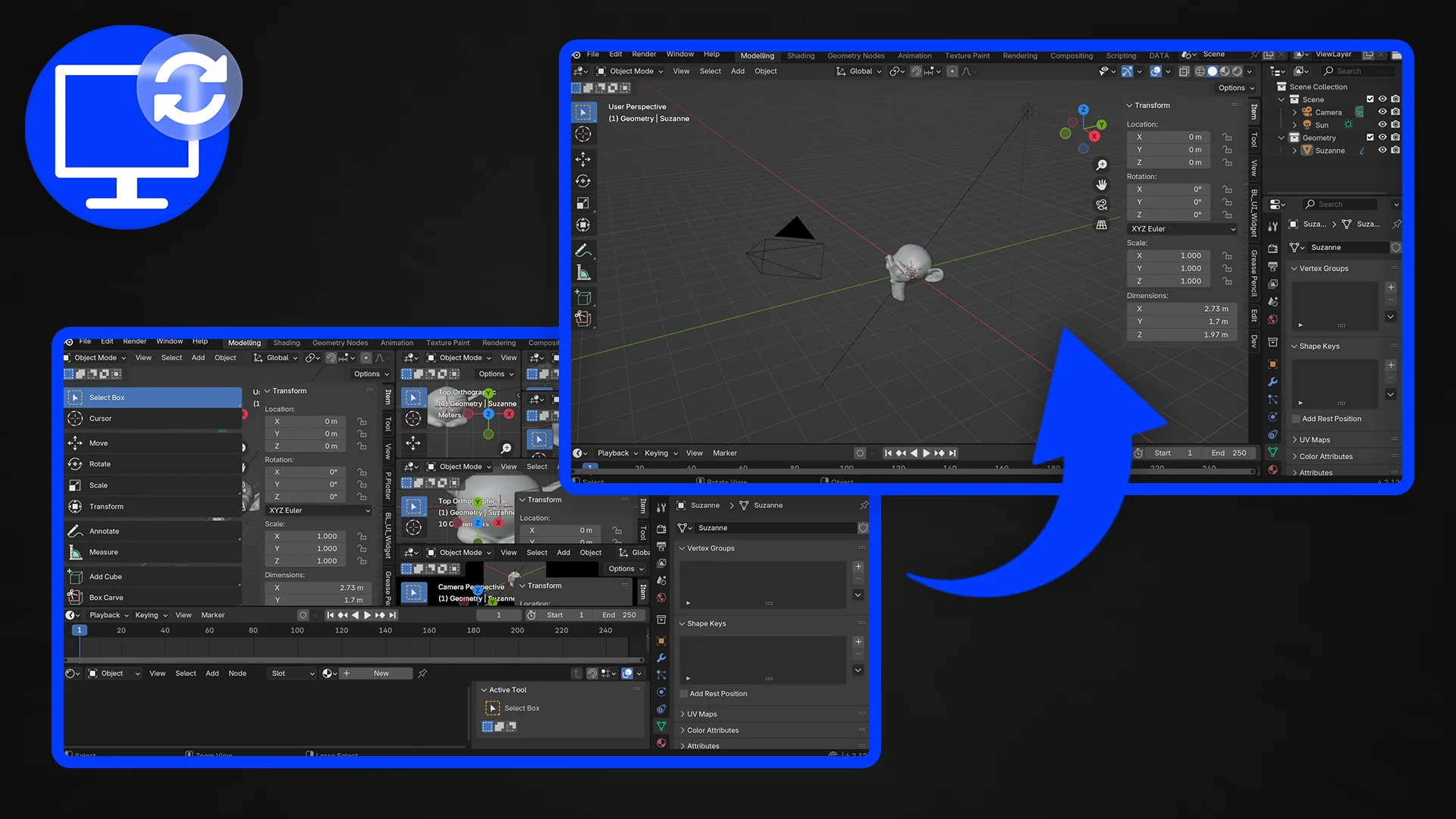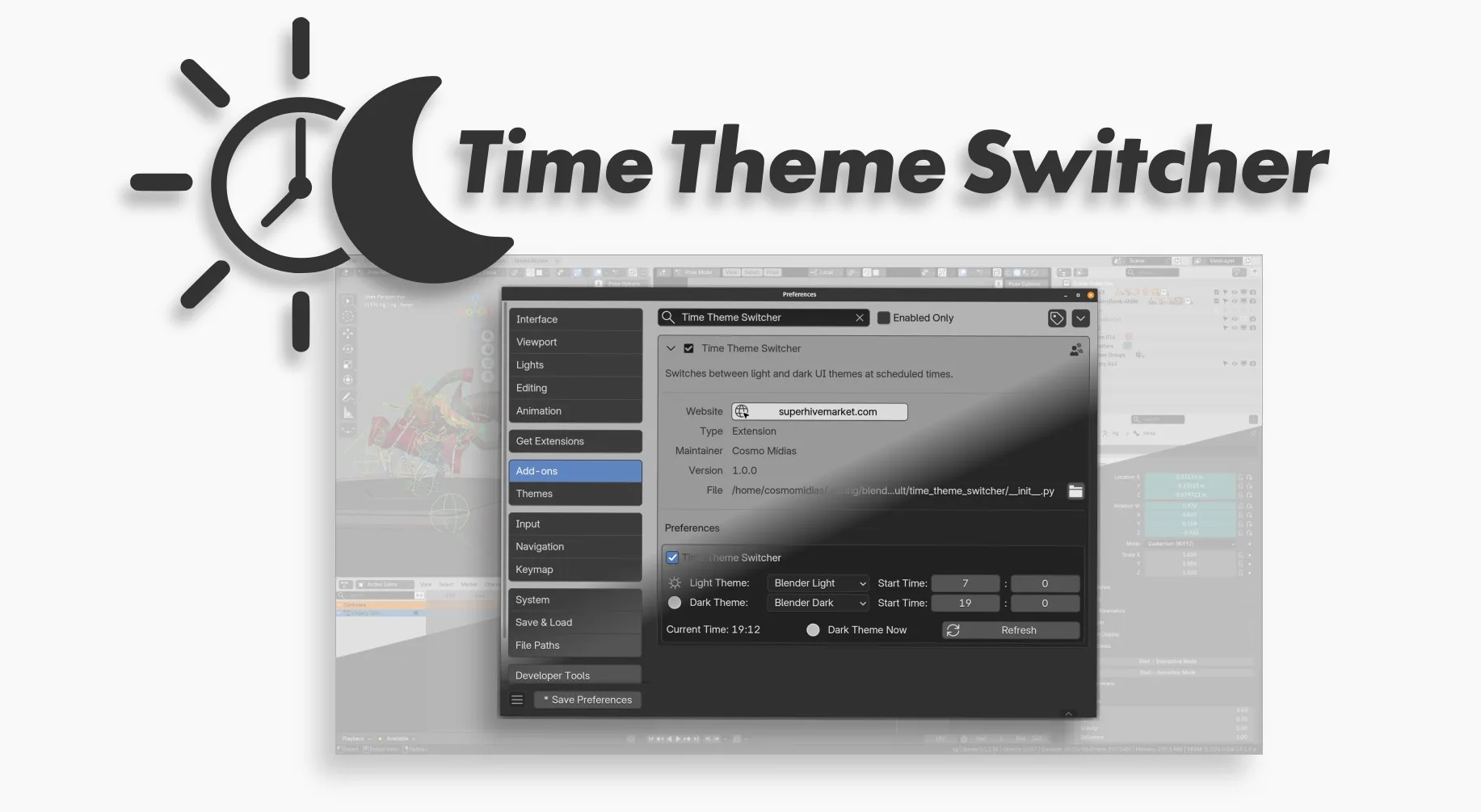
Time Theme Switcher is a Blender add-on that switches the interface between light and dark themes at scheduled times. The official catalog API record identifies version 1.0.1, CosmoMídias as maintainer, Blender 4.2.0 as the minimum version, a GPL-3.0-or-later license, and permission to read existing themes from disk.
Schedule light and dark themes
AnyPlugins' product summary describes separate activation times for light and dark modes, entered in 24-hour format. It lists defaults of 07:00 for light and 19:00 for dark. The summary says you can choose Blender's XML interface presets or custom XML presets, and that the add-on scans Blender's preset directories so stock themes appear in its menus. It also describes manual theme changes through those menus.
That summary says a background timer checks the schedule, resumes after Blender reopens, and adjusts when you change activation times. It describes a Refresh option for recalculating after a system clock change, with a fallback to Blender's stock themes if a schedule is invalid or a preset is missing. These control details come from AnyPlugins' page, which identifies its summary as version 1.0.0; the official API record confirms the broad function and version 1.0.1 but does not list the controls. Check the installed add-on's panel for the options in your release.
Who it suits
Time Theme Switcher suits Blender users who prefer a light interface during one part of the day and a dark one later, and want those changes to follow a schedule. Its documented scope is Blender's interface themes; the supplied descriptions do not establish changes to scene lighting, rendered output, or project-specific themes.
Compatibility, file access, and license
The official API record lists Blender 4.2.0 as the minimum for version 1.0.1. AnyPlugins' version 1.0.0 summary gives a conflicting minimum of Blender 3.6.0 and says it was tested up to Blender 5.1. For a compatibility decision, use the official record for version 1.0.1 and check the Blender Extensions version history for release details.
Before installing, confirm that your Blender version meets the listed minimum and that the theme presets you want to use are available to Blender. The official record declares the file permission as “Read existing themes from disk” and lists GPL-3.0-or-later. It does not specify operating-system-specific preset paths or behavior around time zones and daylight-saving changes.