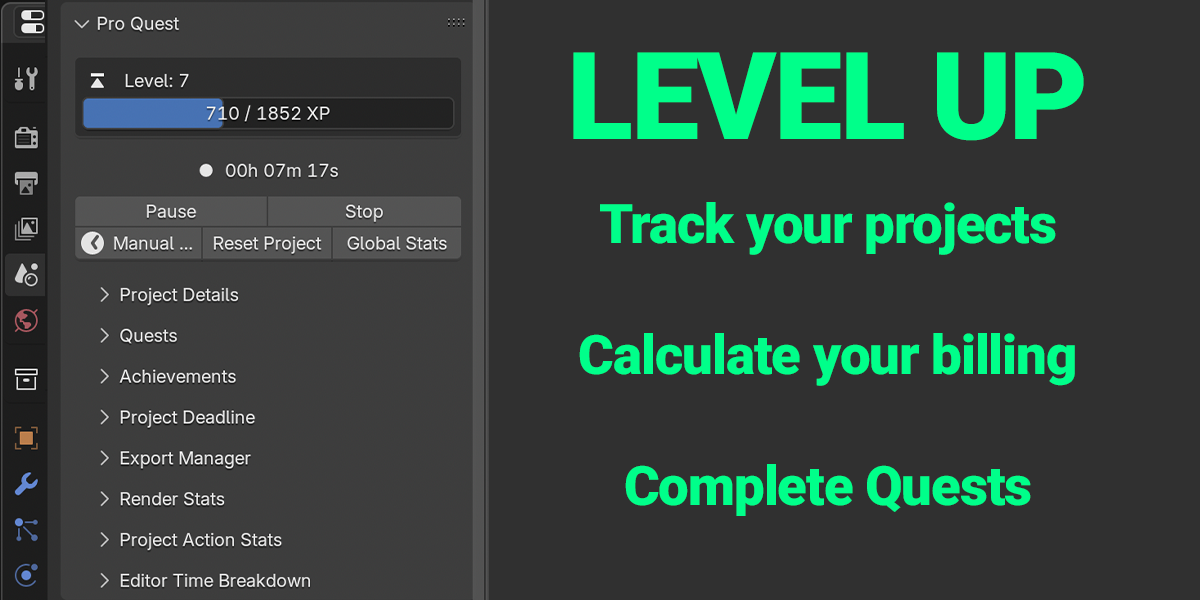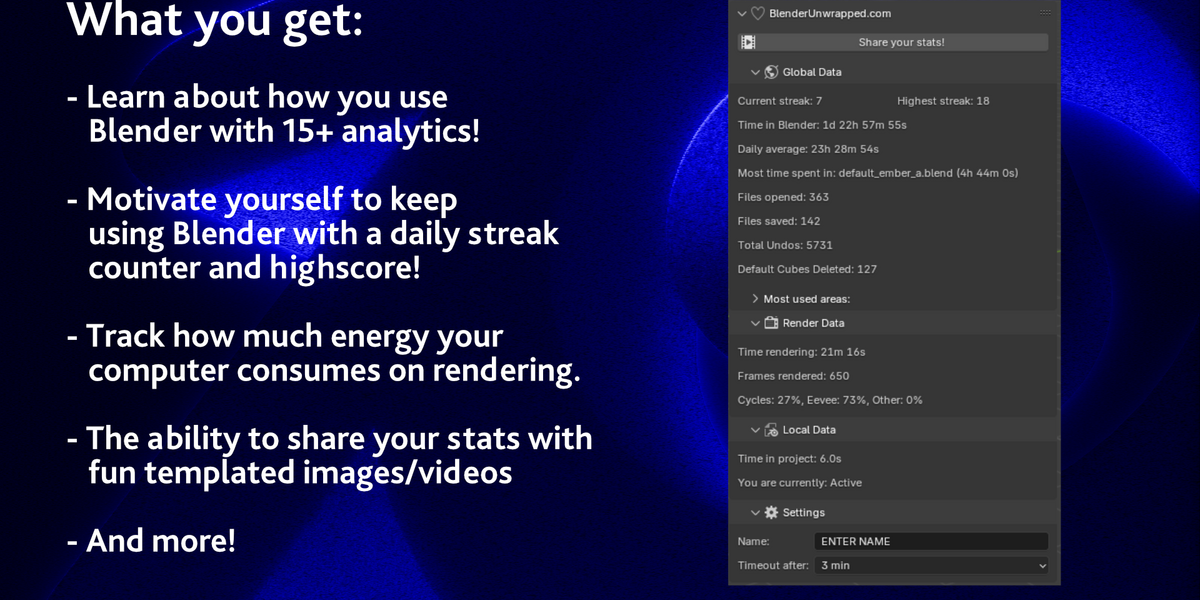
Time Tracker is a Blender add-on by PhinDev that records time spent in blend files. It creates separate sessions as you open and reopen a file, so you can review work periods for each file in Blender.
Review time by file and session
The add-on collects tracked files in a sortable, filterable timetable for reviewing recorded time by file and session.
Control the timer
Time Tracker has manual stop and continue controls and detects inactivity using a threshold you set. An autosave compatibility mode lets the stop and continue function work alongside Blender's autosave.
Reset a file's recorded time
Version 0.2.4 adds a settings panel with a Reset time option. Reset clears recorded time for the currently open blend file. Review the confirmation prompt before approving the reset.
Compatibility and installation
The official Blender Extensions listing identifies version 0.2.4, maintained by PhinDev, with Blender 4.2.0 as the minimum version. Its extension record lists the GNU GPL version 3.0 or later and a file permission to save timing data to disk. For installation, follow Blender's Install from Disk instructions. Report bugs through PhinDev's issue tracker.
Check your timesheet needs
Time Tracker is suited to Blender users who want a per-file record of time and separate sessions. The supplied feature details describe tracking and a timetable; they do not establish billing, invoice, or timesheet export functions. Check the current listing if you need those capabilities.