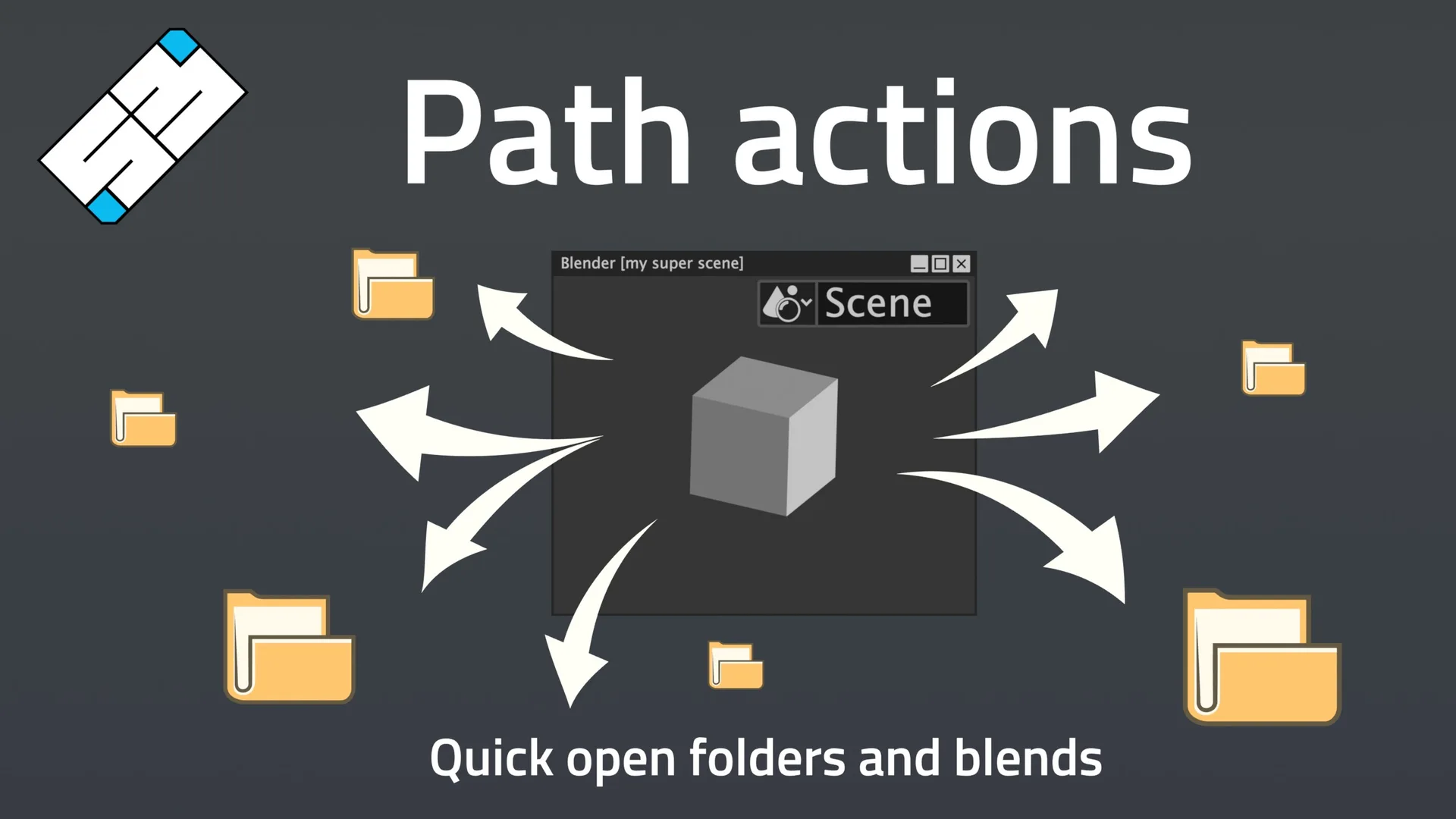
Swiftopen is a Blender add-on for opening saved file paths from inside Blender. Store paths to programs, photos, documents, or other files, then launch one item or use Launch All. Blender remembers the list between sessions, which helps when you return to the same external tools and references.
Manage paths from the Swiftopen panel
Edit an entry to change its path or button name, or delete it. Each entry has an "Open at startup" toggle, and Check/Uncheck All changes the toggle state for every path. Launch All opens the paths, while Remove Unselected deletes entries whose toggle is off. Load and Save let you read or write the path list using a file selected in Blender’s file browser.
Shortcut and interface in version 1.3
Version 1.3 adds a keyboard shortcut, with Shift + Ctrl + A as the default, and hide/show controls for interface sections. The product FAQ says a file path is needed to open files or executables; the documentation page is available from the product listing.
Compatibility and path checks
The marketplace lists Blender 4.0, 3.6, 3.5, 3.4, 3.3, 3.2, 3.1, 3.0, 2.93, 2.92, 2.91, 2.9, 2.83, 2.82, 2.81, and 2.8. Its FAQ says Swiftopen was designed for Blender 4.0 or below. If it does not work in your version, the developer asks users to contact them.
A path such as Spotify.exe may work for some programs, but the developer notes that this does not work in every case. Open Blender’s console to look for an error. Launch time also depends on your computer’s specifications. To copy a file path, the FAQ suggests right-clicking the file and choosing Copy Path or Copy Path as Text.
Install Swiftopen
The product FAQ gives this installation route: in Blender, open Edit > Preferences > Add-ons, install the downloaded ZIP file, and enable the add-on. Check the Swiftopen product listing for current files and details.