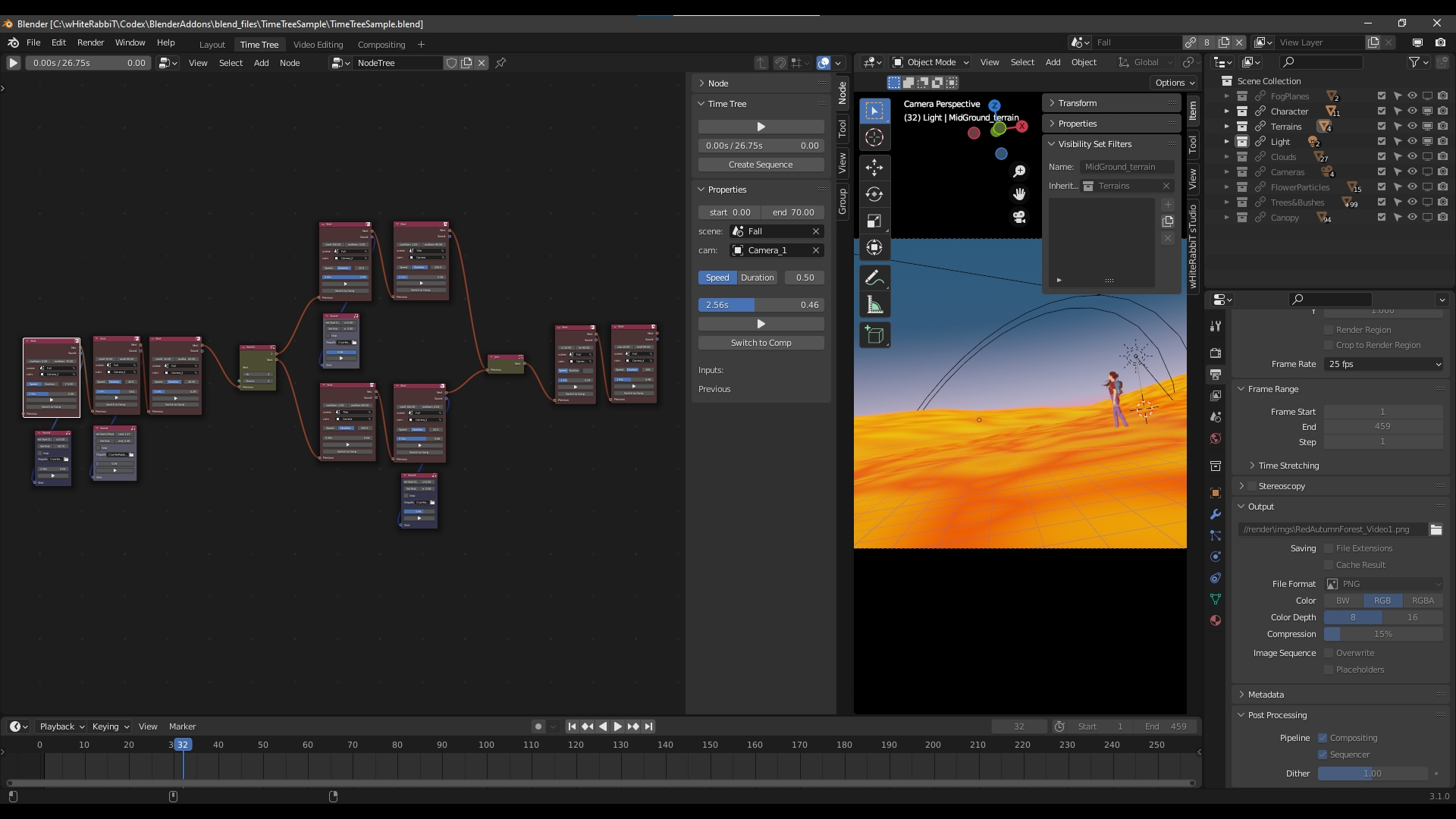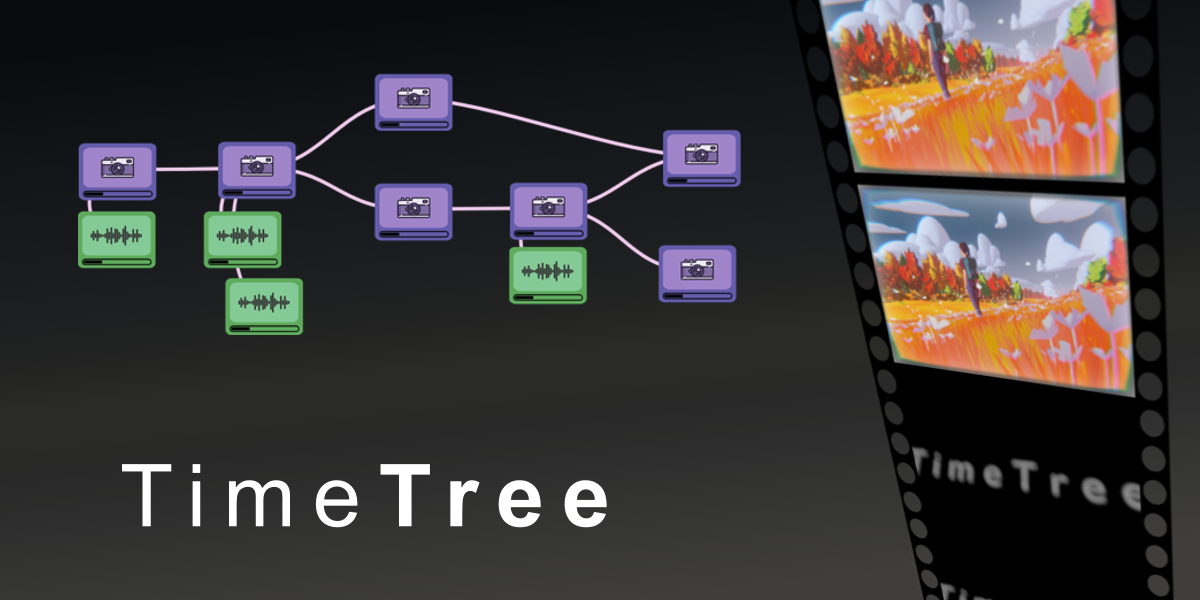
Time Tree is a Blender add-on for arranging camera shots as connected nodes instead of laying out a sequence on the usual linear timeline. It is aimed at iterative work on storyboards, montages and other shot sequences, where timing or shot order may need to change.
How shot nodes work
Each node represents a shot and can specify its start and end frames, final duration or speed, scene and camera. The start and end frames can run backward. Previous and next sockets connect shots into a sequence, and a node can produce a scene named after the shot for its own composition.
You can reuse timeline ranges from the same scene in different shots. This gives you a way to assemble and revise a sequence through the node graph while keeping alternative versions non-destructive.
Retiming and sound
Adjust a shot's speed or duration for slow motion, fast motion or reverse playback. Time Tree keeps sound synchronized as you revise the sequence. Its release notes list adjustable sound-scrubbing settings, support for negative sound start offsets and relative sound paths.
Exporting to the VSE
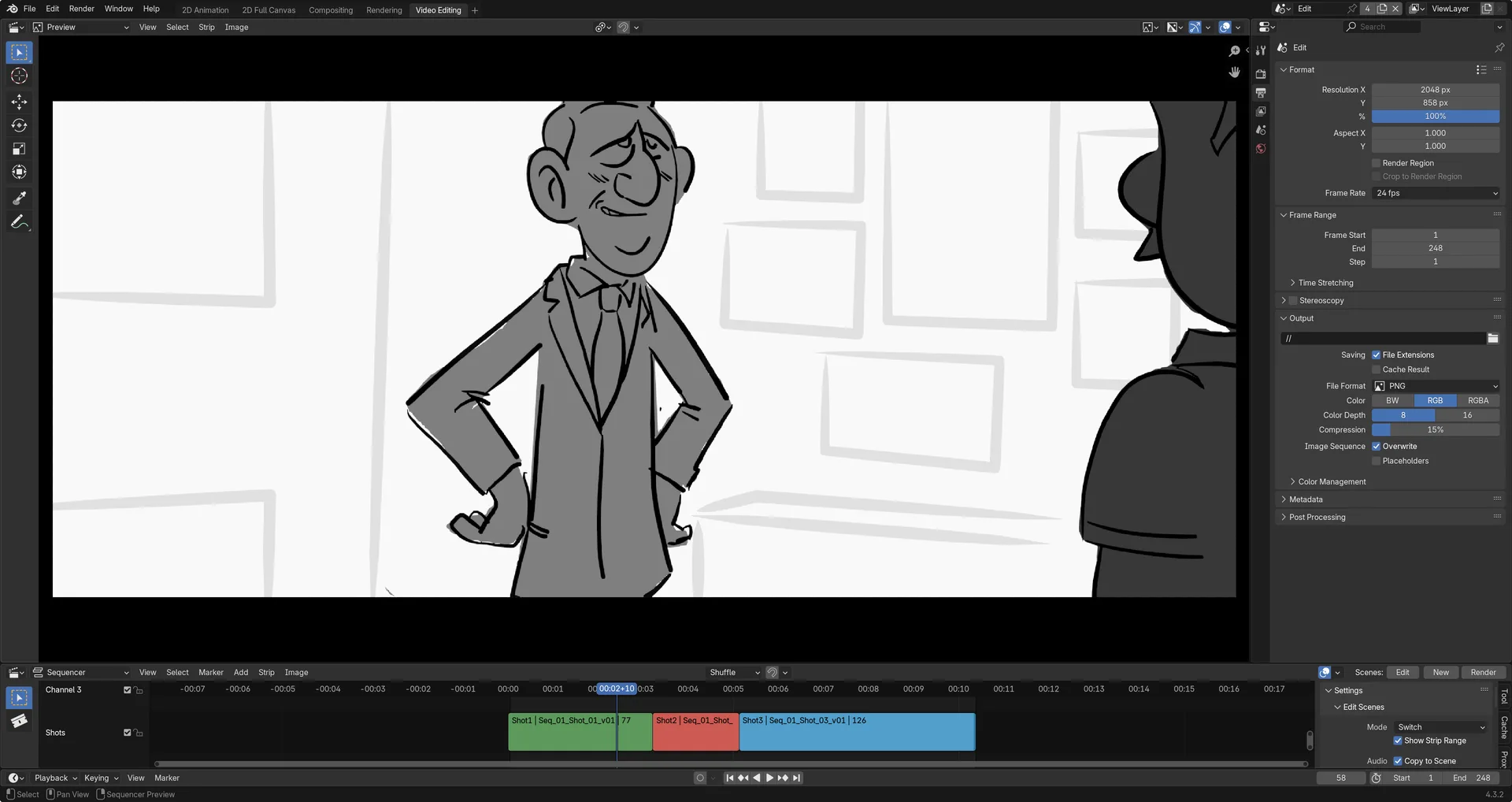
Time Tree exports the assembled sequence automatically to Blender's Video Sequence Editor (VSE). This workflow lets you arrange shots through nodes, then continue working with the sequence in the VSE.
Compatibility and release notes
The product listing names Blender 2.93, versions 3.0 through 3.6, and versions 4.0 through 4.2 as compatible. It also marks Blender 4 as tested and approved. The listing shows version 1.0.4, with a preferences fix in its release notes. Check the Time Tree listing and its documentation for current compatibility and setup details.