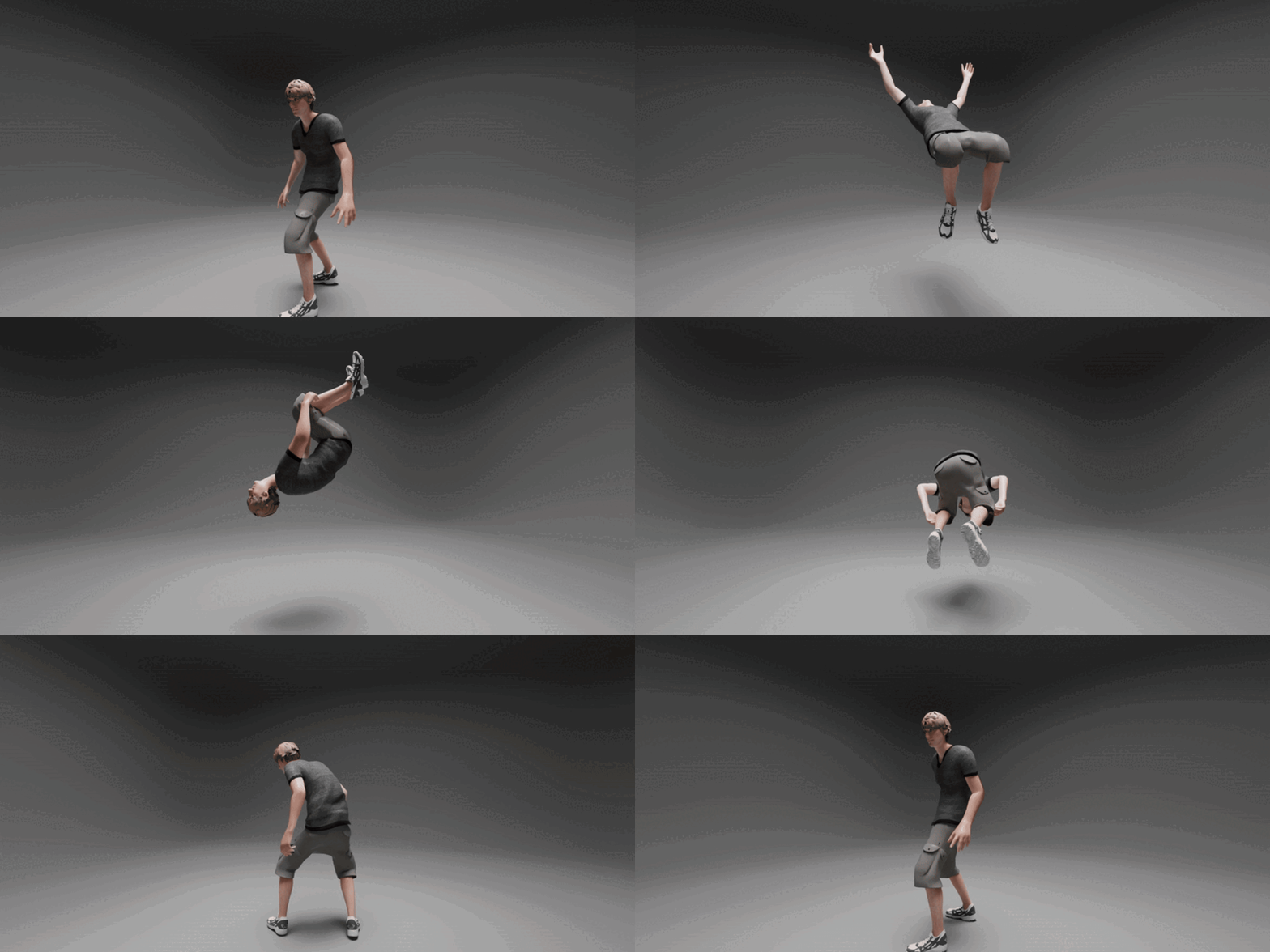
Time Controller is a Blender add-on for changing animation timing over selected frame ranges. Its documentation describes selecting animated objects or armatures, setting start and end frames, then applying a speed factor. This lets you adjust one section without manually moving each keyframe.
Remap a selected animation range
Choose the objects with animation data, enter the frame range to change, and set a speed factor. The documentation says a factor below 1 slows the animation, while a factor above 1 speeds it up. For example, 0.5 gives half speed and 2.0 gives double speed; 1.0 leaves the speed unchanged. The change applies to the selected objects over the chosen range.
Choose a preset or manage changes
The product listing advertises presets of 0.25x, 0.5x, 2x, and 4x, along with custom playback speeds. It also describes timeline range and playback syncing, plus an instant preview without baking or rendering.
The documentation describes a modification history for reviewing changes. You can search entries, restore or delete a selected modification, or clear the recorded changes. It also says modifications can be stacked, including overlapping frame ranges. Review the history before clearing it, since Clear All removes the add-on's recorded modifications from affected objects.
Check Blender version support
The marketplace details list Blender 3.0 through 4.4, and the product copy says it was tested on Blender 4.x. The add-on documentation also names Blender 4.x. These statements do not clarify support for every version in the listed range, so check with Pegaso Top 3D for the Blender release you use. The supplied installation notes describe installing timecontroller.zip through Blender's Edit > Preferences > Add-ons screen; confirm those steps match your version.