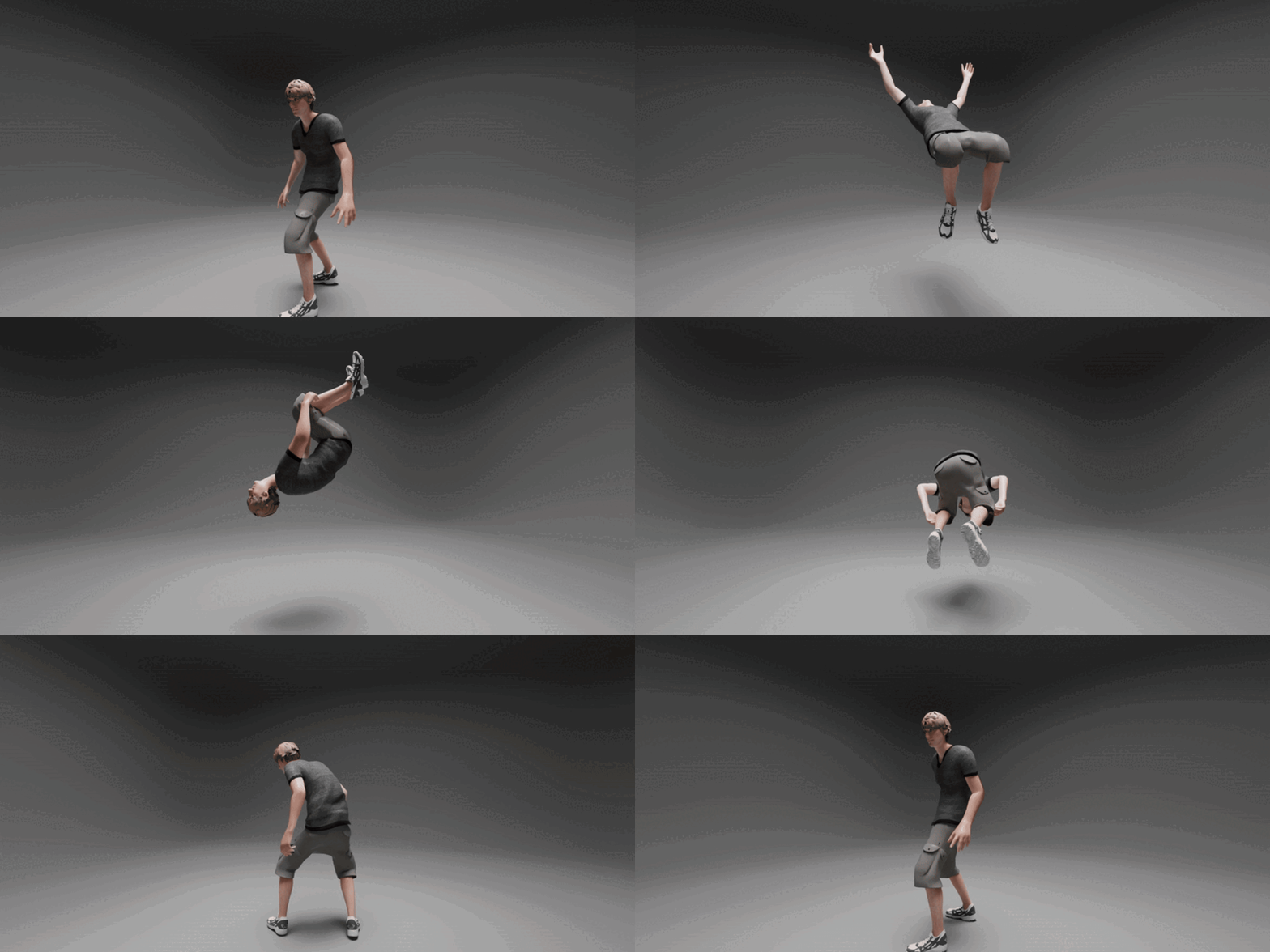
Slow-Mo Generator is a Blender add-on for retiming a selected object's keyframed action. Set the frame range to slow, choose a speed factor and transition duration, then bake the result into a separate action. This creates a slow-motion passage between normal-speed portions without changing the frame rate of the whole shot.
How it retimes animation
The add-on builds a time map for the chosen range and uses a smoothstep curve to ease into and out of the slower section. The transitions give the speed change a gradual shape instead of the hard speed shift that can result from scaling keys in the Dope Sheet.
Baking writes the retimed keys to a new action named after the original with the _SlowMo suffix, then assigns that action to the object. The original action remains in the file. Switch actions in Blender's Action Editor to compare versions; Ctrl+Z undoes a bake.
Controls and workflow
Start FrameandEnd Frameset the section held in slow motion.Slow Factorsets its speed. A value of 0.5 is half speed; 0.22 is roughly four and a half times slower. The slider ranges from 0.05 to 5.0, so values above 1.0 speed the section up.Transition Framessets how long the ramps into and out of the slow section take.Bake Slow Motion to Actioncreates and assigns the new action.
Supported actions and Blender versions
Slow-Mo Generator retimes the selected object's own action. That can include an armature's pose animation, a camera, a prop, a light or an empty when it has an action. The product listing gives Blender compatibility as 4.2 through 5.3. It reports that version 1.4 silently did nothing on Blender 5.x and version 1.5.0 fixes the issue; for Blender 5.x, install version 1.5.0 to avoid this problem. It says releases are run against Blender 4.2 LTS, 4.5 LTS, 5.1, 5.2 LTS and 5.3 before shipping. Check the listing's Documentation tab for details about a particular setup.
Because it retimes animation data, the listing describes the add-on as renderer-independent, including Cycles and EEVEE. It supports Windows, macOS and Linux, and works offline without a network connection, account or license key. The listing identifies the license as GPL and says updates are free for life.
Installation and limits
Slow-Mo Generator is distributed as a Blender Extension. On Blender 4.2 and newer, the product listing says you can drag the extension ZIP into Blender. After connecting Superhive as a remote repository, it appears under Preferences and Get Extensions for installation and updates. The traditional Install from Disk route also works.
The add-on only retimes the selected object's own action. Shape keys, physics simulations and NLA strips are outside its scope. If your animation depends on those systems, review the product listing and its Documentation tab before choosing this tool.