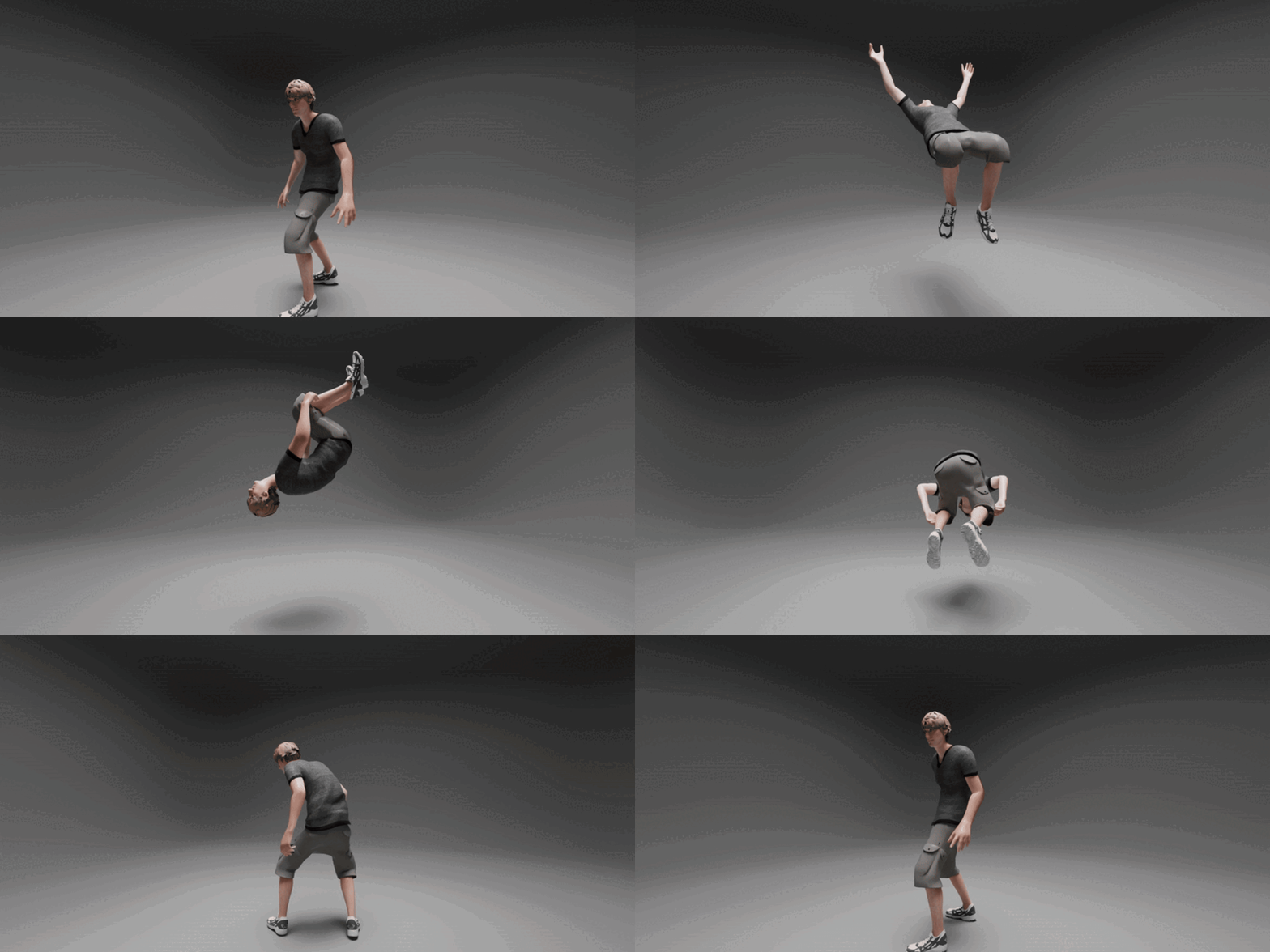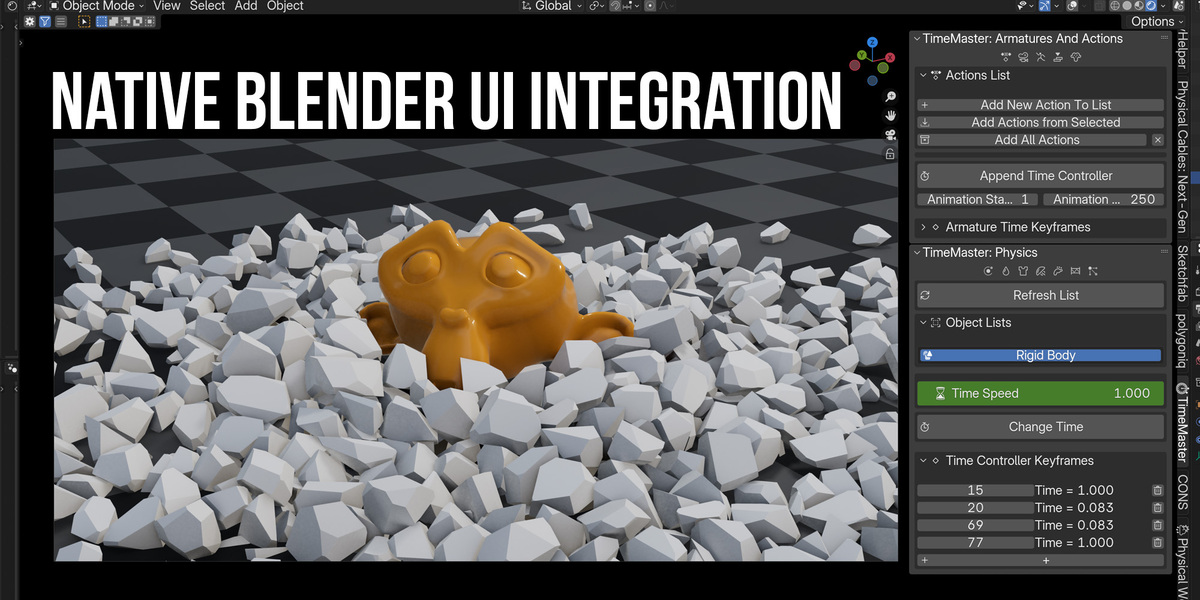
TimeMaster: One-Click Slow Motion is a Blender add-on from Lazy3D for changing the speed of armature actions and supported physics simulations through the Blender interface.
Retiming armature actions
In the Armatures and Actions tab, add actions from selected armatures or add them all at once, then adjust playback speed for the selected actions. The controls are keyframe-based, so you can set a speed change at a particular frame. The developer's example keys the speed to 0.2 at frame 100. The developer recommends applying slow motion after the animation is ready. If you need to edit the animation while slow motion is active, consult the add-on documentation.
Adjusting physics timing
The Physics section scans the scene for objects using supported simulations. A single Time Speed slider controls their time scale. Supported types are Soft Body, Cloth, Fluid, Particles, Dynamic Paint, and Rigid Body.
Limitations and compatibility
TimeMaster does not support Geometry Nodes, Procedural Generators, Simulation Nodes, Shader Nodegroups, or Hair. The Superhive listing marks it as Blender Extension compatible and lists Blender 4.2 through 5.3, Cycles and Eevee, and a GPL license. Check the listing for current compatibility details before installing.