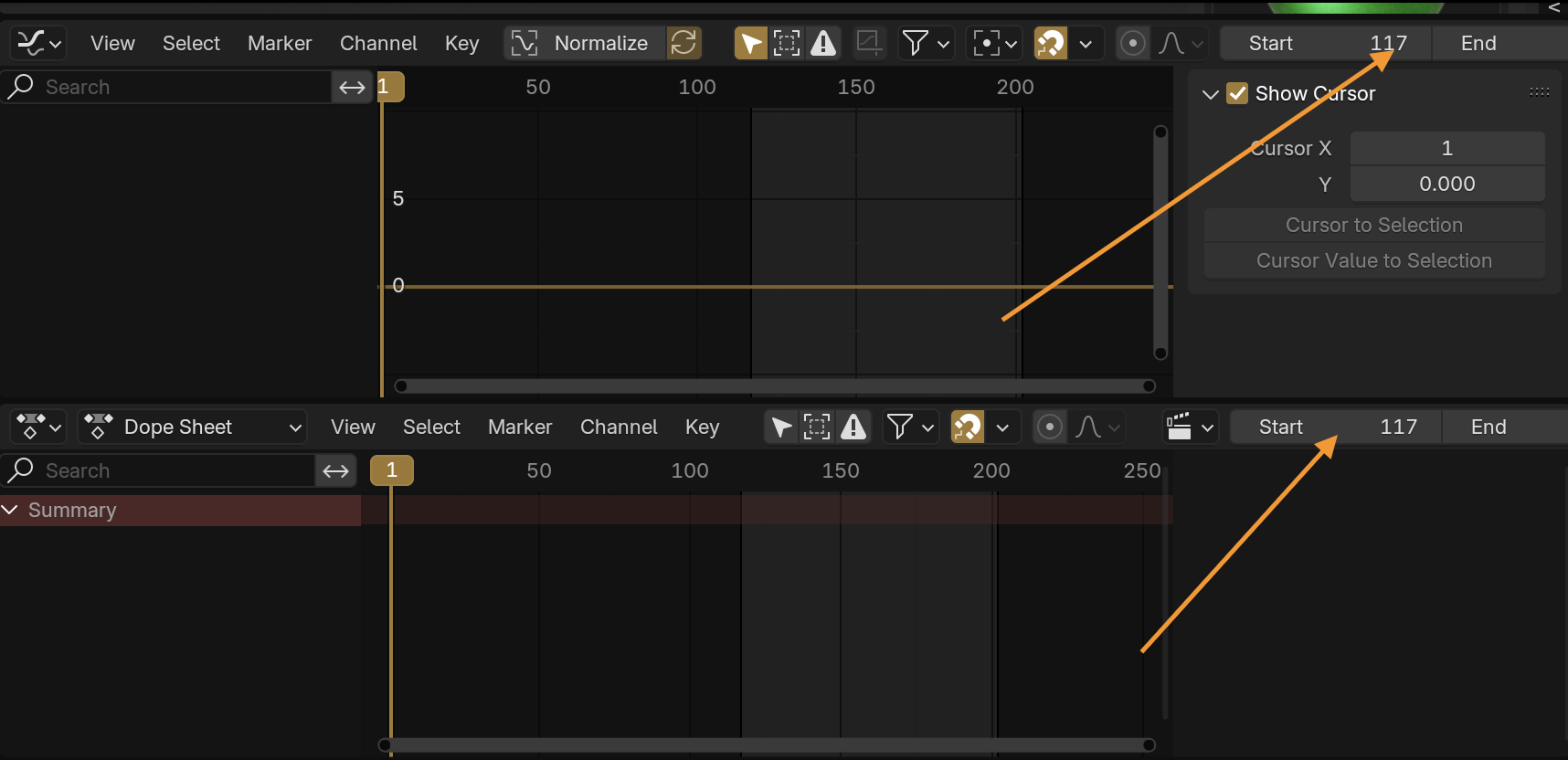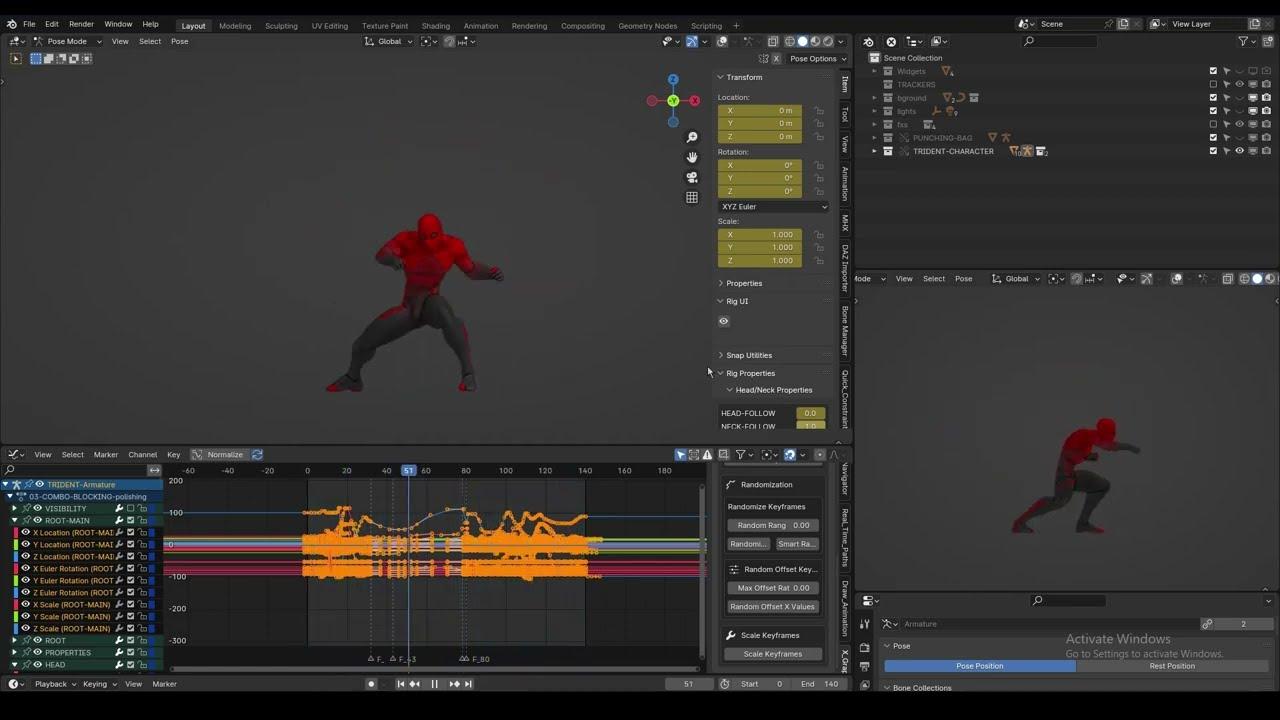
Timeline Audio Visualizer draws audio waveform overlays in Blender's Dope Sheet, Graph Editor, and NLA Editor. Animators can compare keyframe positions with dialogue, music, beats, impacts, or cuts while working in those editors. The Blender Extensions catalog lists version 0.4.1, Blender 4.2.0 or later, and qsOwOsp as the maintainer.
View audio alongside animation
The waveform provides a timing reference beside animation keys, which can help when placing movement or lip sync against sound. Audio sources include Video Sequencer sound strips and Speaker objects. In version 0.4.1, Speaker waveforms follow NLA sound-strip starts when Auto Update is enabled; Video Sequencer waveforms account for source trimming and Sound Offset where available. For Sequencer audio, source filters can show audible strips, selected strips, or sounds in the list. An optional scene range clamp can limit the displayed range.
Waveform styles and controls
Display modes include Peaks/Bars, Solid Mirror, Outline, RMS Envelope, Peak + RMS, and Positive Fill. Waveform height and detail are adjustable, and the color can be set in the extension preferences. The Dope Sheet/Timeline, Graph Editor, and NLA Editor can each have their own waveform height, vertical anchor (center, bottom, or top), and offset.
Controls are available from the sidebar's Sound tab, the TAV popover in the Dope Sheet or Timeline header, and note and checkbox controls in the Graph Editor and NLA headers. Refresh Audio forces a rebuild, while cached waveform data speeds redraws.
Version, license, and installation
The Blender Extensions listing identifies release 0.4.1, a Blender minimum version of 4.2.0, and the GPL-3.0-or-later license. Its declared permission is to read audio files for waveform generation. Check the listing for current release details. For manual installation, Blender's Extensions manual explains how to install an extension from disk.