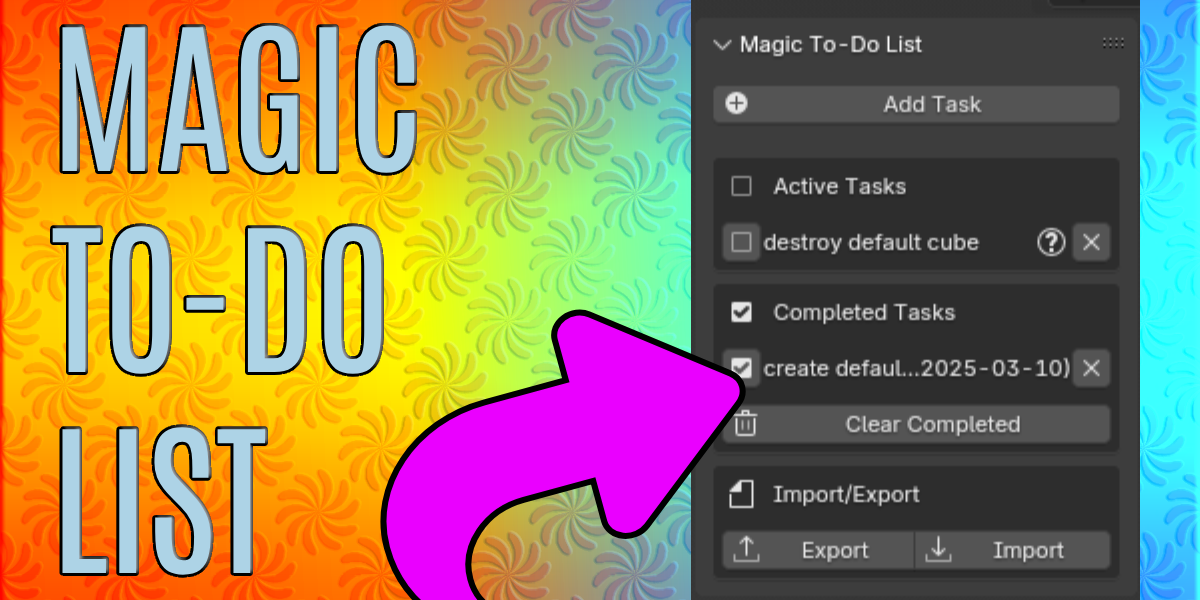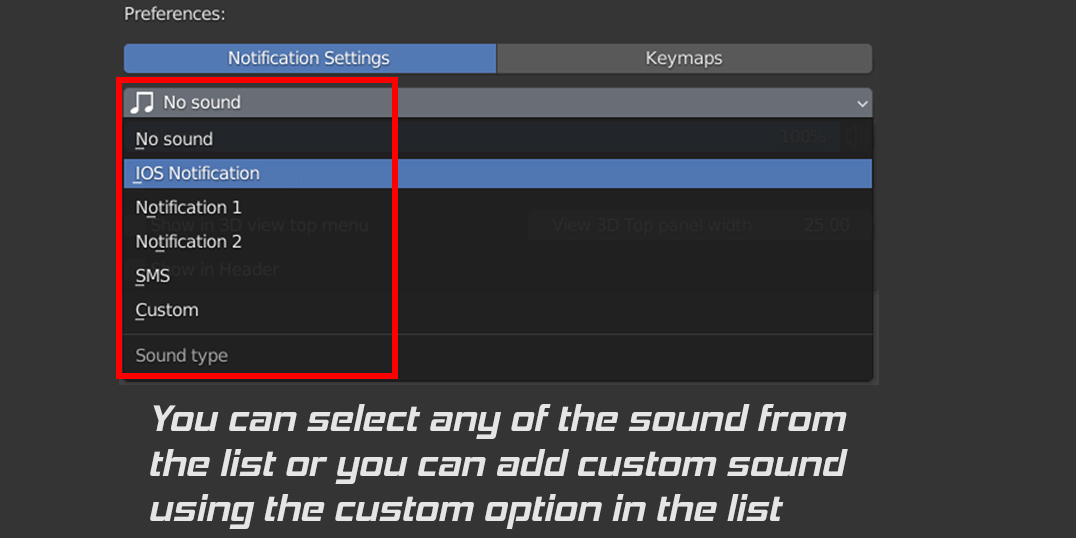
To-Do Task Manager is a Blender add-on for keeping project to-do lists inside Blender. Choose to show the list in the 3D View header, the N-panel or the main header, or open a floating panel with a shortcut. The task data is packed into the project’s .blend file, and an indicator reports whether that file is saved, modified or not saved.
Place the task list where you work
The N-panel is the default location. Preferences let you choose another listed location; enabling a different one disables the default panel. You can also enable the floating task list and assign it a shortcut. The documentation cautions against reusing a shortcut assigned to another action, since that conflict can stop the floating panel from opening.
Organize tasks and track progress
To-Do Task Manager supports subtasks and several ways to arrange a list. Its documentation describes these controls:
- Add, delete and rename tasks; move them up or down or directly to the top or bottom of the list.
- Use view mode to review and complete tasks. Other task actions are unavailable in this mode.
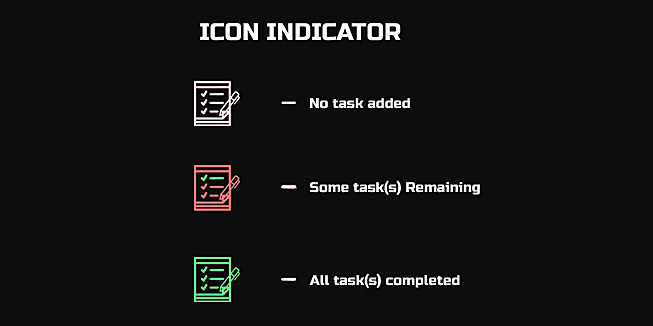
- Check the status icon: white indicates an empty list, red means tasks remain, and green means all tasks are complete.
- See the total and completed task counts, along with the current file’s save status.
Install the add-on
The supplied guide describes installing the downloaded ZIP or Python file through Blender’s Edit > Preferences > Add-ons panel, then enabling the add-on with its checkbox or by searching for “To-do Task.” These instructions are for the Blender versions listed by the product. The add-on pack includes documentation, which is also available from Blender’s Documentation button.
Version and compatibility
mydream_art describes version 4 as the final release. The Superhive product listing identifies the add-on as GPL-licensed and lists Blender 2.83, 2.9, 2.91, 2.92 and 2.93. The product documentation shows the same compatibility list; support for later Blender versions is not stated.