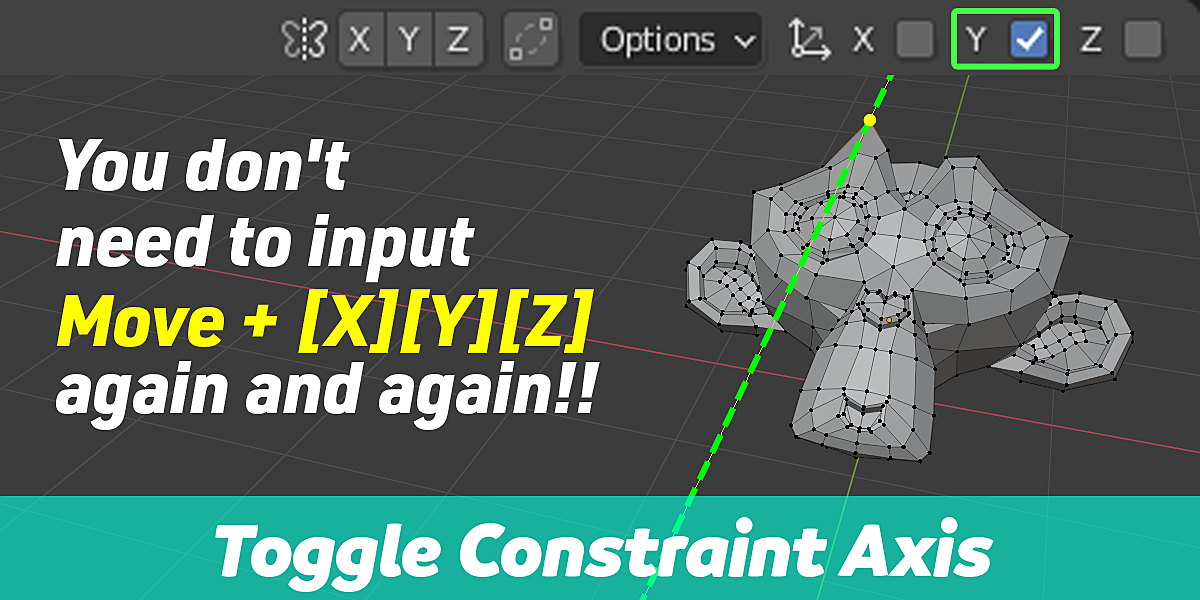
Constrain repeated Blender moves from the View 3D header
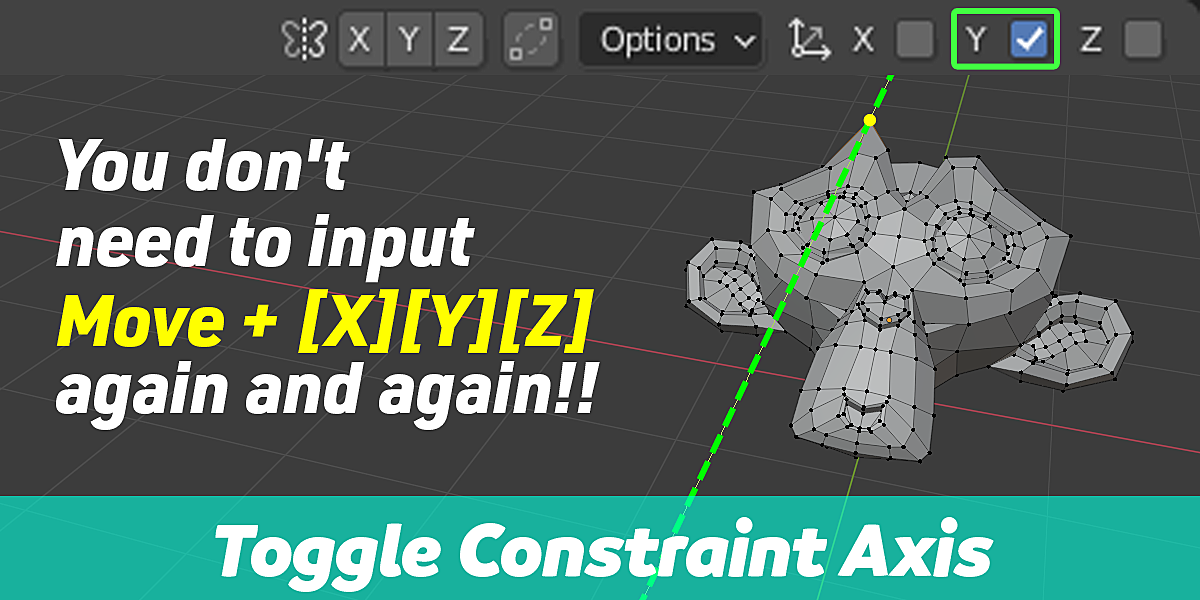
Toggle Constraint Axis is a Blender add-on that puts movement-axis constraints in checkboxes in the View 3D header. When tools such as Tweak or Move call transform.translate, you can set a constraint there instead of pressing X, Y, or Z for each move.
The checkboxes map to the X, Y, and Z values of transform.translate.
| Checkbox values | Movement |
|---|---|
[False, False, False] or [True, True, True] | Unconstrained |
[True, False, False] | X axis only |
[True, True, False] | XY plane |
Compatibility and keymap behavior
The Tokage IT Lab. listing names Blender 2.83, 2.9, 2.91, 2.92, 2.93, 3.0, and 3.1. Its download note directs Blender 3.0 or later users to toggle_constraint_axis.py and Blender 2.91 or earlier users to toggle_constraint_axis_2_91.zip. It does not specify which file to use for Blender 2.92 or 2.93, so check the listing before installing those versions.
- The default constraint hotkeys are Ctrl + Alt + X, Y, or Z. On the older 2.7x hotkey scheme, Ctrl + Alt + Z may conflict with Undo history; the developer advises rewriting or disabling that binding.
- A modal key takes priority over the checkboxes. The move-tool gizmo also takes priority: dragging its X handle moves along X regardless of the checkbox settings, while the center white circle allows movement in all directions.
- The add-on overrides some keymap settings that call
transform.translate. Its preferences include a JSON-formatted list of keymap categories to override. The developer advises care when installing, uninstalling, or rewriting preferences.
The product FAQ says the add-on supports global, local, normal, and other constraint orientations through Blender's transform.translate function.