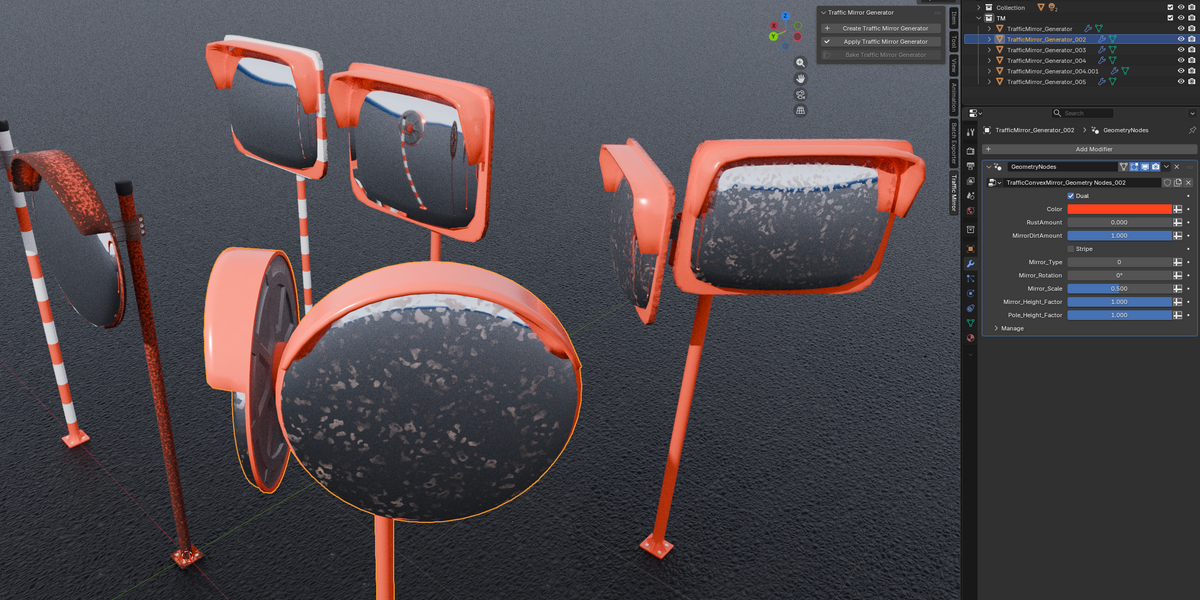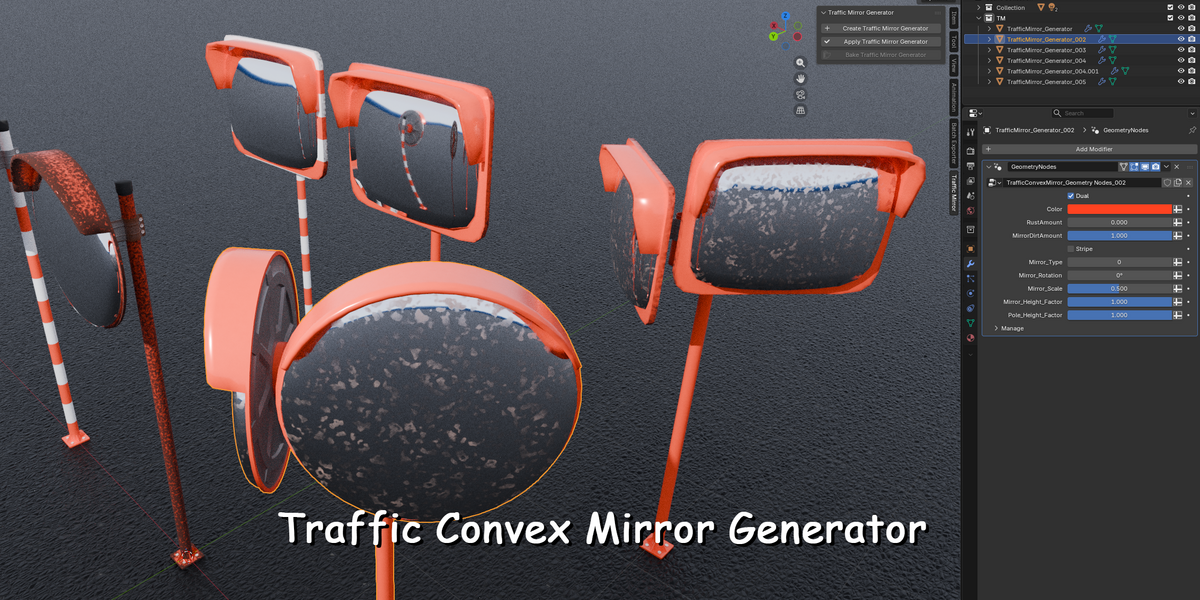
Traffic Convex Mirror Generator is a Blender Extension built with Geometry Nodes. It creates procedural traffic mirrors as independent objects, so you can adjust several in one scene.
Choose a mirror shape and setup
A single generator handles single and dual layouts, switched with the Dual checkbox in the Geometry Nodes modifier. Choose a round, rectangular or square mirror shape, then adjust the mirror curvature, rotation, scale and height. The support pole height is adjustable too. The approximate generated size ranges from 1.3 m × 0.5 m × 1.65 m to 1.8 m × 1.0 m × 3.0 m, depending on scale, pole height and layout.
Other modifier controls adjust color, safety stripes, rust and mirror dirt. These settings let you vary the asset's appearance while keeping the procedural object editable.
Create, apply and bake
- From the Traffic Mirror tab in the viewport sidebar, click Create to add a generator object.
- Adjust its Geometry Nodes settings in the modifier.
- Click Apply to convert the procedural result into a mesh and prepare it for baking.
- Keep the applied object selected, save the Blender file, then click Bake. The bake uses the UVs generated by Geometry Nodes and saves texture files in a Textures folder next to the current Blender file.
The product listing names Diffuse, Roughness, Metallic and Normal maps. The documentation calls the color map BaseColor. After baking, a baked material is assigned to the object. Blender may appear temporarily unresponsive during the bake process.
Use the assets outside Blender
A bundled FBX asset pack contains ready-made mirrors for use in other 3D software or game engines. Applying and baking a generated mirror also prepares a mesh and textures for an external workflow.
The listing names Blender 5.1–5.2 as compatible and says the product was tested with Blender 5.2; compatibility with newer versions has not been verified. See the product documentation for workflow details and the product listing for current specifications.