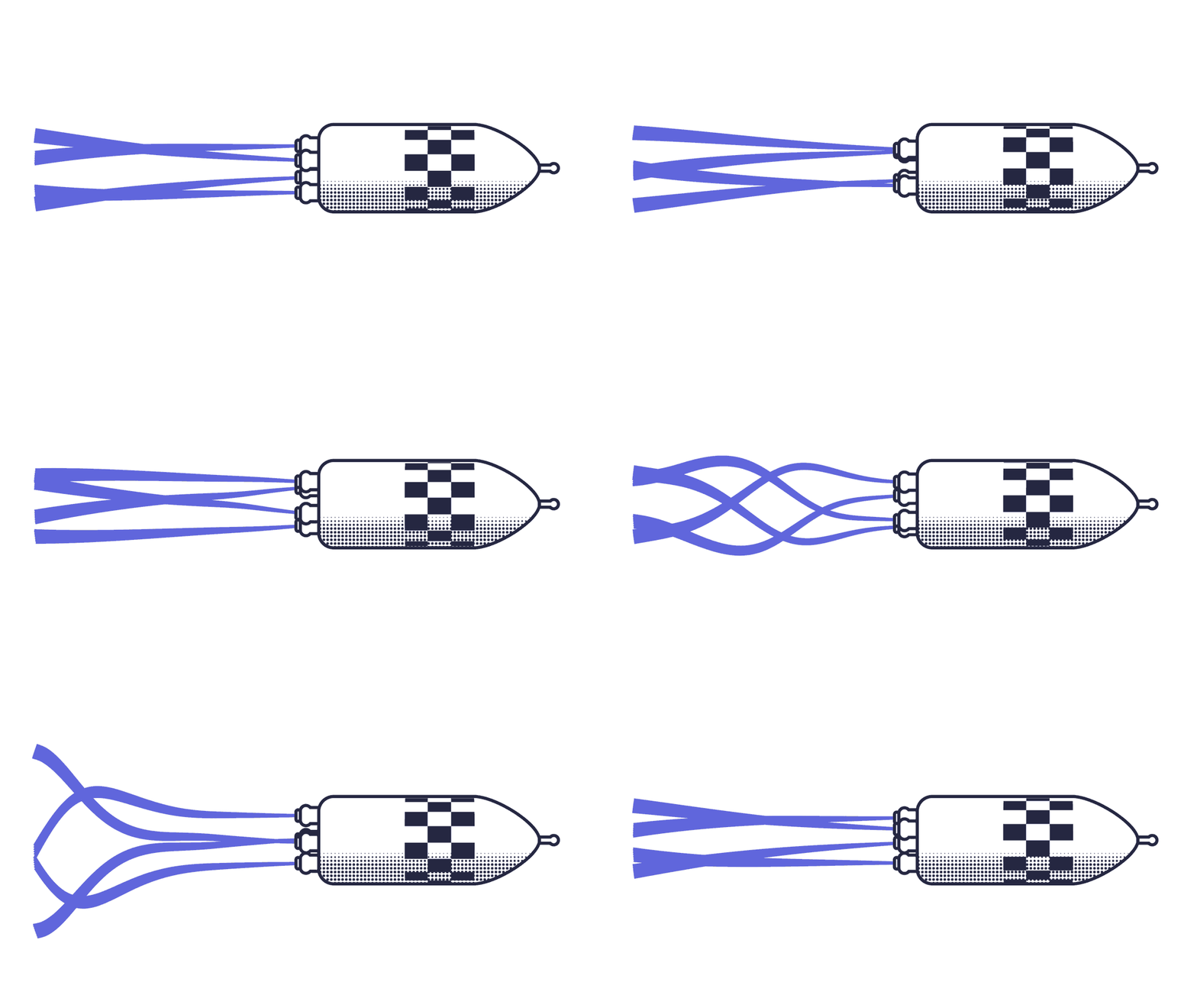
Trails is an After Effects add-on for creating dynamic trails, swooshes, and speed lines. Its trails update when you change the connected layer, so you can adjust an animation without rebuilding its trail. The product listing says Trails can parent to any layer, including layers with expressions or complex parenting setups. See the Trails product listing for the current offer and a free trial.
Make trails respond to motion
The Line Velocity effect makes a trail react to the velocity of the layer it is connected to. A velocity-based line length option scales dynamic effects with the trail's velocity. Wiggler adds randomness to the line, while Add Movement adds linear motion for a flowing look. OtherCubed also suggests using a trail as a base for effects such as hair, flags, or faux smoke.
Combine trails with shape layer effects
Trails work with shape layer effects, including Trim Paths, Repeaters, and Zig Zags. This lets you apply those effects to a generated line as part of an After Effects composition.
Stick trails to a point or shift them in time
Stick Trail can attach a trail to a point or another layer. The developer describes uses such as tying two layers together or making a rope or tentacles. Offset Trail moves a trail forward or backward in time. Both features appeared in version 1.10, released in September 2019.
Version, compatibility, and price
The aescripts listing identifies version 1.12, released July 2, 2024, with a licensing framework update. Its listed After Effects compatibility is 2024, 2023, 2022, 2021, 2020, CC 2019, and CC 2018. The listing shows a price of $17.99 and advertises 25% off at checkout; prices and promotions can change, so check the current product listing before buying. For usage details, consult OtherCubed's Trails documentation.