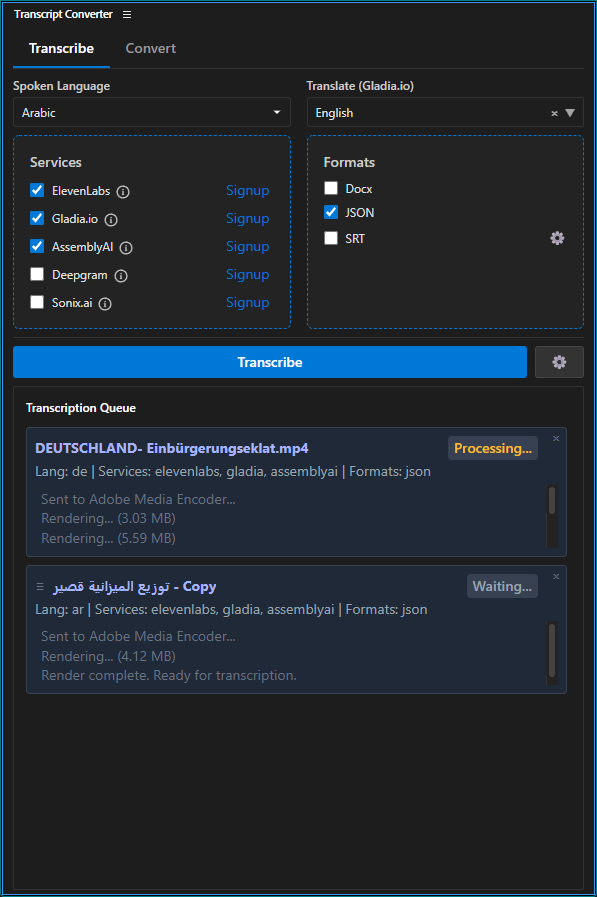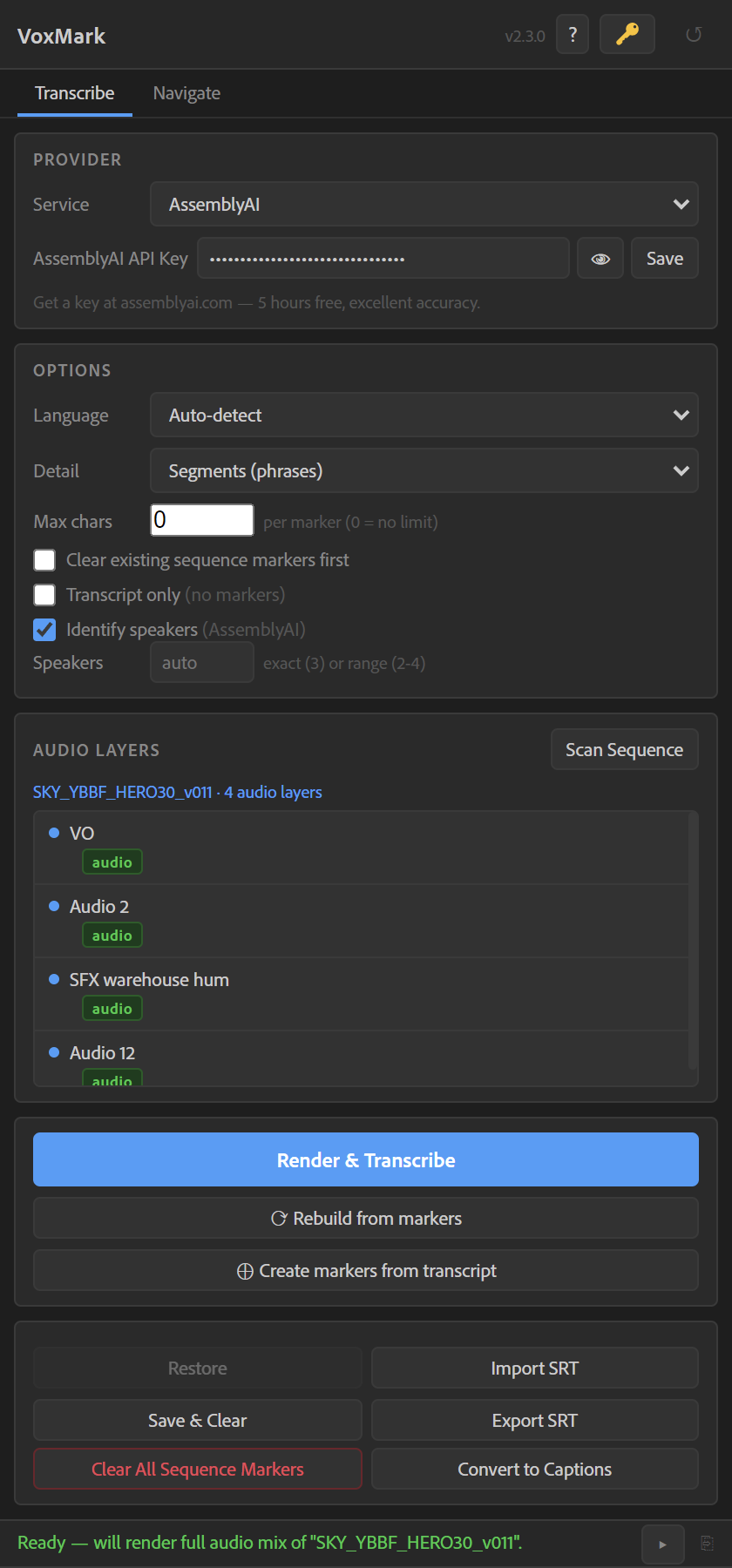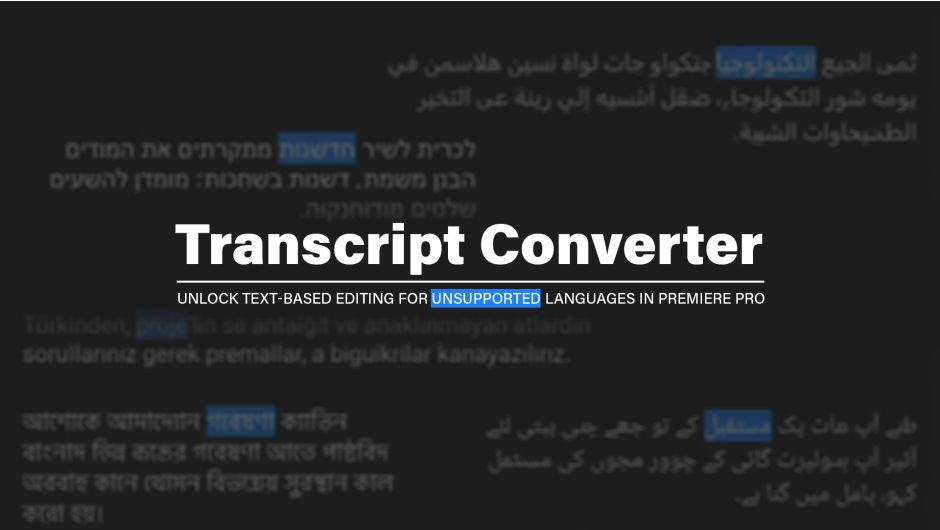
Transcript Converter is an Adobe Premiere Pro extension for bringing speech-to-text work into Text-Based Editing. It offers two routes: create a transcript from a sequence or selected clips, or convert an existing JSON transcript. Choose the first when you are starting with audio in Premiere Pro, and the second when you already have transcript data from another service.
Transcribe audio or convert an existing transcript
The Transcribe tab generates a transcript from selected clips or a sequence. The extension uses Adobe Media Encoder to render audio in the background, so you can continue editing while that work runs. The developer lists integrations with ElevenLabs, Gladia, Deepgram, AssemblyAI, and Sonix. It also supports OpenAI Whisper through local JSON conversion and lists Google Chirp as a supported service.
The Convert tab is for transcripts you already have. It imports JSON from supported transcription services and can work with Premiere Pro JSON exports. Transcript Converter converts the data into the format Premiere Pro uses for Text-Based Editing, where words can stay synchronized with the playhead. It can also process multiple JSON files in one batch.
Available services and language options depend on the provider you select. The developer describes transcription and translation across more than 100 languages, with the panel filtering language choices according to the checked services.
Export captions and review documents
Transcript Converter can create SRT subtitle files and import finished SRTs into the active Premiere Pro project. Its segmentation controls can divide long transcripts into 5, 10, or 20-second sections. The developer's version 2.5.2 notes describe sentence-aware caption breaks based on punctuation, including RTL languages, and balanced two-line wrapping.
For scriptwriting, translation, or client review, the Word export creates a .docx table with timestamps and speaker names. Premiere Pro JSON, SRT captions, and Word documents serve different steps in the workflow: text-based editing, subtitle delivery, and written review.
Who may find it useful
The extension is aimed at editors who need transcription options beyond Premiere Pro's built-in service, including people working with languages or dialects that are not well served by their usual workflow. External transcription services can also be useful when an editor wants to compare results or work with technical terms and difficult audio. Transcript Converter provides access to those services from a Premiere Pro panel, while the transcription itself is handled by the selected provider.
Scriptwriters and producers may find the time-coded Word export useful for preparing scripts or sharing dialogue for review. Editors handling existing transcripts can use the Convert tab to bring supported JSON files into Premiere Pro without starting the transcription again.
Check compatibility and provider terms
The developer lists compatibility with Premiere Pro 2021 through 2026 and offers a fully functional 10-day trial. Its product page advises testing your own JSON files before purchase because third-party transcript formats can change. Provider quotas, hourly rates, and account terms also vary; the panel's information buttons show service details and link to provider dashboards. Check the Transcript Converter product listing for current compatibility, trial, service, and pricing information.