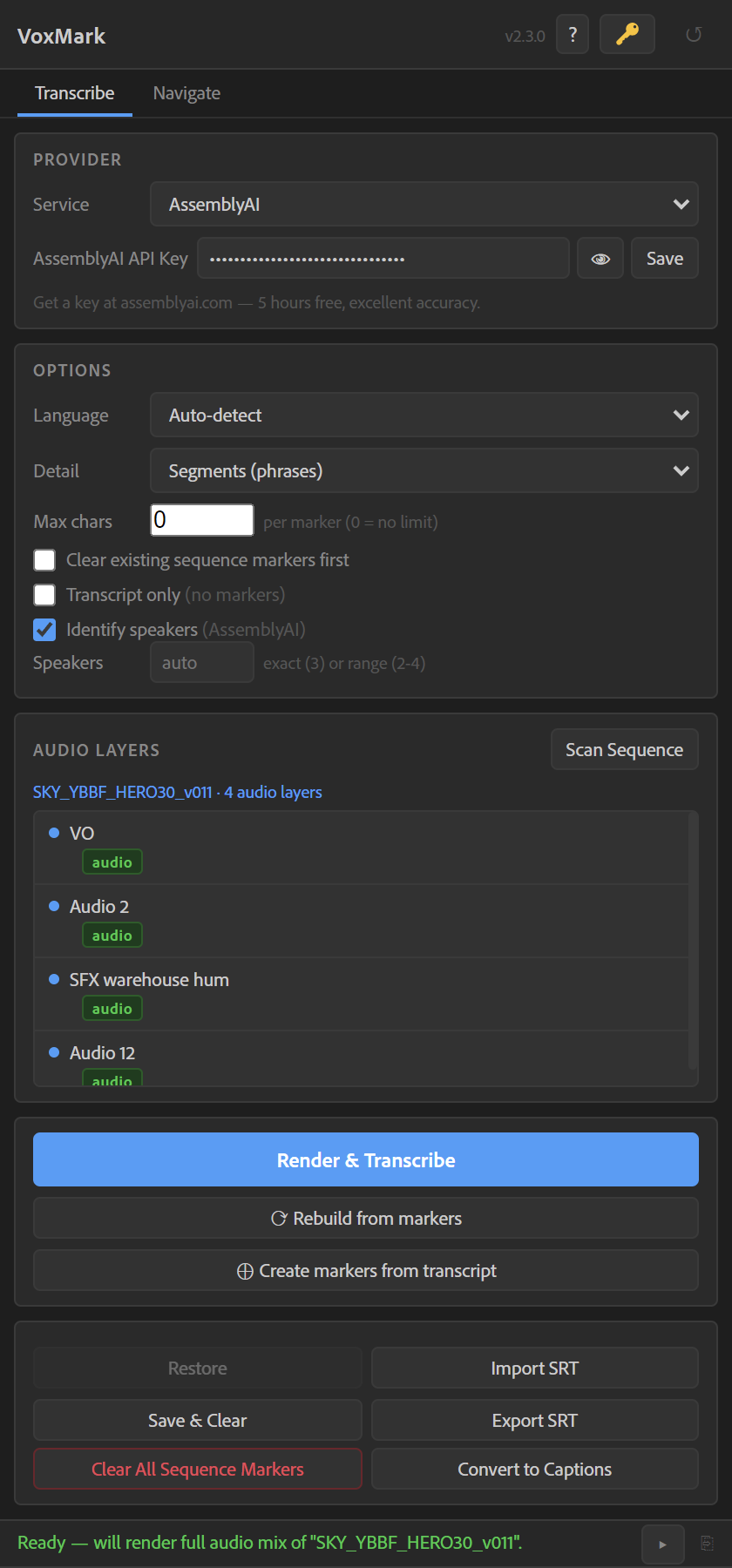
VoxMark transcribes the audio mix from an After Effects composition or Premiere Pro sequence, then places the transcript on the timeline as timed markers. It can also export subtitles as an SRT file. Because it renders audio from the active comp or sequence, the workflow includes nested audio layers and the mix of voiceover and music.
Turn a voiceover into timeline markers
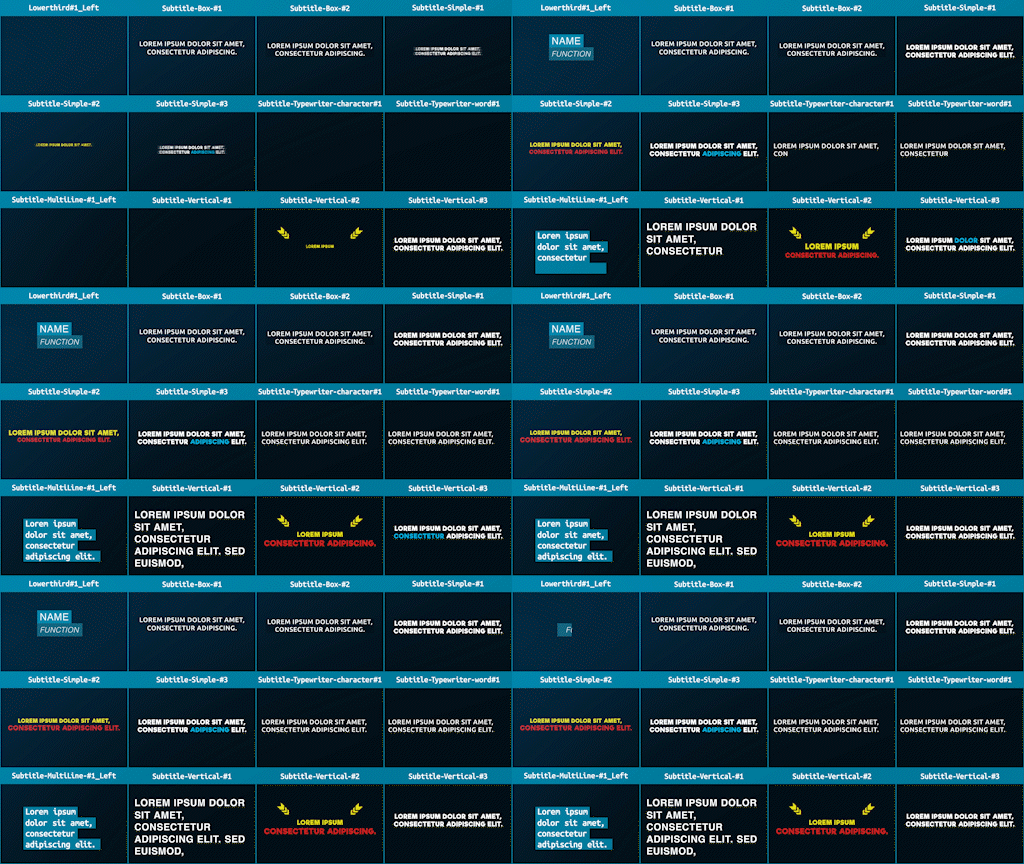
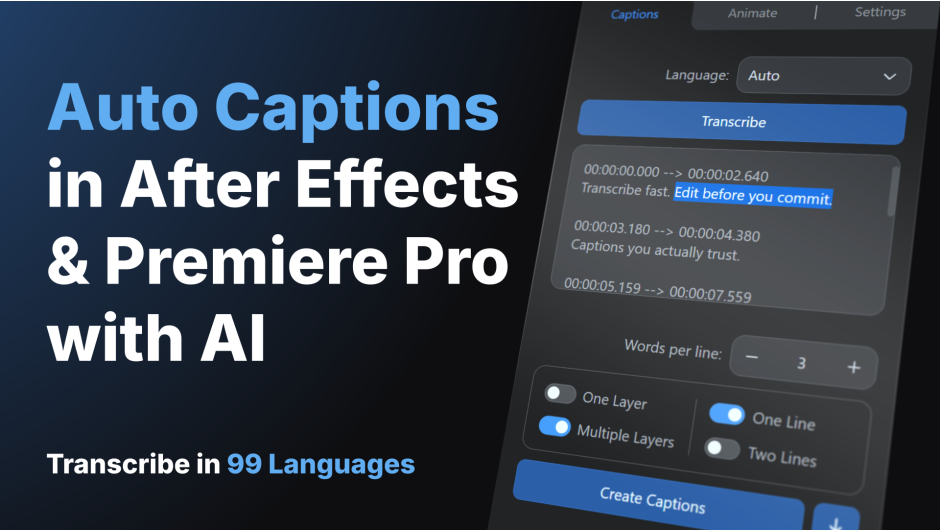
Choose phrase segments for editing and subtitles, or word-level markers for tasks such as kinetic typography. Long phrases can be split at a character limit. VoxMark renders the mix as 16 kHz mono audio and sends it to the transcription provider you select. You can clear existing markers before creating a new set.
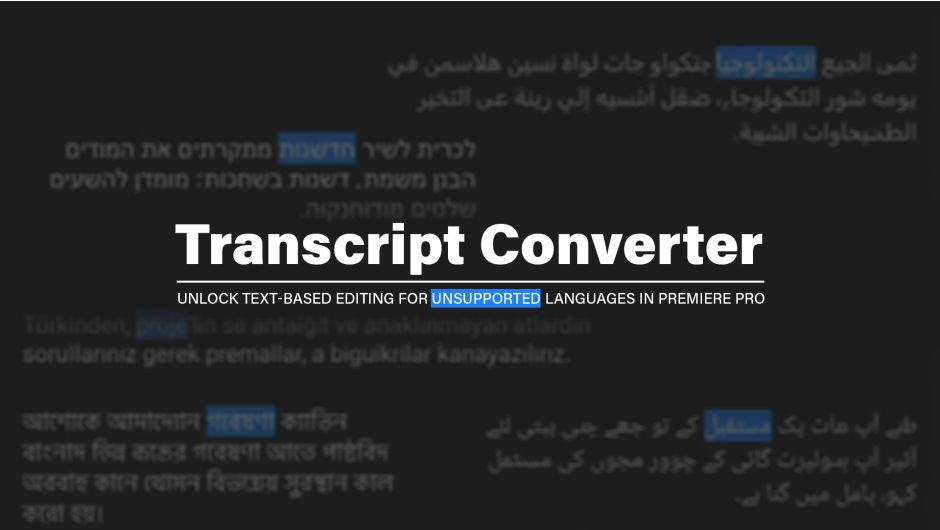
Whisper-based transcription covers 99 languages, with automatic language detection or manual selection; AssemblyAI uses its own multilingual model. Transcripts and exported SRT files use Unicode, so scripts such as Japanese, Arabic, Hindi and Cyrillic can remain readable in the handoff. Transcription quality depends on the selected model; the product listing notes that Whisper performs best on widely spoken languages.
Navigate and revise the transcript
The transcript panel can act as a timeline navigator. Click a caption to move the playhead to it, or scrub the timeline to highlight the current line. In Premiere Pro, the transcript also follows live playback. Search filters a long transcript by word or phrase and supports fuzzy matches for some typos, missing spaces and changed word order.
You can edit a caption in the panel and update its corresponding timeline marker. Speaker identification is available with AssemblyAI, whose speaker labels VoxMark can show in different colours. With Groq or OpenAI, you can assign voices manually. In After Effects, those colours use the host's marker label colours.
Keep editing and hand off subtitles
In Premiere Pro, Sync Lock moves captions and markers that sit on the edited voiceover; those on other audio tracks stay where they are. In Premiere Pro, Update from edit repositions the captions and markers in one step when Sync Lock is off. Markers can be converted into a native Premiere caption track. The transcript can be decluttered by hiding caption text on the timeline or collapsing ranged markers, while its text remains in the panel.
VoxMark imports and exports SRT files. Its listing says exported files carry the project's frame rate and speaker names, which can help preserve timing and voice information when moving a transcript between applications. VoxMark for Cinema 4D can read that frame-rate and voice information.
Choose a transcription provider
VoxMark supports Groq Whisper, OpenAI Whisper and AssemblyAI. You provide the API key for the service you choose; the panel stores it locally and communicates directly with that provider. VoxMark itself has no subscription, though the provider may have its own usage limits or charges. The product listing describes Groq as having a free tier, OpenAI as pay-per-use and AssemblyAI as offering five free hours.
Host and operating system support
The listing specifies After Effects 2022–2026 and Premiere Pro 2022–2026 on Windows and macOS. One licence covers both applications. VoxMark runs as a CEP panel, with labels that adapt to the active host, such as “Comp” in After Effects and “Sequence” in Premiere Pro. A trial is available through the aescripts + aeplugins Manager App. See the VoxMark product listing for compatibility, installation and release details.