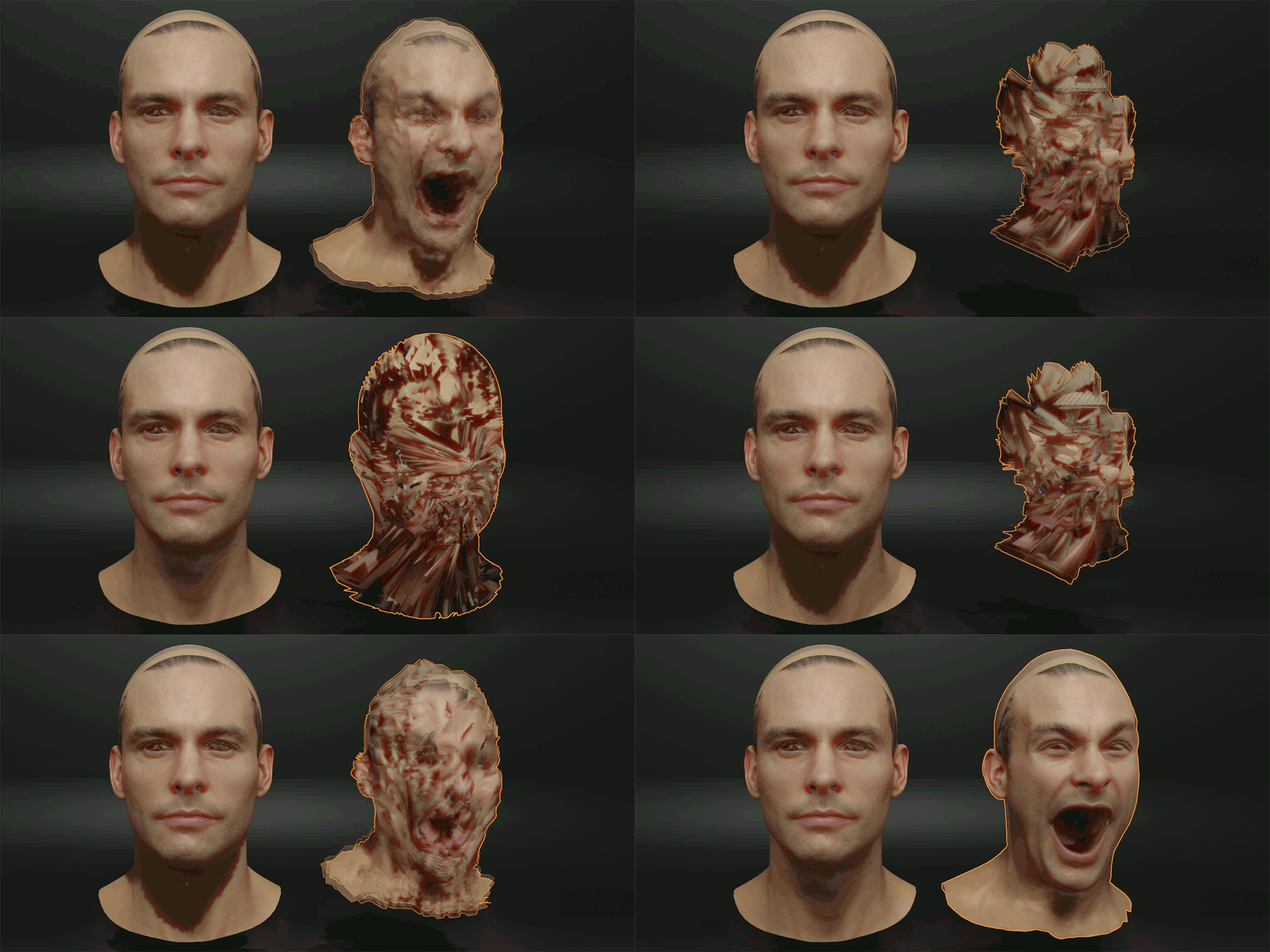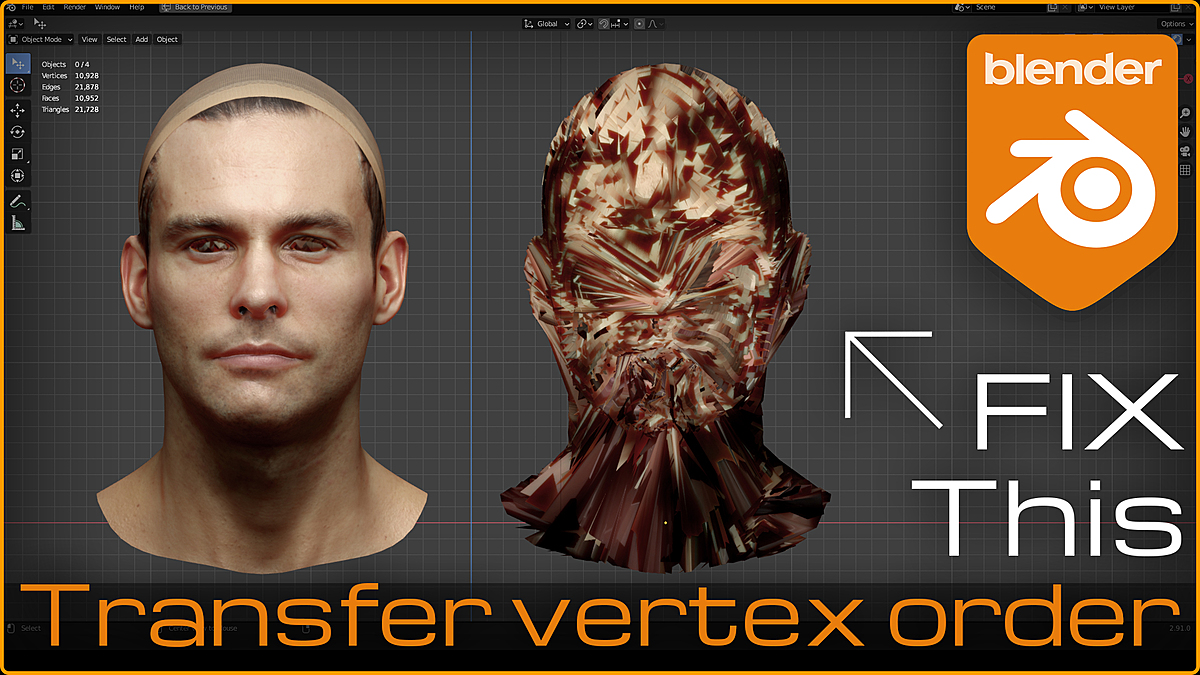
Transfer Vertex Order is a Blender add-on for copying and pasting vertex, edge and face ID order between meshes with the same topology. It addresses a blendshape problem that can arise when one mesh has been edited: the meshes still share topology, but their vertex order differs.
Where it fits in a blendshape workflow
The add-on can help when you have a configured Blender model and make a change to a mesh in another application. You can bring that change back as a blendshape and use Transfer Vertex Order to correct an order mismatch between the matching meshes. The documented workflow assumes the meshes have the same topology; it does not describe reconciling different topology.
Install and use the pie menu
Check that your Blender version falls within the listed 2.8 through 5.0 support range before installing. The product documentation says to install the downloaded file through Edit, Preferences, Add-ons, Install, then enable the add-on. In the 3D View while in Edit Mode, press Alt+T to open its pie menu.
- Select two neighboring faces on the source mesh and choose Copy Vertex Order.
- Select the corresponding two faces on the target mesh in the same order.
- Open the pie menu on the target and choose Paste Vertex Order.
For an object made of multiple shells, the product FAQ recommends splitting it by shells, transferring the order for each shell separately, then joining the shells again. It warns that transferring the whole object at once can produce unpredictable results.
Compatibility and reported speed
The product listing states support for Blender 2.8 through 5.0 and identifies the license as GPL. It reports a copy and paste time of about 20 seconds on a mesh with 3 million triangles, and a split second on a low-poly model. These are listing figures; it does not specify hardware or benchmark conditions.