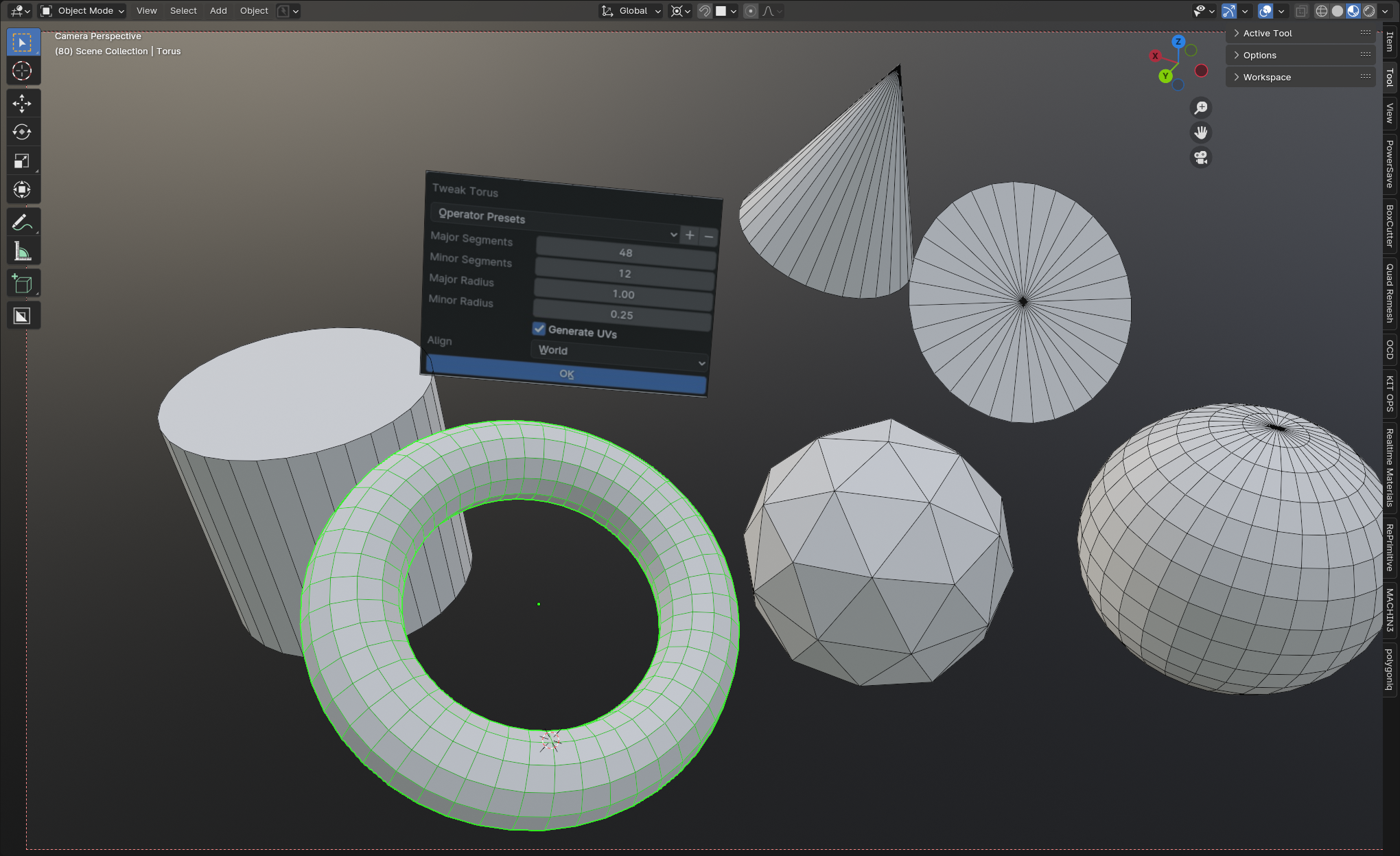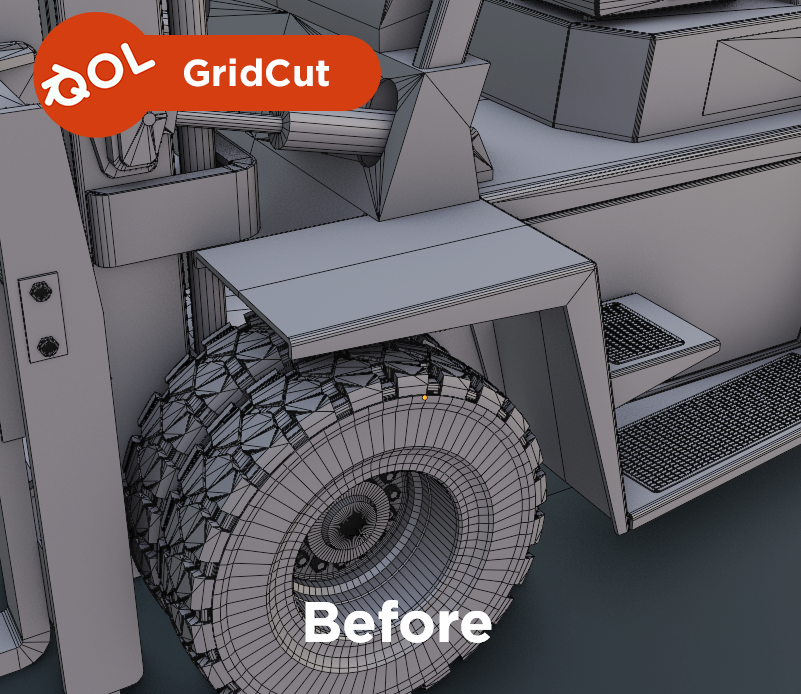
Qol Gridcut is a Blender add-on from QOL Tools for slicing the active object. It distributes cuts evenly across any or all axes, regardless of the mesh’s topology. This can help prepare a mesh when another modifier needs a particular polygon density.
When GridCut helps
Blender’s Subdivide modifier can leave tiny or stretched polygons, or produce awkward tessellation on n-gons. GridCut is intended for those cases.
How to use QOL GridCut
- Select one object in Blender.
- Open the right-click context menu and choose QOL GridCut near the bottom.
- Use the refinement options available after the cut is applied.
The version notes say GridCut can also be triggered from Edit Mode, where it operates on the whole object.
Compatibility and license
The product listing marks GridCut as Blender Extension compatible and lists Blender versions from 3.0 through 4.4. The listing and version notes identify the Extension format as available for Blender 4.2 and later. The listing names GPL as the license. Check the current listing for the package and availability details that apply to your Blender version.