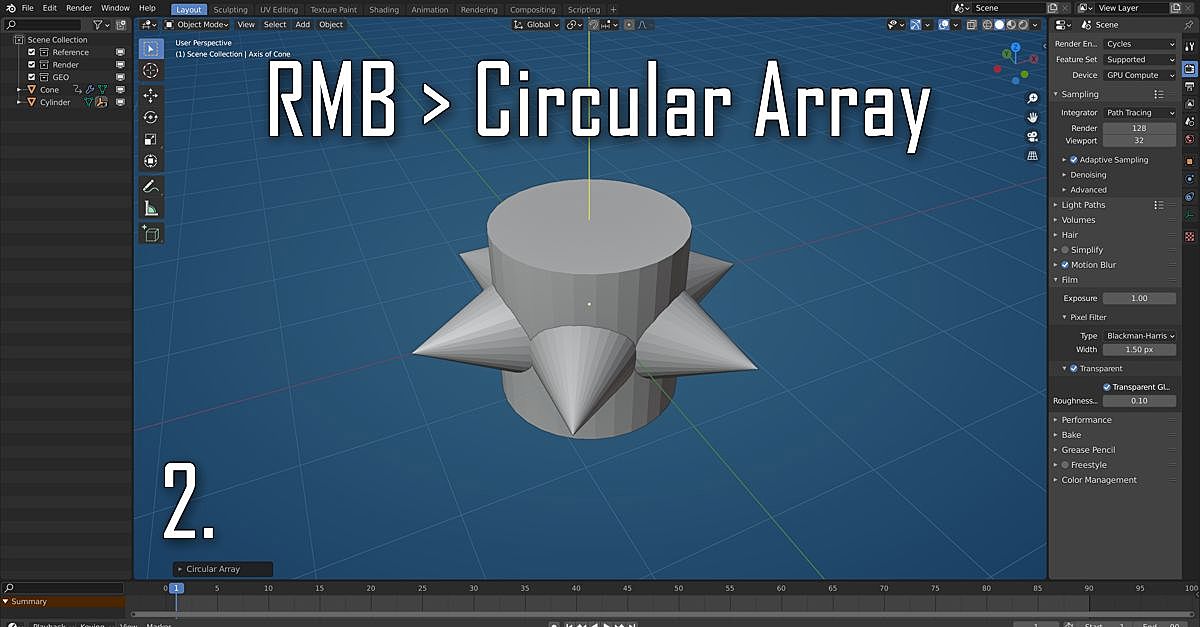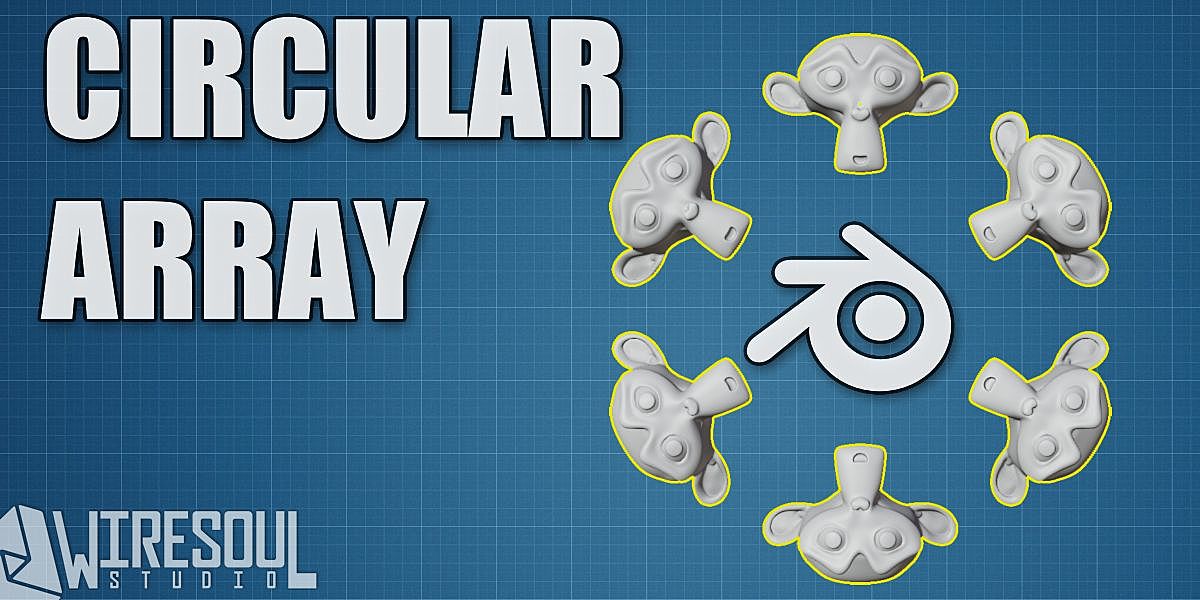
Circular Array is a Blender add-on for creating circular or radial arrays. Blender can build these with an Array modifier, helper objects, and drivers; the add-on sets up those pieces in one click and manages their dependencies and hierarchy. Its developer describes saving setup time as the main purpose.
Set up an array
- Select the object you want to duplicate.
- Hold Shift and select the object to use as the axis, as you would when parenting.
- Right-click and choose “Circular array.”
To see the settings, select the new empty axis object. The controls are in the N panel under the Item tab. Keep the generated empties and Array modifier in place while using the setup. To remove it, select the axis object and use “Remove Array” in the N panel.
Compatibility and license
The Superhive listing names Blender 2.8, 2.81, 2.82, 2.83, 2.9, 2.91, 2.92, 2.93, and 3.0. The developer says it should work in Blender 3.0 and asks users to report bugs. The listing does not specify compatibility with later Blender releases, so check the Circular Array GitHub repository for current files and updates.
The add-on is released under the GPL and is available from GitHub without a purchase. The developer describes a Superhive purchase as a way to support the developer and Blender. See the usage documentation for the setup instructions, or visit the Superhive listing for its short demonstration video.