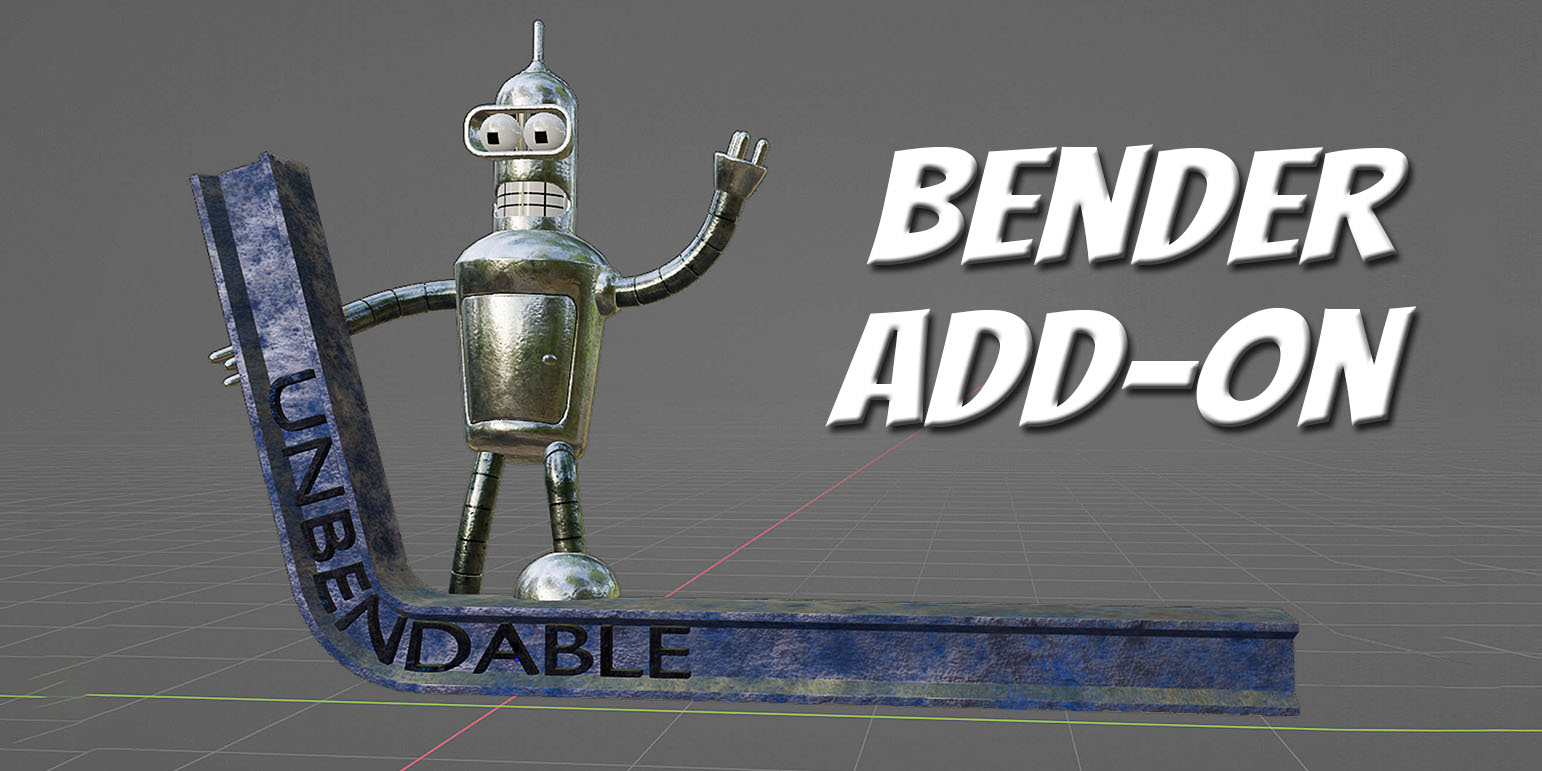
Bender - Simple Bend Add-On is a Blender add-on by Blender Bash for bending geometry with procedural controls. Select an object, preferably a mesh, open the Bender subpanel in the BB Tools Panel, and choose Bend it. Bender adds a gizmo and editable settings to the 3D View Side Panel.
Shape the affected area
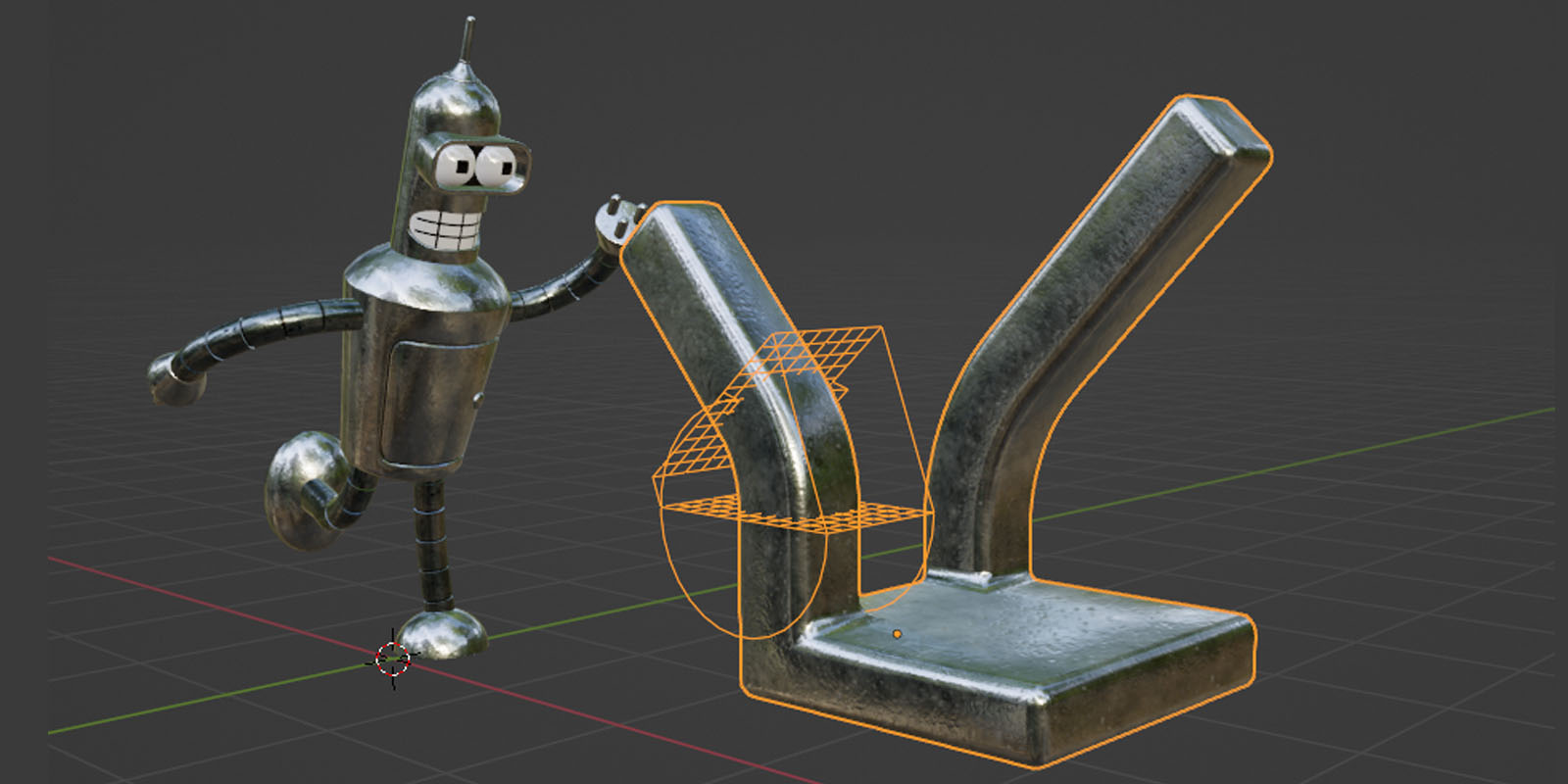
The gizmo shows the bend center and direction arcs. The arcs indicate the positive bend direction; a negative angle bends in the opposite direction. The reference plane determines which geometry bends: geometry above it bends, while geometry below it stays unchanged unless Bend Both Sides is enabled. The limit plane marks where the bend stops. Geometry beyond that plane is not bent directly, though it can still be affected by connected geometry bent below it. The bend axis follows the normal of the reference plane.
Keep each bend editable
Each bend adds a geometry nodes modifier to the object. You can create multiple bends, then select one from a list in the side panel to adjust its settings. Bender manages the controls there, so you do not need to work directly in the modifier properties. Its gizmo is generated mesh geometry rather than a separate object, and a button hides it when you want a clearer view.
Compatibility and documentation
The Superhive product listing marks Bender as Blender Extension compatible, lists Blender 4.4 through 5.2, and identifies the license as GPL. Check the listing for current details. For a walkthrough, read the Bender User Manual or watch the demo video.