Automatic Wood & Brick | Smart Placement System is a Blender Geometry Nodes add-on for distributing brick, stone, wood, plank or other modular meshes across a target surface. It is designed for artists who want procedural surface detail on models such as walls, roofs, ruins and wooden structures, with controls they can adjust after placement.
How the placement workflow works
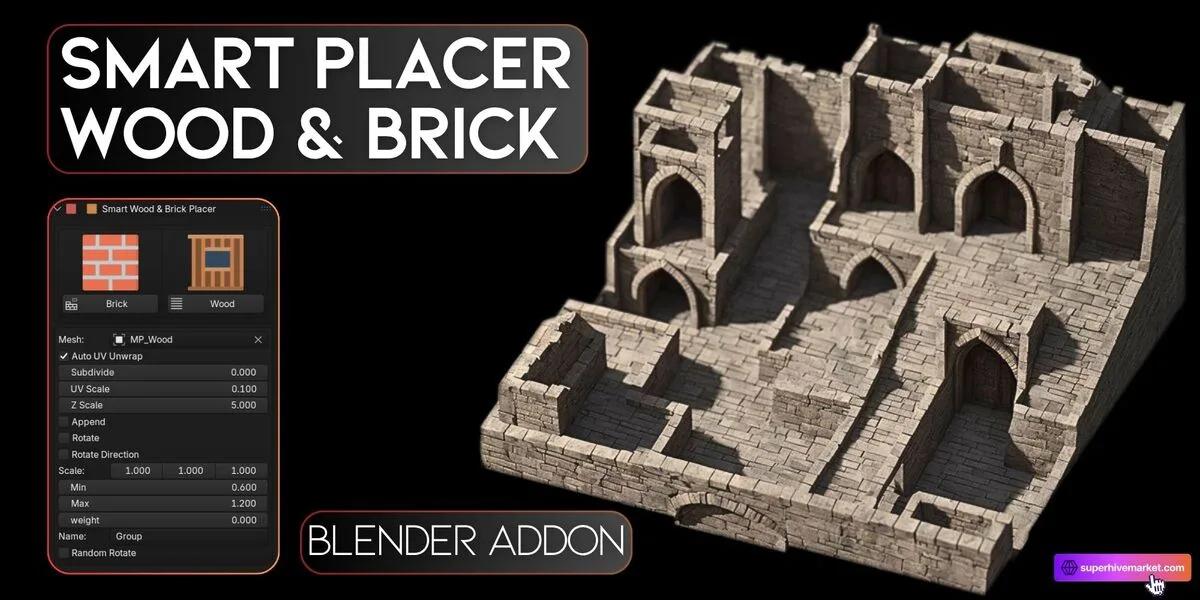
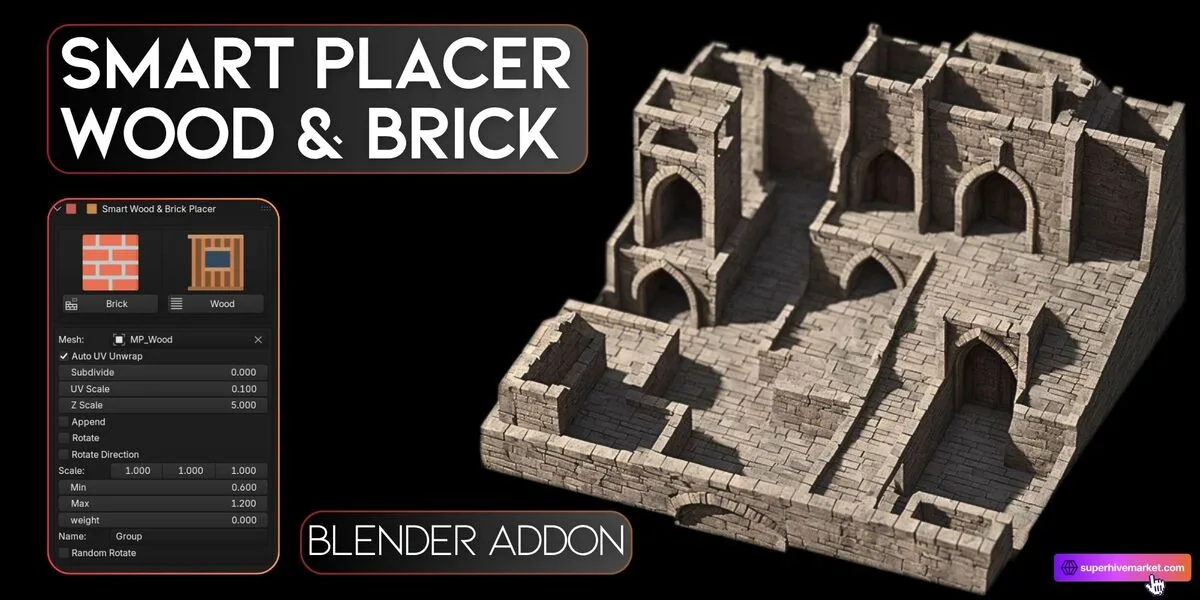
Select a target object, choose the Brick or Wood setup, then select the mesh to place across the surface. Adjust settings from the modifier panel or the add-on UI. The source mesh can be swapped later, so you can try different bricks, stones, planks or custom pieces without rebuilding the setup.
The workflow uses Geometry Nodes, and its Append mode adds generated detail while keeping the original object visible. The product documentation recommends applying the target object's scale with Ctrl + A, then adjusting UV scale and placement settings for more predictable results.
Controls for scale, UVs and variation
Scale controls cover the X, Y and Z directions; Z scale changes the height or depth of placed pieces. Auto UV Unwrap handles UVs for the generated placement, while UV Scale adjusts how textures appear on the pieces. Subdivide controls surface subdivision. Higher values can make placement denser and increase scene complexity.
For variation, set minimum and maximum random scale values, and use the rotation controls or Random Rotate to change piece orientation. The documentation also describes Rotate Direction and Weight controls. For a regular architectural surface, start with small variation; for a ruin or stylized result, try more variation and inspect the distribution.
Where it can help
The listed examples include medieval castles, fantasy villages, ruined buildings, stylized brick walls, wooden structures, game environments and concept art. A source mesh can be a brick, stone, plank or wood piece. For roofs, the documentation suggests flatter plank or tile meshes; rectangular brick or stone pieces are suggested for castle walls. The tool works best on clean mesh surfaces such as walls, roofs, floors and architectural models.
Compatibility and listing details
The Superhive listing marks the add-on as Blender Extension compatible, gives GPL as its license, and lists Cycles and Eevee as render engines used. Its stated Blender range is 4.4–5.3. The Any Plugins catalog page lists 4.4–5.2, so check the Superhive product listing for current compatibility, especially if you use Blender 5.3. The listing also includes an example setup for trying the workflow.