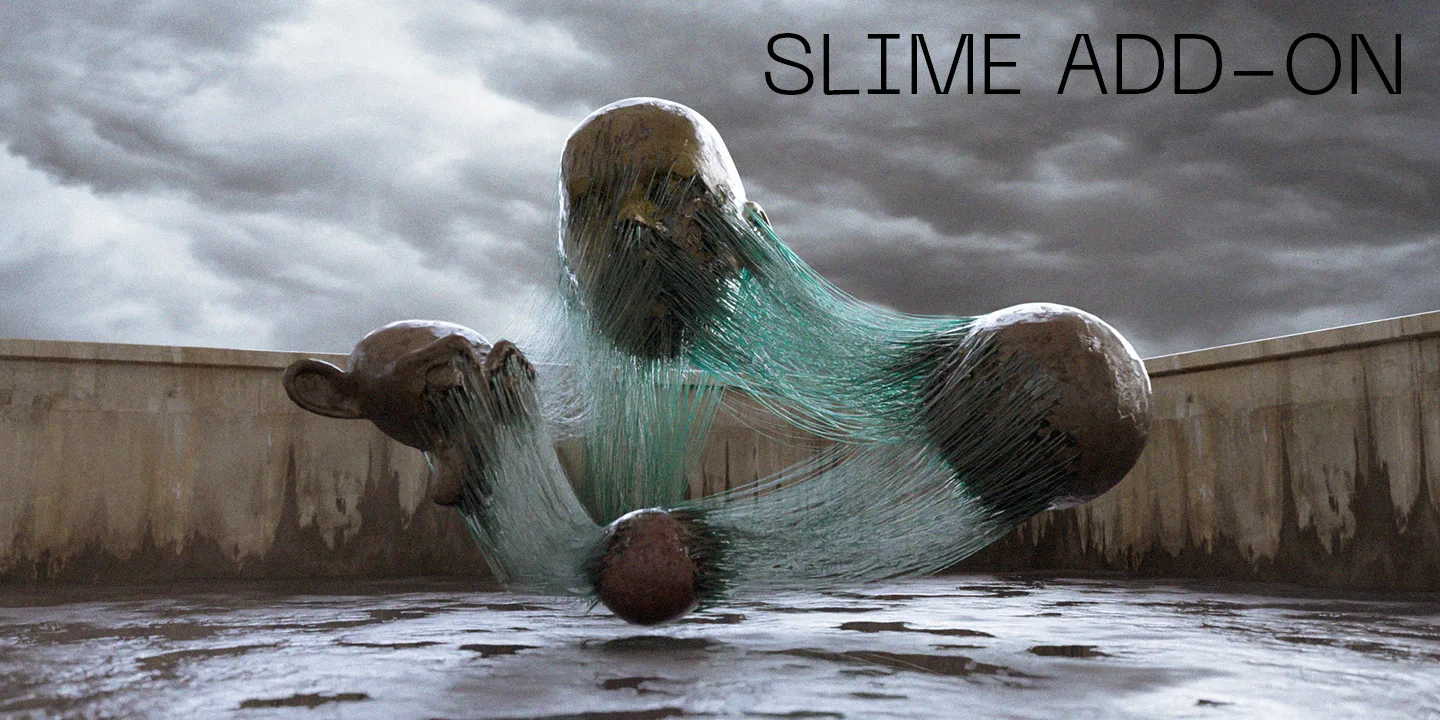
Procedural Slime Add-On by Ignacio Matey creates procedural slime between two Blender objects using Geometry Nodes. It generates a separate slime object with a Geometry Node modifier. Move, rotate or scale either source object and the slime follows, so you can adjust the scene after creating the effect.
Install and create slime
Install the add-on from its ZIP file, then open the viewport sidebar by pressing N. On first use, click Append to add the Geometry Nodes setup the add-on needs to your blend file. Select the two objects to connect and click Create Slime. The add-on creates the slime object between them.
The Superhive product listing includes written instructions and a YouTube tutorial covering the same steps.
Shape the result with its parameters
- Density sets the number of slime tentacles. Viscosity controls the effect of gravity, with higher values making the slime hang more. Radius changes tentacle thickness.
- Proximity object 1 and Proximity object 2 control how widely the slime attaches along each source object. Values near 0 limit attachment to the closest areas; values near 1 extend it along more of each object. Slime in contact adjusts how far the slime spreads over contact regions.
- Profile curve and Length curve set subdivisions across and along the tentacles. Keeping these values low helps keep the vertex count down. Low/High res switches between a lower-resolution result at 0 and high-resolution geometry at 1.
- Subdivision object 1 and Subdivision object 2 can help when a low-subdivision source mesh produces tentacles from only a few points. These controls do not change the source objects' geometry, so keep their values as low as practical.
- Seed changes the random arrangement. Internal slime controls tentacles that begin and end on the same object: values near 0 remove them, while 1 keeps them.
The add-on includes a default slime material, which you can replace with your own.
Compatibility and listing details
The Superhive listing names Blender 3.1, 3.2, 3.3, 3.4, 3.5, 3.6 and 4.0. It identifies the license as GPL. AnyPlugins lists the add-on as free. Check the current product listing for download, license and compatibility details before installing.
This add-on suits Blender artists who want adjustable slime between two objects, with controls for attachment, hanging, tentacle shape and resolution. The listing does not document support for newer Blender releases.