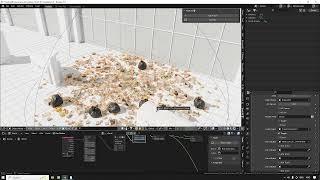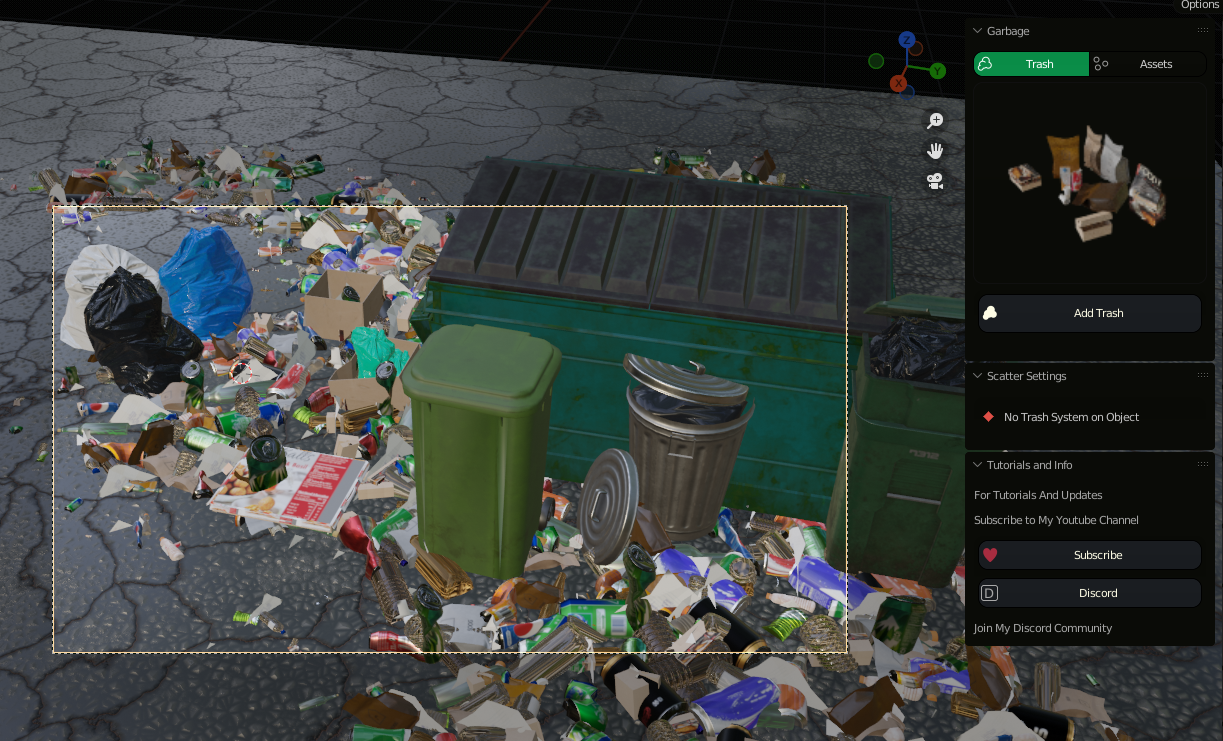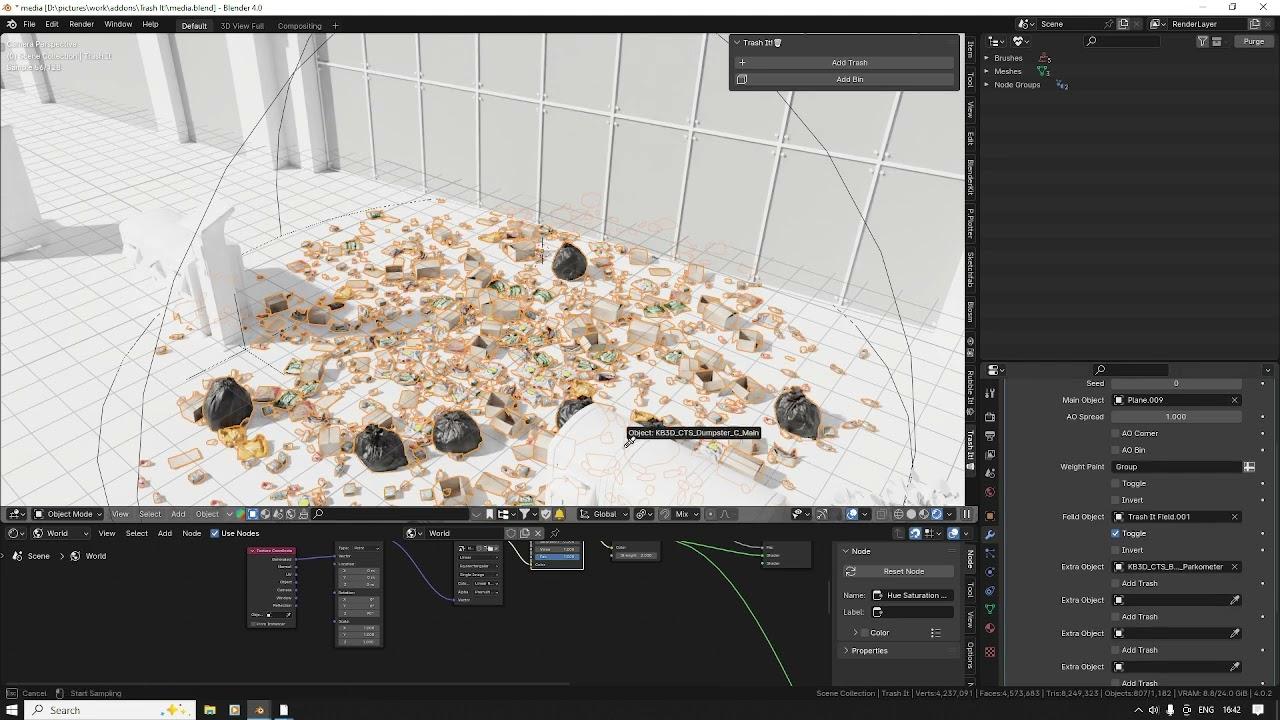
Trash It is a Blender add-on for procedural trash scattering. It places trash on a main object and provides controls for density, random placement, corners, bins, weight paint and a field object.
Start with a main object
The Main Object control needs an object before Trash It displays any trash. Select an object and click Add Trash; the documentation says this automatically applies trash to the selected object. Use Density to set scatter density and Seed to change the random placement. Seed is useful when you want to try a different arrangement on the same object.
Control where trash appears
Trash It provides several ways to guide placement. AO Corner toggles placement in corners, while AO Spread sets how far trash spreads from corners. AO Bin toggles placement around bins and requires at least one bin added through the Add Bin section.
Weight Paint bases scattering on the object's weights. It uses a vertex group named Group by default. Field Object restricts scattering to the area inside a field object; its default is a sphere empty. Extra Object lets additional objects influence AO scattering. After adding them, click Add Trash to apply trash to those objects too.
Add and adjust bins
Add Bin places a bin at the cursor. To change its type, open the Geometry Nodes setup and adjust the Bin Type value. The AO Bin control can then place trash around a bin in the scene.
Compatibility and documentation
The marketplace lists Trash It for Blender 4.0 to 5.0 and marks it as Blender Extension compatible. It lists the license as GPL and the supported render engines as Cycles and Eevee. For the documented controls, see the Trash It documentation.