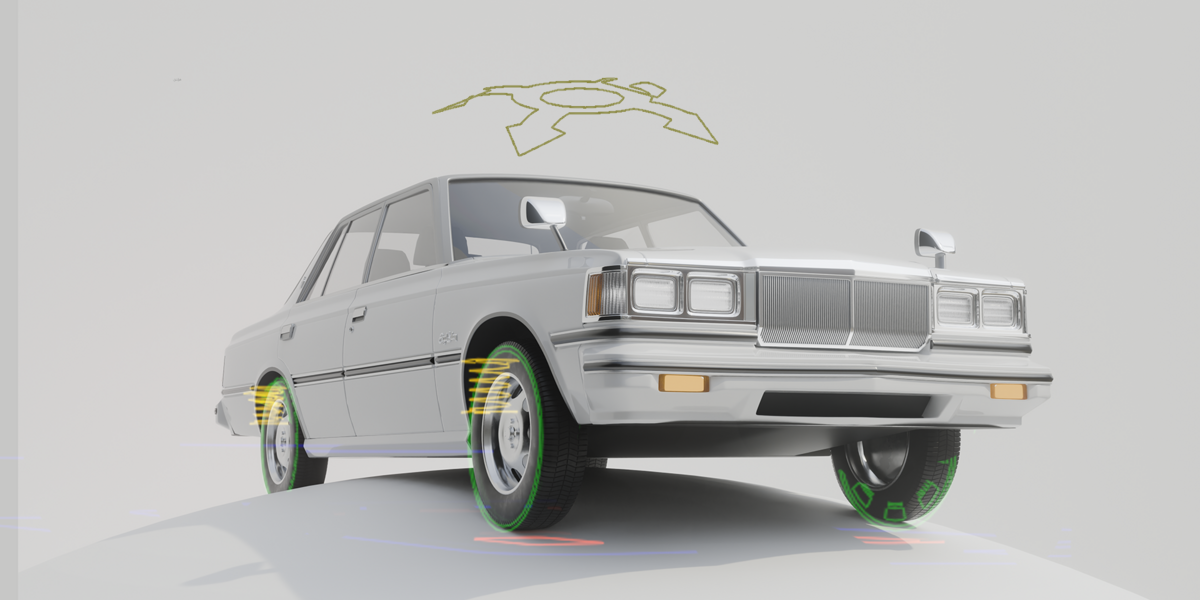
Trickshots is a Blender add-on by ktdfly for building physics scenarios in Python. A scenario can set an object's initial velocity, wait for events such as collisions, and create variables or optimization tasks as it runs. Blender performs the simulation, while Trickshots treats the solver as a black box.
The product page describes the solver as working without derivatives or exact collision handling, and warns of poor repeatability. These limits matter when a project depends on precise collision boundaries or identical results between runs.
Build a scenario from events
Trickshots can check whether objects collided between frames and track their velocities and accelerations. Scenarios use yield to wait for events; task logic can combine Boolean conditions, and triggers can remember whether a watched event occurred. You can also minimize an expression to guide the solver, provide a callback to change the scene or stop a simulation early, and define custom tasks.
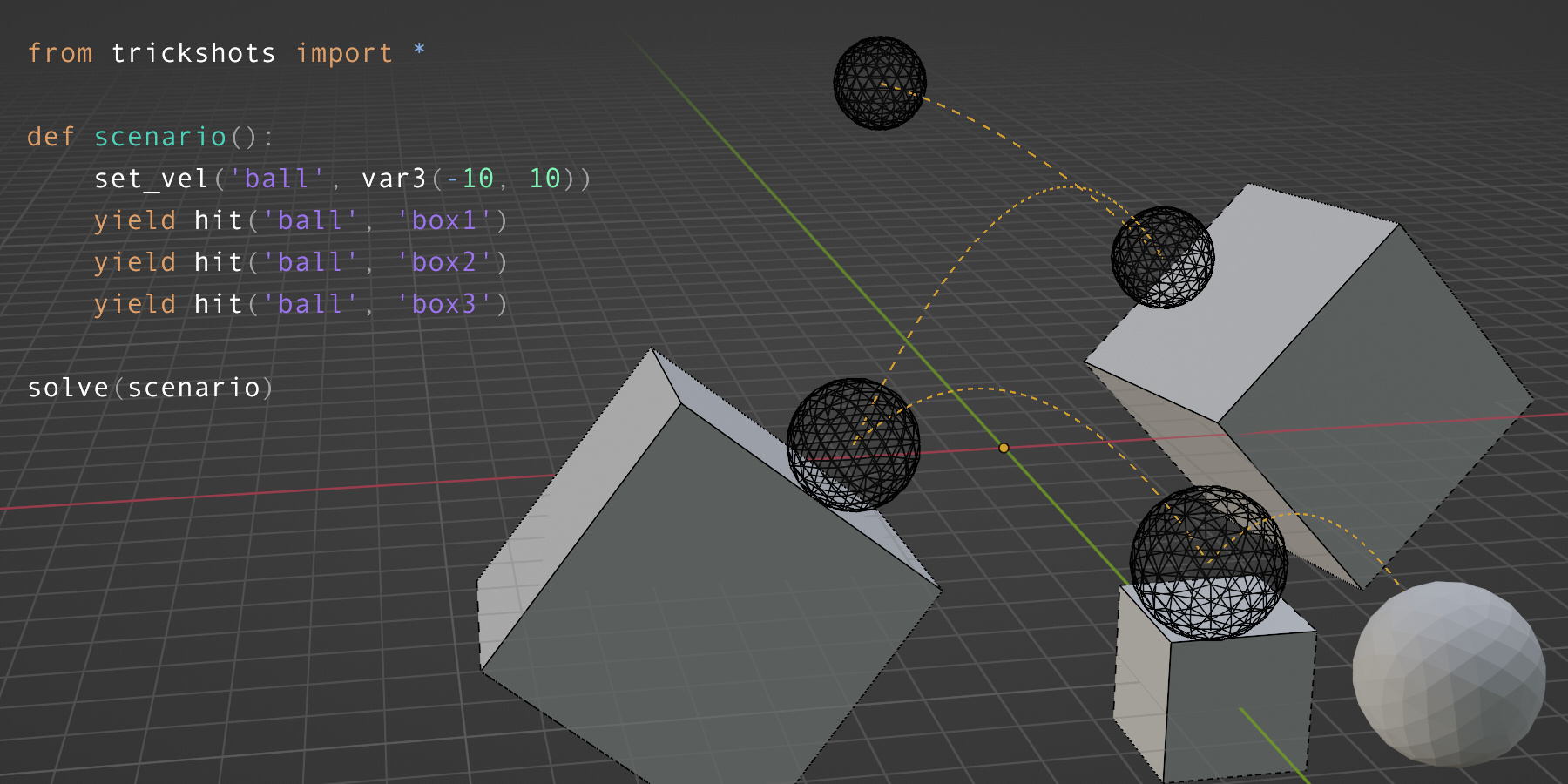
The product documentation gives this Python example:
def scenario():
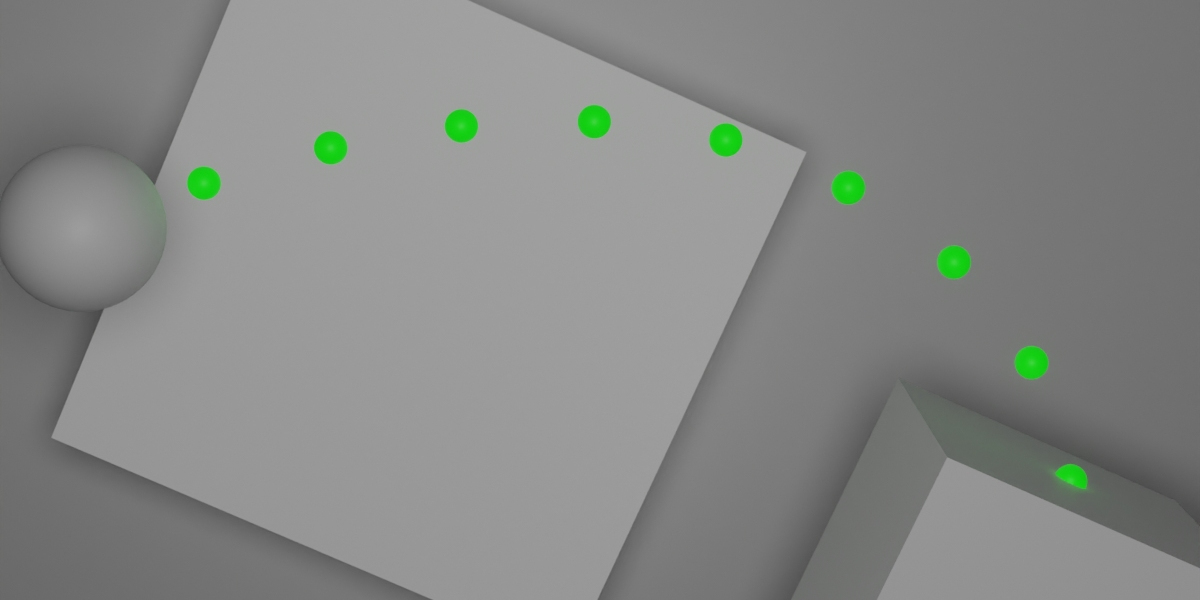
    set_vel('ball', var3(-10, 10))
    yield hit('ball', 'box1')
    yield hit('ball', 'box2')
    yield hit('ball', 'box3')

solve(scenario)
The sequence sets a variable velocity, then waits for the ball to hit three objects in order. See the full manual for more detail on writing scenarios.
Possible uses and practical limits
The creator's listing names motion design, robotics, and education as possible uses. Trickshots may suit a scene where you want to define events and let an optimization task adjust scene parameters toward them. Its stated limits make it a poor fit when a workflow requires exact collision results or highly repeatable runs.
Compatibility and installation
The product page's feature list names Blender 3.3, 3.4, 3.5, and 3.6, and lists Windows, Linux, and macOS support. The same page's Details field lists Blender 3.3, 3.4, and 3.5, so its compatibility information conflicts on version 3.6. Confirm support with the developer before relying on that version. Blender 2.93 and earlier are listed as unsupported.
The documentation says to open Blender's Edit > Preferences > Add-ons tab, choose Install, and select trickshots.zip. Check the product listing and manual for current details before installing.