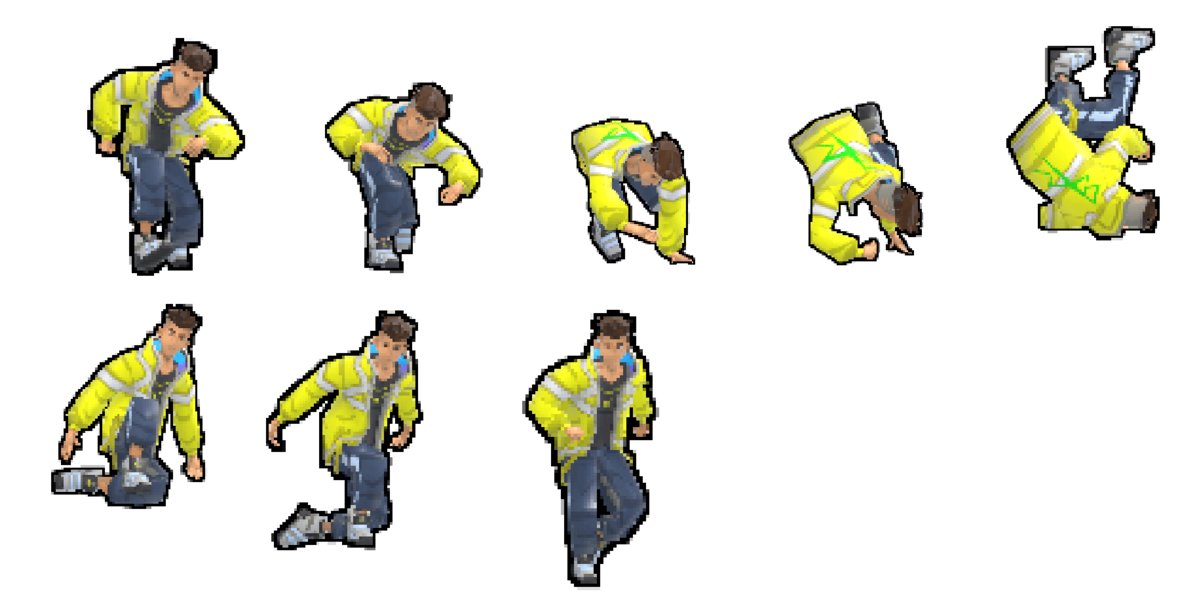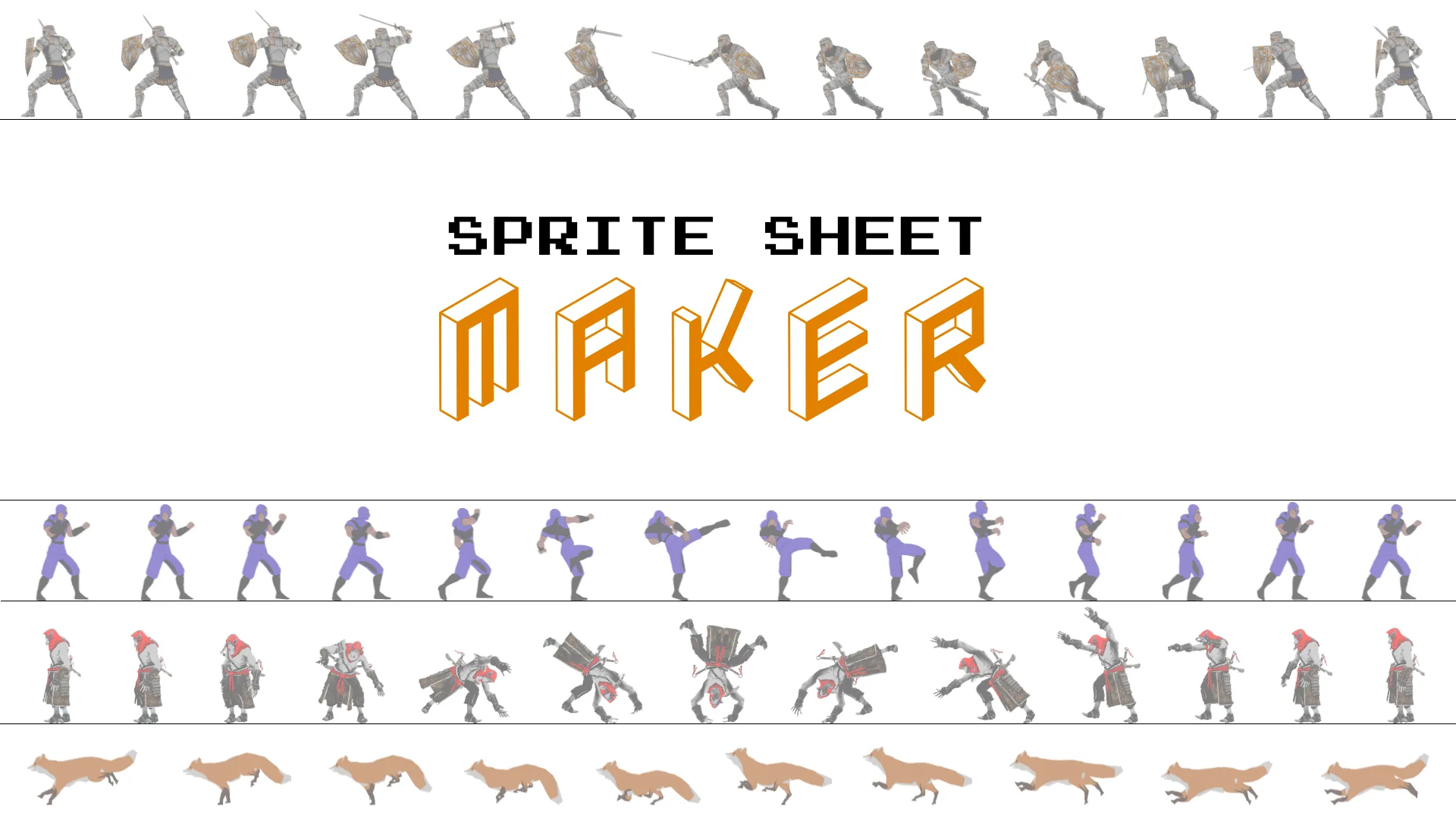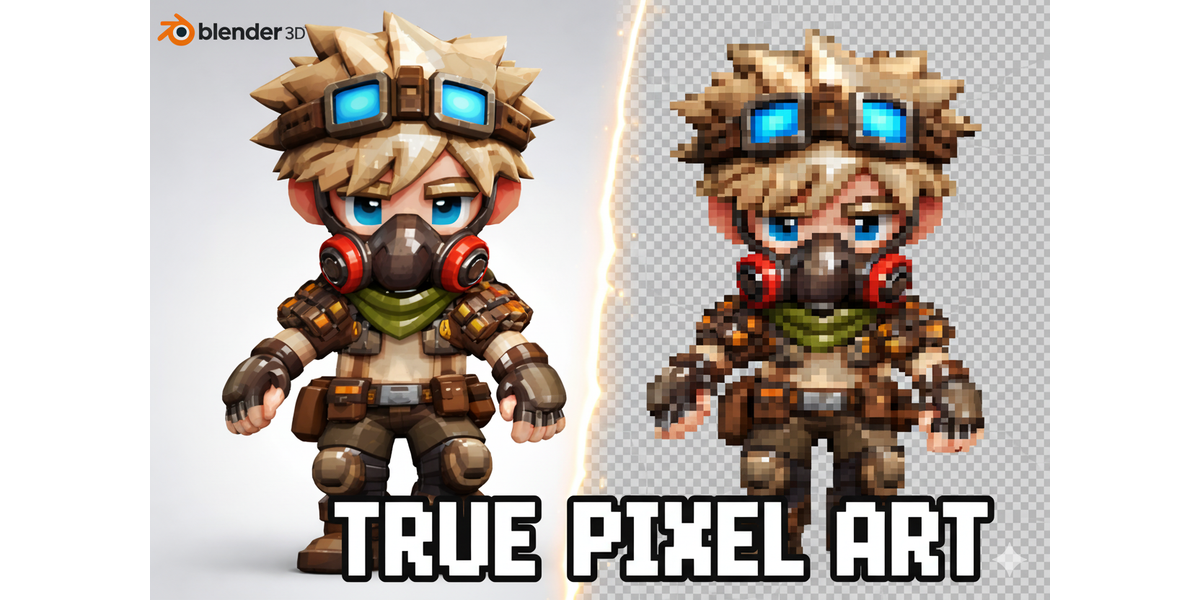
True Pixel Art Generator by ByteBard is a Blender add-on for turning 3D models and animations into 2D pixel-art sprites. It can export single PNGs, animation sequences, and sprite sheets. The add-on leaves the source mesh and materials unchanged; the pixel-art result is produced through its preview and export pipeline.
Set up consistent camera views
Choose a target model, then use the fitted orthographic camera to frame it. Preset views include Front, Back, Left, Right, Top, Bottom, and 3/4. These views help keep sprites centered when you export the same model from different directions.
Shape the pixel-art render
The pipeline renders a larger source image, then resolves it to your chosen pixel size. Settings include color reduction, alpha cleanup, optional dithering, contrast and saturation controls, and final pixel outlines. Lighting presets can help create readable silhouettes without building a full light rig from scratch. The listing identifies Eevee as the render engine.
Preview before exporting
Check the live preview or the docked Blender Image Editor preview before saving. Both show the output from the sprite pipeline, so they give a better reference for the exported look than the unmodified 3D viewport. Export options include single PNG sprites, PNG animation sequences, grid-packed sprite sheets, and GIFs when FFmpeg is available.
Choose a size that fits the model
Very small sprites at 32×32 or 48×48 work best with simple models, strong silhouettes, and clean lighting. Detailed characters, complex textures, and thin parts usually read better at 64×64, 96×96, 128×128, or a larger size. The add-on does not draw details that disappear at low resolution. Simplify the model, adjust the camera or lighting, or increase the sprite size when important shapes are lost.
Install the add-on and check compatibility
Ask the creator to confirm support for your Blender build before installing. The Blender 5 user guide describes installing the ZIP from Blender’s Edit > Preferences > Add-ons panel, enabling it, then opening the Pixel Art 5 tab in the 3D View sidebar with N. The product listing describes the add-on as Blender 5+ in its overview, while its details field lists Blender 4.0 through 5.0. The guide separately describes the Blender 5 version as a major rebuild from the earlier Blender 4 style add-on.