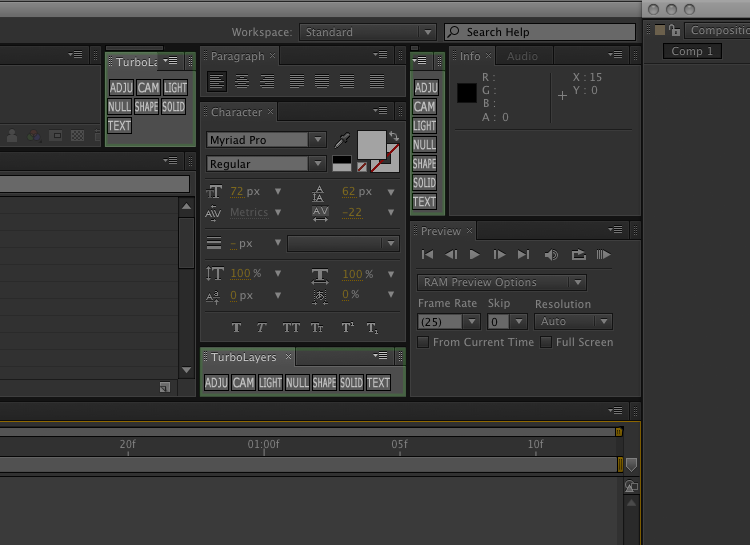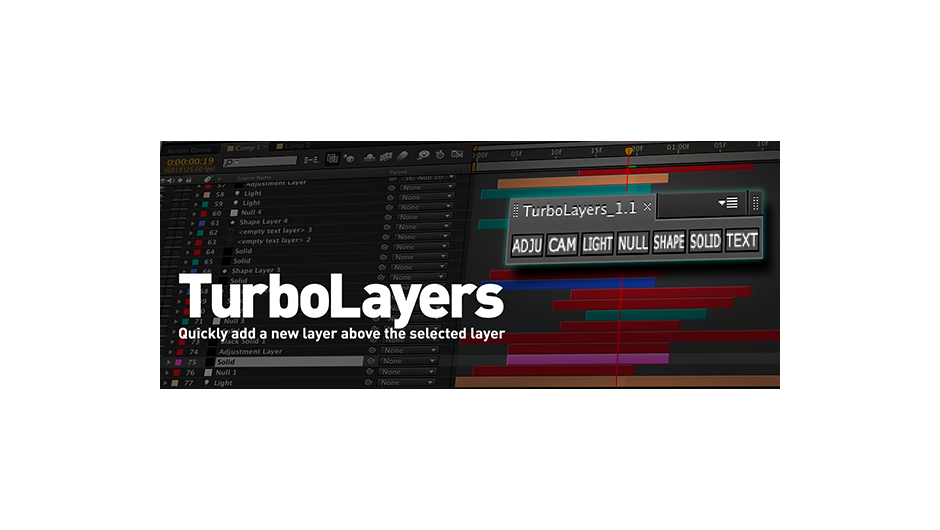
TurboLayers is an After Effects script by ILLUMINA that creates a new layer directly above the currently selected layer in a composition. It is designed for work in the lower part of a layer stack, where After Effects’ usual placement at the top can mean moving a newly created layer by hand.
Layer types and timing
The script can create Adjustment, Camera, Light, Null, Shape, Solid, and Text layers. When a layer is selected, TurboLayers trims the new layer to match the selected layer’s duration and its in and out points. The selection therefore determines both where the new layer goes and which timing it follows.
If no layer is selected, TurboLayers creates a new layer without a selected layer to use as a placement or timing reference. It does the same in an empty composition.
A compact After Effects utility
TurboLayers has no settings to configure. The developer describes its interface as slim and says it adapts to horizontal or vertical arrangements. Its scripts are separated, so people who already use ft-Toolbar or a similar launcher can add individual scripts to that launcher.
Listed compatibility and license terms
The developer’s TurboLayers listing names After Effects CS6, CS5.5, CS5, CS4, and CS3 as compatible versions. It lists version 1.3a, dated January 9, 2013. Because the listed compatibility stops at CS6, check with the developer before relying on TurboLayers in a newer After Effects release.
The listing shows $6.99 as a suggested amount under its Name Your Own Price terms. It says individual users may pay any amount, while businesses and teams must pay the suggested amount to receive a valid license. Review the current listing and its full terms before downloading.