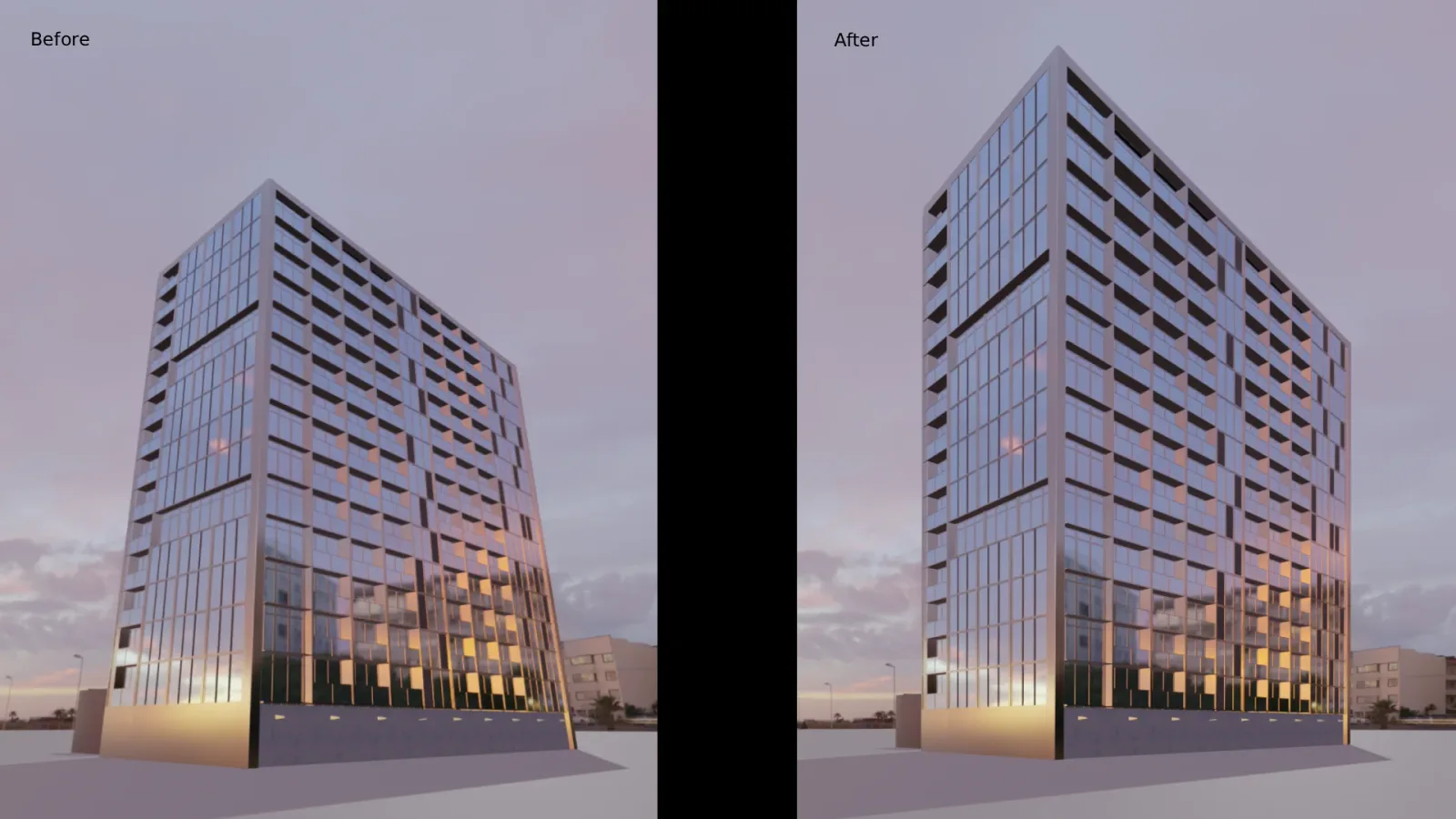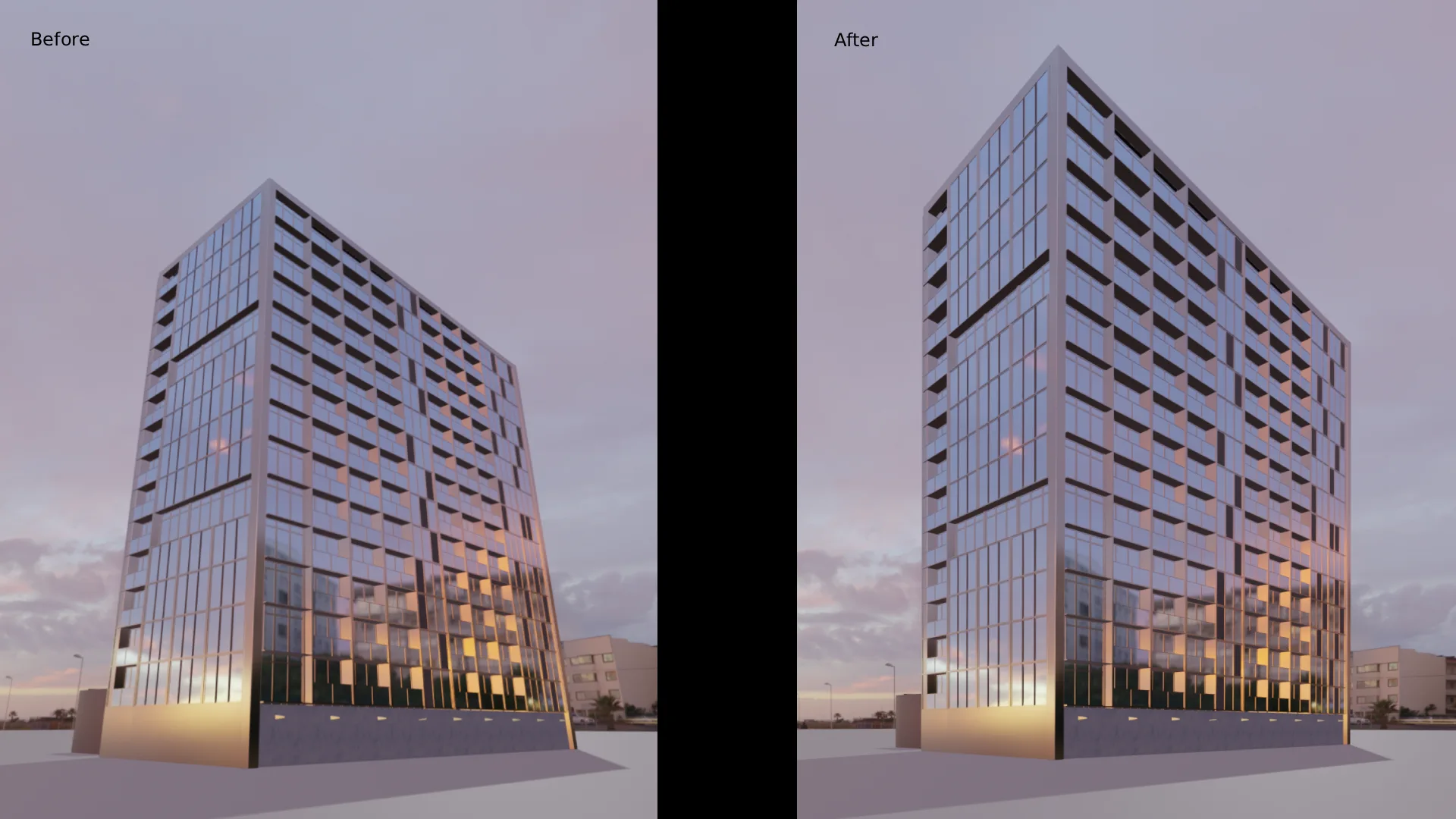
Two-Point Perspective converts a Blender camera from three-point to two-point perspective, using the active camera as its starting point. It creates a corrected camera copy and supports manual target-angle setting. The Blender Extensions listing describes the add-on's architectural visualization use case as one where minimizing distortion is essential.
Start with the active camera
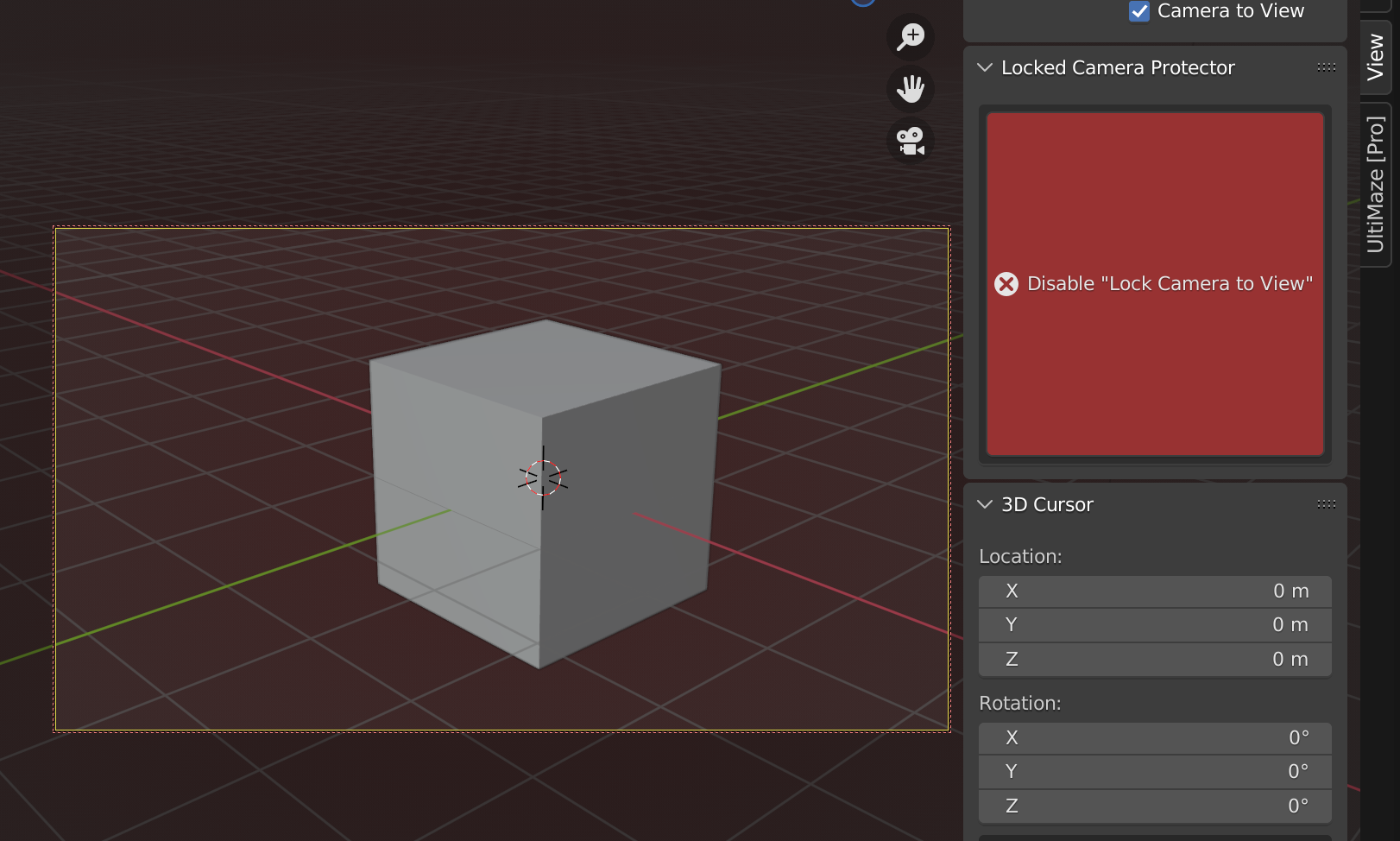
Choose the camera whose view you want to adjust before running the add-on. The conversion targets the active camera, so check the camera frame afterward and confirm the resulting view suits the scene.
Set a target angle and identify the corrected camera
The add-on supports a manual target angle. In version 0.0.2, the Angle Value field is greyed out while Custom Angle is unchecked. That version names the corrected camera by combining the original camera name with the applied angle, such as MainCam_90deg, which helps you identify the result among other cameras in the scene.
Where it fits
This is a focused camera adjustment for architectural visualization and other views where perspective distortion distracts from the intended composition. Blender Extensions lists version 0.0.2 as compatible with Blender 4.2 LTS and newer.