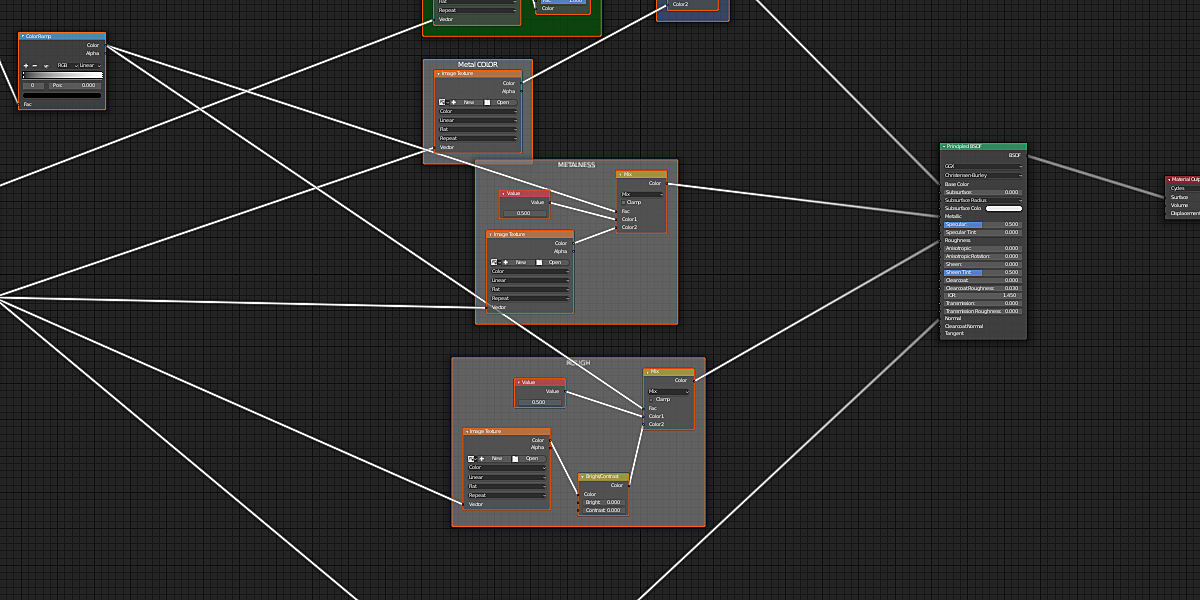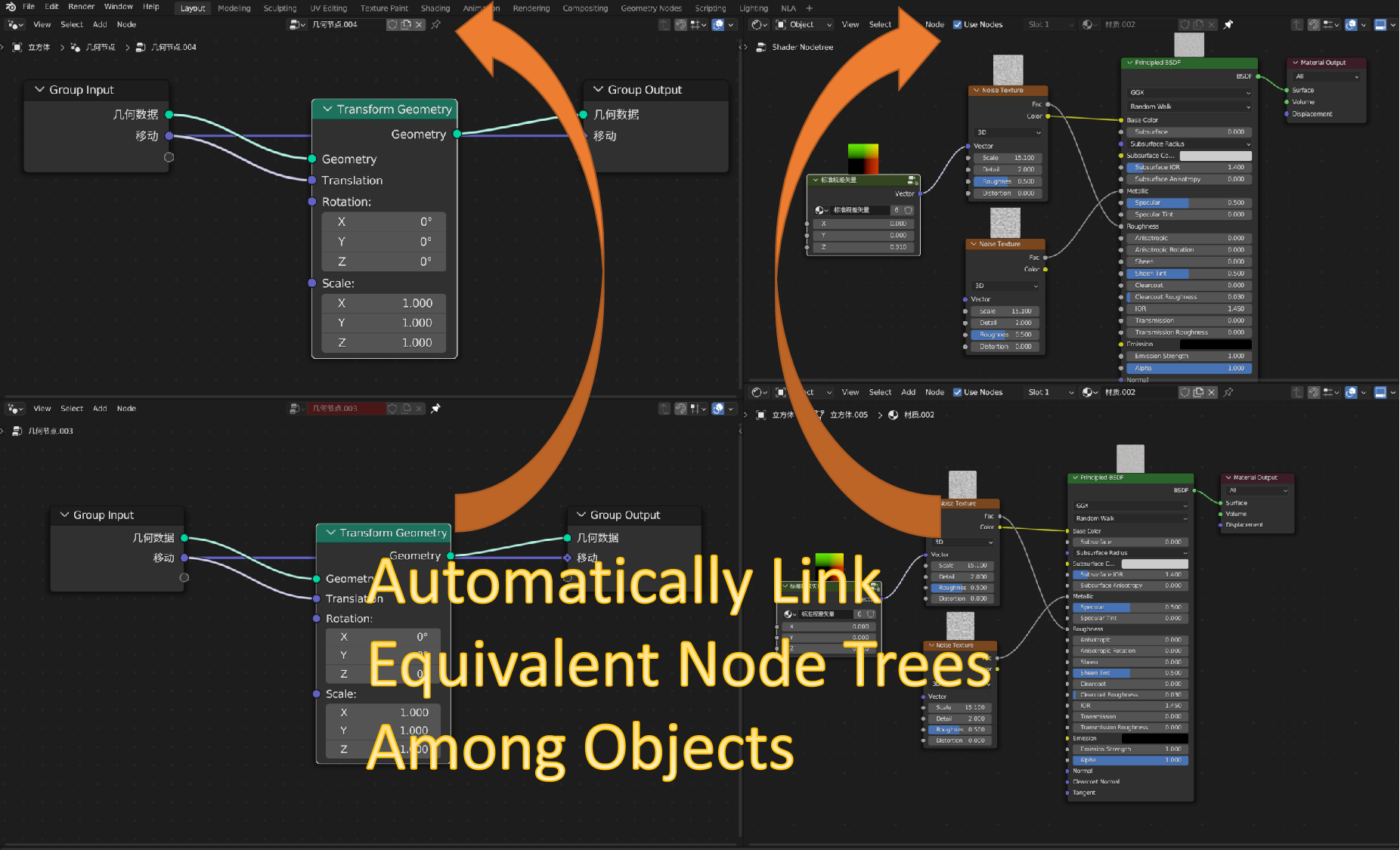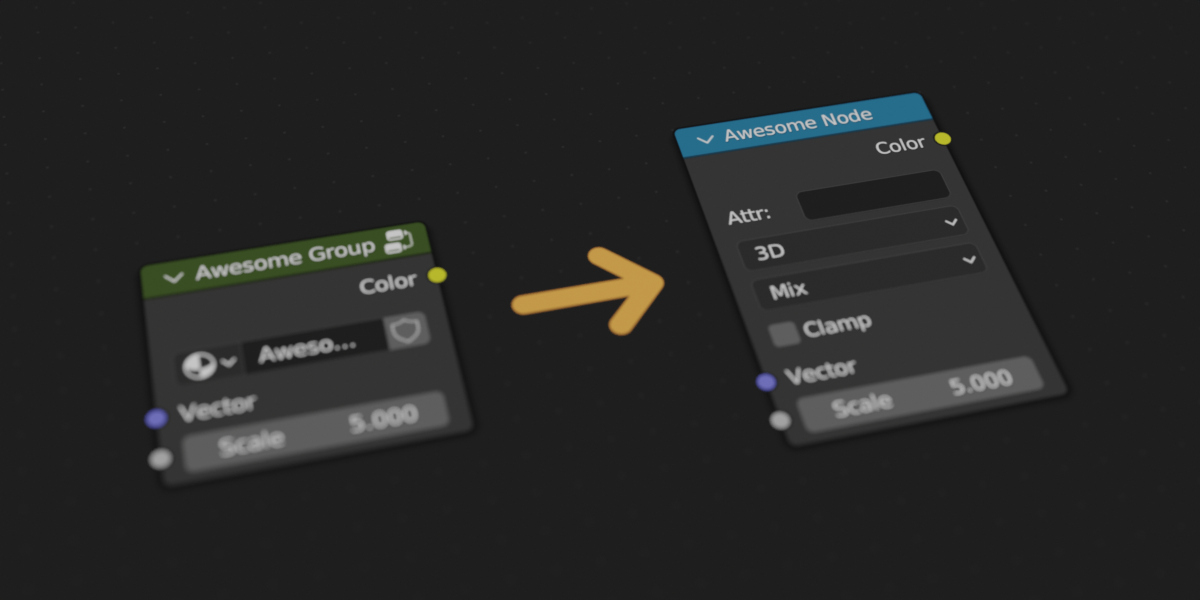
Udon Custom Node Builder [Beta] is a Blender add-on for turning node groups into custom nodes in Geometry, Shader, and Compositing editors. The nodes appear in Blender's standard Add Node menu and node search. You choose which inner properties to expose in their interface, without writing code. See the developer documentation for setup and feature details.
Make node groups easier to reuse
Convert a node group into a custom node with a single click, then place it under an existing category or one you create. You can nest custom nodes inside other custom nodes, edit them later, or convert them back into plain node groups. UDON does not include new nodes of its own; you build custom nodes from your node groups.
Custom nodes can have a name, description, node class that controls the header colour, and default width. These options let you identify a node in a larger graph and set how it appears when added.
Choose the controls in the node interface
A graphical editor lets you decide which properties users see and how they are arranged. A single control can link to multiple inner node properties, and you can set a custom default value. Supported property types include:
- Number sliders for integers and decimal values
- Checkboxes and vector fields
- Text fields and drop-down or radio-button options
- Datablock pointers for Blender data such as objects or meshes
- Image selectors
For each exposed property, you can set its name and tooltip, sort it in the interface, and add separators or labels. Numeric fields can appear as bounded or unbounded sliders. Property subtype and unit settings control how values such as lengths and angles display and convert.
Reuse nodes across Blender sessions
UDON's global library makes saved custom nodes available across Blender sessions and .blend files. Library nodes appear in the standard Add Node menu like nodes saved in the current file. When you change a node locally, you can update its library version. Changes in the library do not alter existing file instances automatically; pull a new version when you want to update all local instances. Icons indicate when a node has changed locally or in the library.
Check beta and Blender version details
The Superhive listing labels UDON as beta and describes a purchase with lifetime updates. It lists Blender 3.6 and versions 4.0 through 4.3. If you use a later Blender release, check the developer documentation for compatibility details. UDON is required both to create and to use its custom nodes, so anyone opening a file that contains them needs the add-on enabled. The developer FAQ covers support questions.