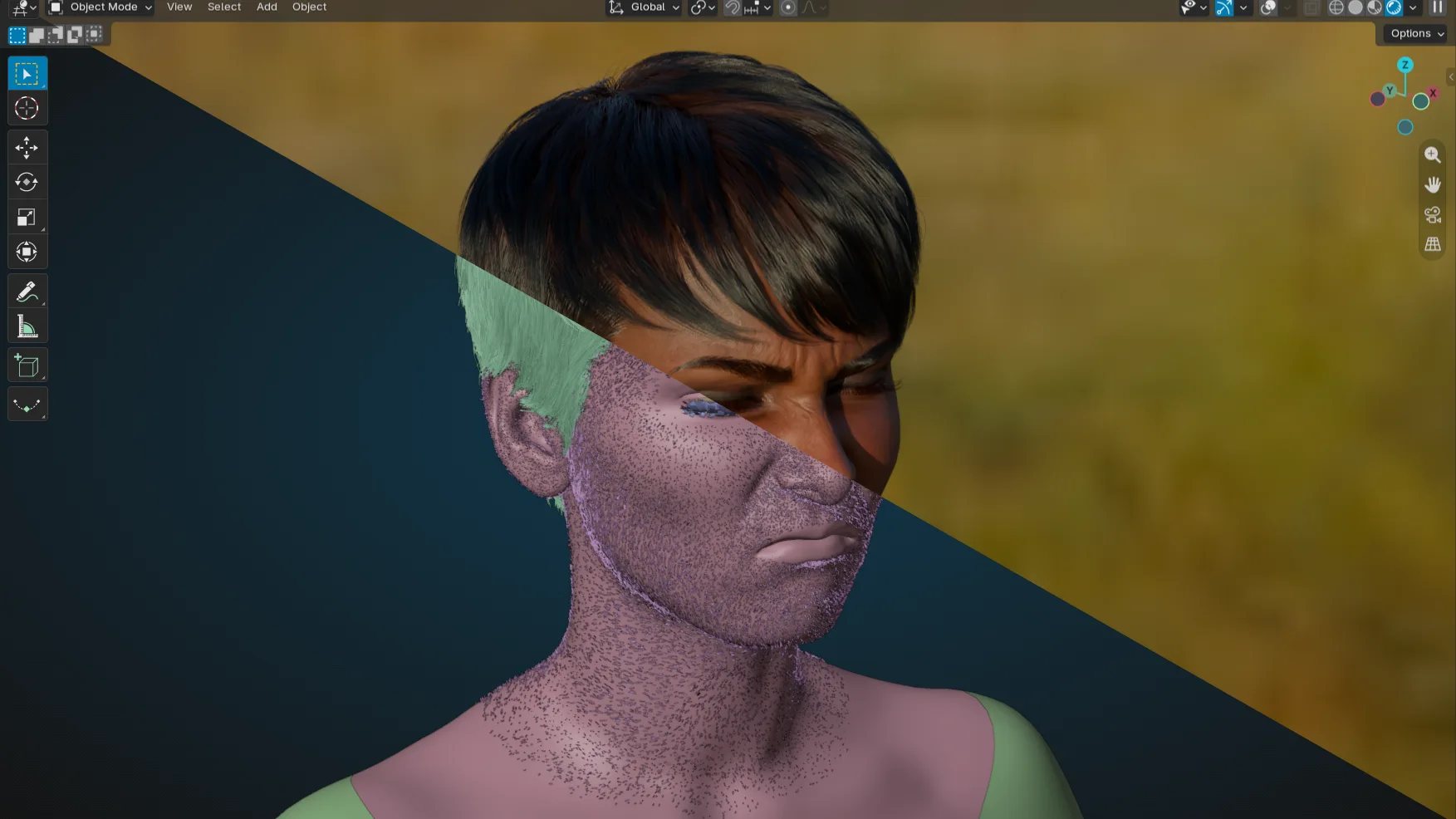
Unreal Groom Importer is a Blender extension for importing Groom assets exported from Unreal Engine as native Blender Hair Curves. It reads an OBJ groom with its matching JSON metadata, reconstructs the curve layout, and prepares the hair object for use in Blender.
What the importer sets up
The importer preserves strand topology and root UV coordinates, then creates the surface_uv_coordinate and group attributes. It applies scale and orientation correction, loads the included Geometry Nodes asset, assigns the hair material, and disables the default Hair Dynamics modifier.
The result is a Blender Hair Curves object named after the imported file. These steps make the extension useful when you need to continue working with an Unreal groom in a Blender scene while retaining its strand layout and root UV data.
Prepare the groom files
Use a groom exported with the Unreal Groom Exporter plug-in. Keep the OBJ and its JSON metadata in the same folder, with matching names apart from their extensions. For example, Hair_S_Pixie.obj must be beside Hair_S_Pixie.json. When you select the OBJ in Blender, the importer reads the matching JSON automatically.
Install and import
- Install the extension from
Edit > Preferences > Get Extensions. - Keep the included asset library inside the extension folder, as required by the project README.
- Select the character mesh that the groom should attach to.
- Choose
File > Import > Unreal Groom (.obj)and select the exported OBJ file.
The Blender Extensions catalog lists Blender 5.2.0 as the minimum version. For installation and version details, see the Blender Extensions listing. The project README documents the file-pair requirement and import steps, and names the required Unreal Groom Exporter plug-in.