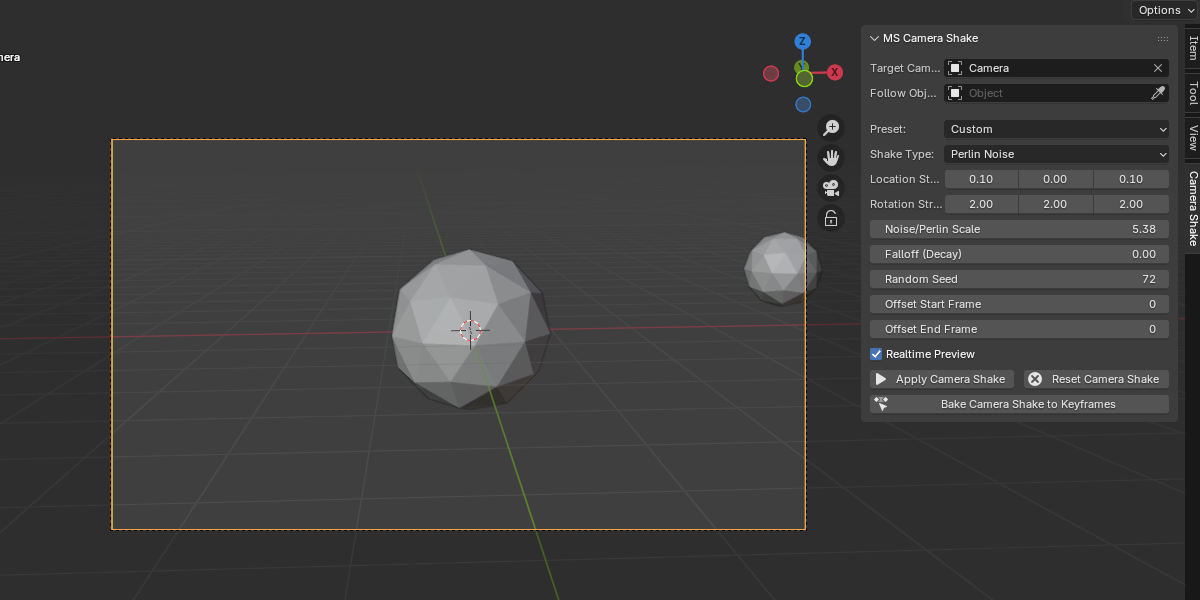
Ultimate Camera Shake Generator adds adjustable camera shake on top of an existing Blender camera move. It uses delta transforms, so the shake does not affect the main camera animation's position or rotation. You can keep a camera travel, pan or tilt and shape the shake separately.
The Superhive product listing gives its Blender version range and compatibility status. The documentation page lists the included installation guide and user instructions.
Start with a shake preset
The add-on includes five customizable presets: Soft, Handycam, Explosion, Persecution and Spaceship. Frequency controls how quickly the shake changes direction. Time Jitter adds random timing variations to make the motion feel less repetitive.
Adjust position, rotation and easing
Position and Rotation each have a master control and individual X, Y and Z sliders. Set the shake range, then adjust the axes you want to use.
Exponential Easing shapes how the shake enters and exits. Ease In controls how quickly it reaches full strength; Ease Out controls how smoothly it fades. Auto Extend adjusts the end frame for a clean finish. Together, these controls can help move from active shake back to a static camera.
Compatibility and included files
The Superhive listing describes support for Blender 4+ and Blender 5+, with a listed Blender version range of 4.0 to 5.2. It identifies the product as a GPL-licensed add-on and marks it as Blender Extension compatible. The download includes a ready-to-install ZIP, an installation guide and complete user instructions.
For setup, use the installation guide included with the download.