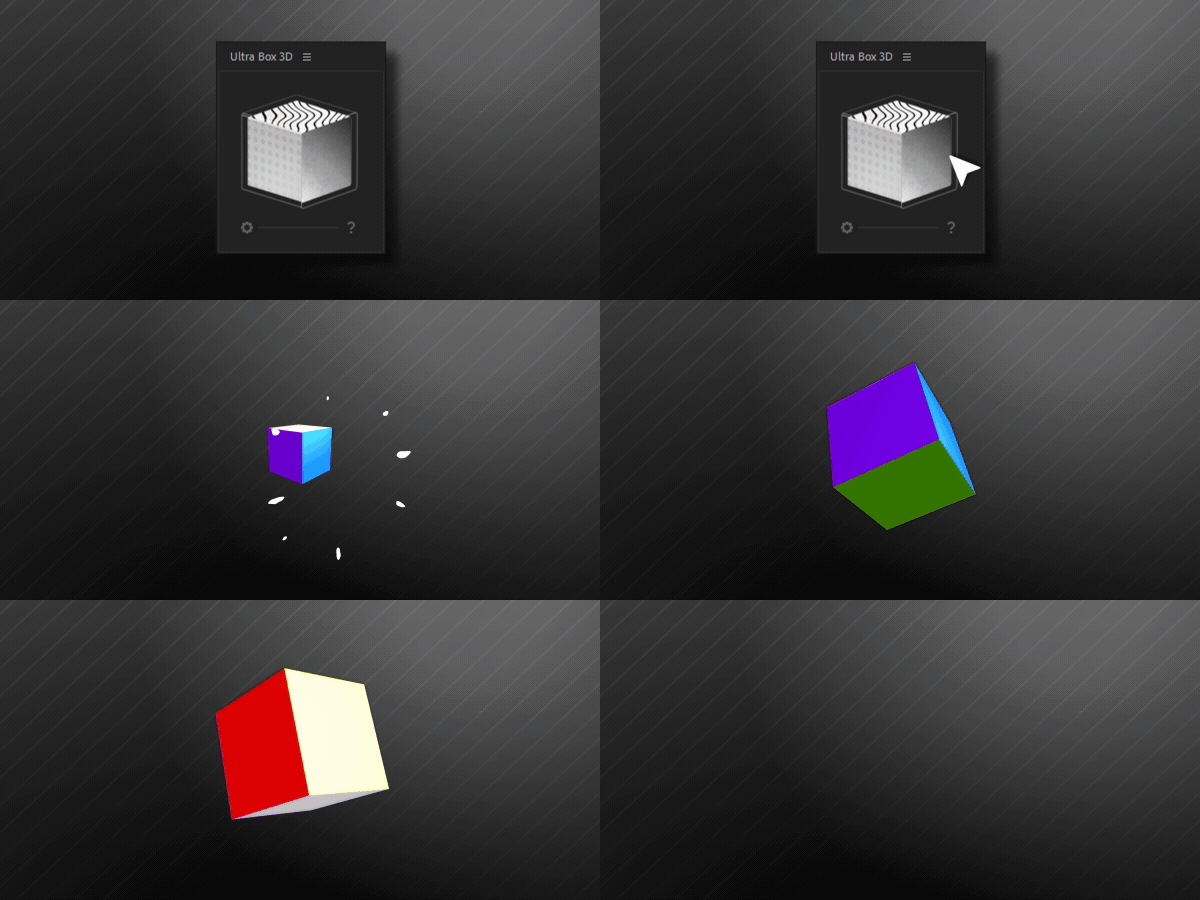
Ultra Box 3D is an After Effects tool from Tilles Motion that creates a 3D box rig from shape layers and expressions with one click. Its faces follow a shared control layer, while the box dimensions, taper and chamfer remain adjustable.
How the box rig works
Creating a box adds a uniquely named composition to the project. The rig uses shape layers and expressions, and all faces are parented to a control layer that you can rotate, scale or position to move the box.
Ultra Box 3D does not use the Cinema 4D renderer. The product listing says layer styles and blending modes remain usable as usual.
Adjust dimensions, taper and chamfer
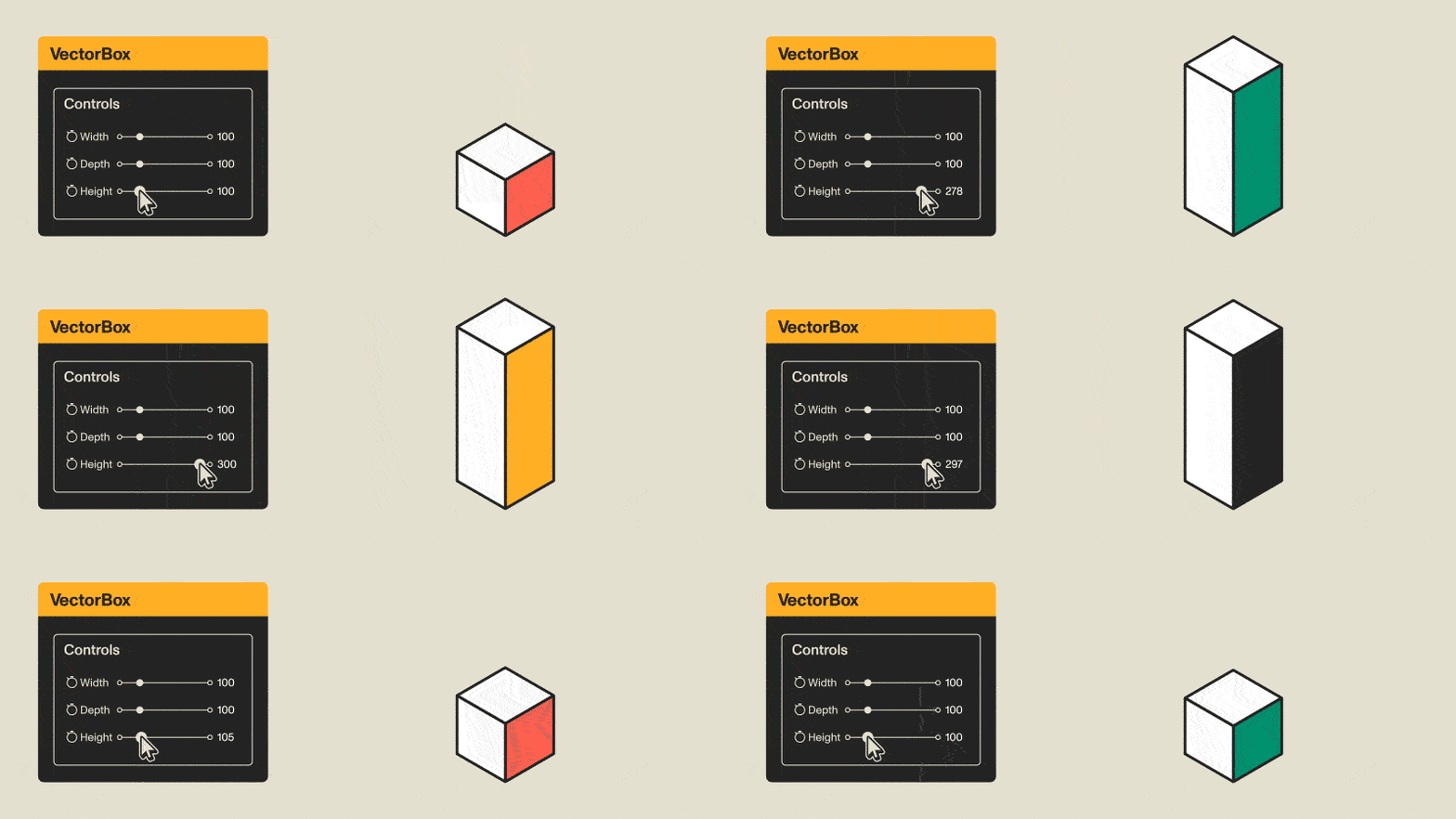
Set the overall width, height and depth in pixels. Separate values let you change the box proportions, and these options can be adjusted and animated.
- Taper Top and Taper Bottom change the size of the corresponding face. The listing gives 50% as a half-size face, 100% as an example for creating a pyramid, and -100% as a value that grows the face to twice its size.
- A positive Chamfer value adds four more faces along the box edges. Chamfer can be animated along with taper.
Use fills, wireframe or textures
Wireframe mode hides the fills and shows the strokes. You can change stroke color and width, or use shape-layer options such as dashes and wiggle path.
To create textures, Shift-click the main button when creating the cube. Ultra Box 3D makes texture compositions parented to the faces. They are not scaled or distorted when the box size changes.
Set defaults and check compatibility
Before creating a box, the gear button at the bottom of the interface lets you set default box dimensions, texture composition size and whether to create a camera. Changes are saved for the next session.
The version history lists version 1.0.0, first released June 2, 2023. The listing names After Effects 2025, 2024, 2023, 2022 and 2021 as compatible. For current details or compatibility with a later release, check the Ultra Box 3D product listing.