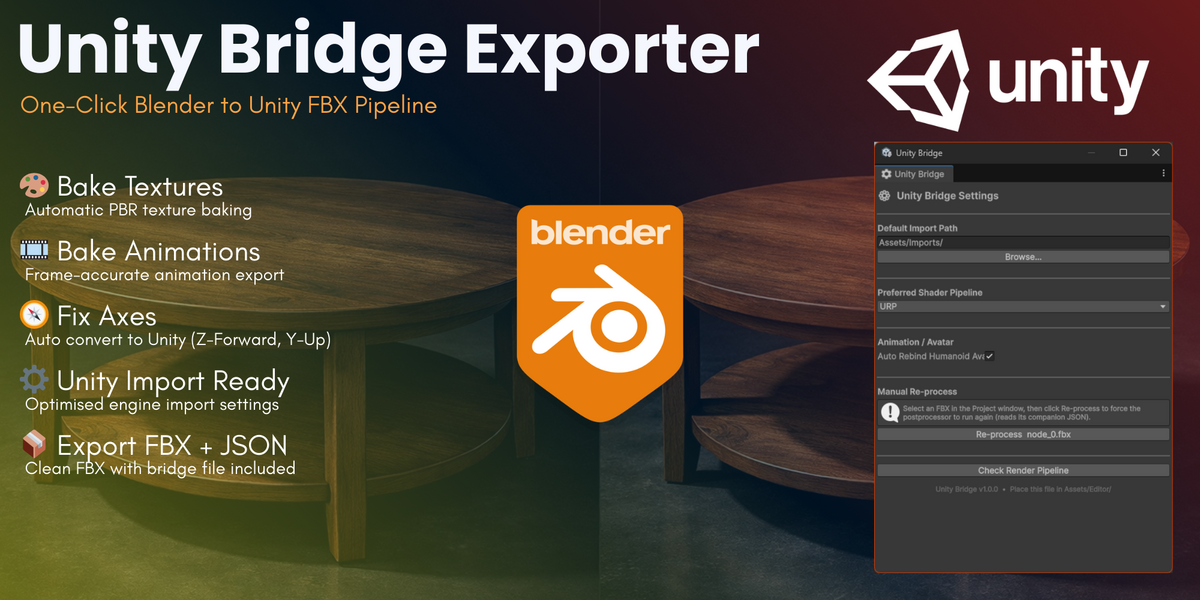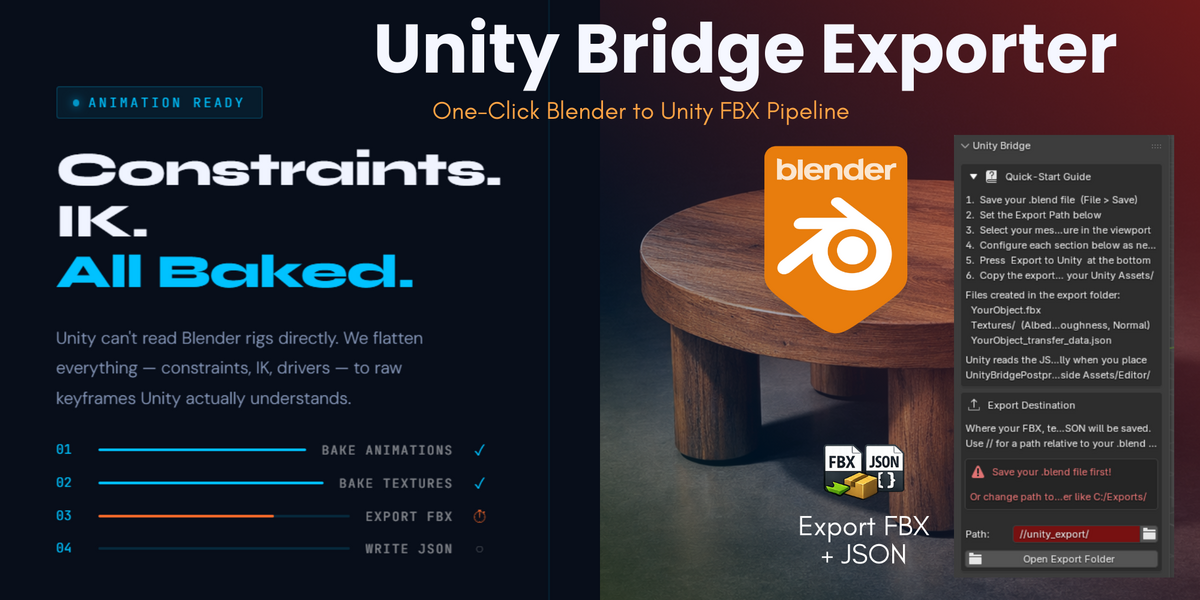
Unity Bridge Exporter is a Blender add-on for preparing assets for Unity from Blender’s N-sidebar. Its export combines texture baking, animation baking, FBX axis conversion, and a Unity integration for setting up materials and rigs. The Superhive listing describes the export workflow and its supported Unity shaders.
What it handles in the Blender-to-Unity handoff
For materials, the add-on bakes Principled BSDF output into PNG maps for Albedo, Metallic, Roughness, and Normal. UV Margin is available to help prevent edge artifacts, while Bake Samples lets you adjust the balance between bake quality and performance.
For animation, it converts constraints, inverse kinematics (IK), and drivers into raw keyframes that Unity can use. The FBX export applies a fixed axis conversion of -Z Forward and Y Up. The listing says this places assets at world origin and avoids manual orientation fixes.
What the Unity integration configures
Unity Bridge Exporter creates a transferdata.json file for each object. Unity reads that file to configure the rig type, materials, shaders, and texture assignments. The included Unity integration can create or update .mat files, set a rig to Humanoid, Generic, or None, and generate an avatar for character rigs.
Shader support includes Built-in Standard, URP Lit, and HDRP Lit. This makes the add-on relevant to Blender artists whose Unity projects use one of those listed shader options and who want the material setup included in the handoff.
Export feedback and controls
The Blender interface groups settings into collapsible sections with inline help. During export it shows stage progress and a timer, then reports pass or fail status for each object. That report helps identify which objects need attention after a run; the listing does not claim that every scene exports without adjustments.
Compatibility, platform, and license details
The Superhive page lists Unity 2020.3 LTS, 2021, 2022, 2023, and Unity 6, and names Windows, macOS, and Linux as supported platforms. Its Blender version details differ: the overview says Blender 3.0 through 5.1+, while the details section says 3.0 to 5.0. Check the current listing or ask Rana Abdullah to confirm support for your Blender release.
AnyPlugins lists the add-on as free. Superhive identifies the license as GPL. Check the current listing and license terms before adding it to a studio or commercial pipeline.