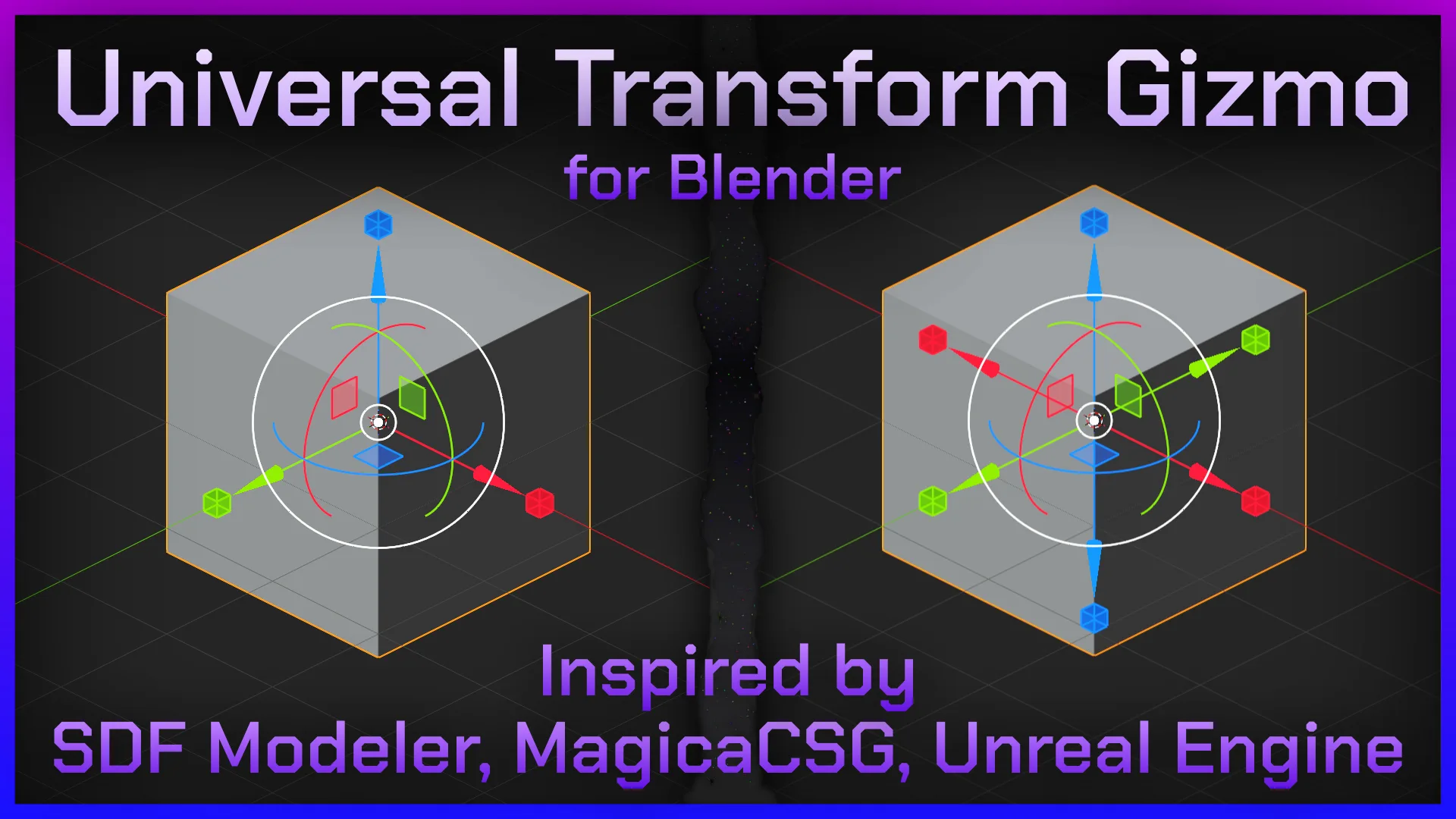
Universal Transform Gizmo is a Blender add-on that puts transform controls in a single viewport gizmo, so you can work without switching gizmo modes. Its controls face the viewer and use single- and double-sided arrows that the project describes as easier to grab. The project README outlines its controls and release history.
Transform controls in the viewport
Optional real-time units appear near the gizmo, and optional transform-orientation toggles bring global, local and other choices into reach. Visual options let you adjust the gizmo's appearance. For mesh editing, the add-on supports flattening vertex, edge or face selections by scaling to zero along one axis. The project describes this as more control through the gizmo, with fewer special transform shortcuts to remember.
Version 1.4.0 added trackball rotation. The 1.6.4 changelog notes performance improvements and more caching.
Compatibility and installation
The Blender Extensions listing offers version 1.6.4 and sets Blender 5.2.0 as the minimum version. It lists the license as GPL-3.0-or-later and Nathaniel-Sabanski as maintainer. To install the downloaded archive, open Blender's Edit menu, choose Preferences, then Get Extensions and Install from Disk. The Blender manual explains that installation step.
The project README mentions a quick-hide control. A recent review on the official listing reports that the gizmo appeared visible again after the reviewer hid it and saved the file. The README does not say whether hidden visibility persists. If saved visibility matters, test it in a sample file.