How UV-Packer fits into a 3ds Max workflow
UV-Packer is 3d-io’s plug-in for arranging existing UV charts in Autodesk 3ds Max. It packs unwrapped polygons into UV sheets, helping reduce unused map space and set padding between charts. It handles the packing step; the model’s UV charts need to exist first.
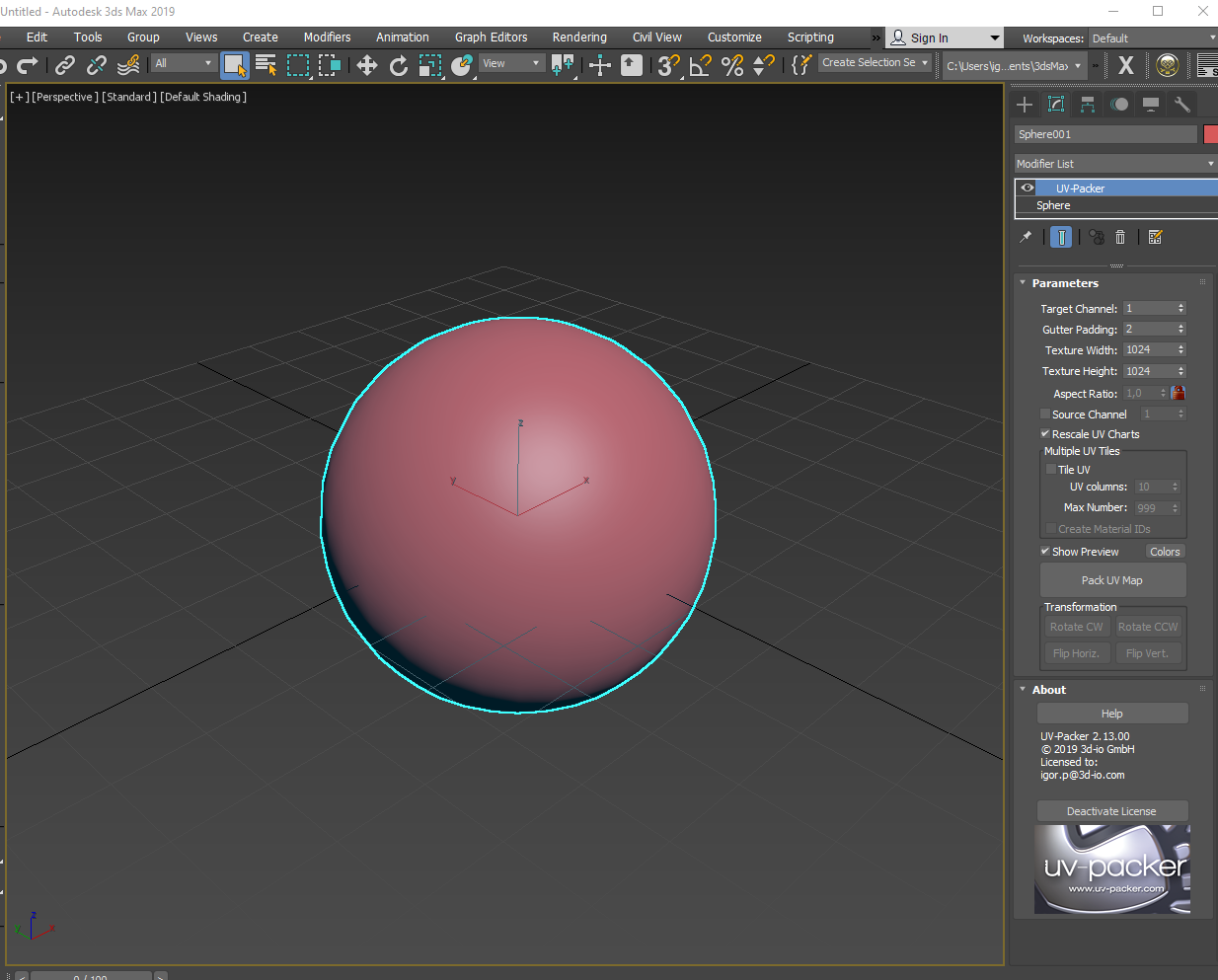
For packing, choose the source UV channel and a target channel for the result. Keeping them separate lets you retain the original layout while trying a new arrangement. The 3ds Max usage guide describes the channel and packing controls.
Control packing quality and output
The Efficient mode is the default and balances packing quality with speed. High Quality runs additional calculations and usually uses a little more of the available texture area, at the cost of more processing time. Classic remains available for compatibility with older UV-Packer workflows; it is slower, does not fill holes in charts and still adds some padding when padding is set to 0.
When a single UV-Packer instance is applied to multiple objects, Combine packs their charts together into one UV space so they can share a texture. With Combine off, each object receives an independent packing that does not affect the other objects’ chart placements. The UV tile grid distributes charts across additional tiles when a single square is not enough. If you enable material IDs for tiles, UV-Packer assigns IDs based on the destination tile and overwrites existing material IDs on the object.
Padding is relative to the reference texture size. For example, the guide says padding of 2 at 1024 × 1024 corresponds to padding of 4 at 2048 × 2048. Rescale UV Charts can adjust chart sizes based on the mesh surface area, which helps distribute texture pixels more evenly across the mesh.
Who may find it useful
UV-Packer suits 3D artists who regularly prepare assets for texturing, baking or export, especially when a scene contains many charts or several objects that need a shared layout. 3d-io describes the engine as designed for large numbers of UV clusters and polygons. A preview lets you inspect the repacked map before settling on settings.
Check compatibility before installing
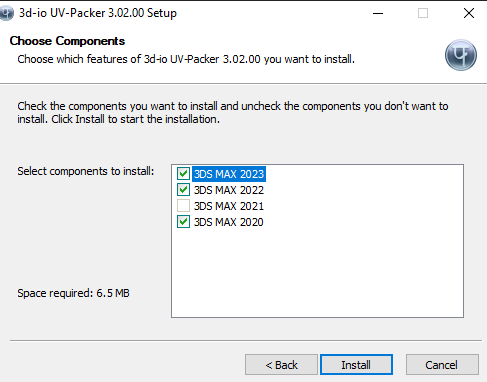
3d-io’s April 2026 update note identifies UV-Packer 3.06 as compatible with 3ds Max 2027. Its installation guide still lists support through 3ds Max 2023, while the download page shows installer groups labeled 2015-2019 and 2020-2026. Check with 3d-io for the package that matches your installed 3ds Max release before installing.
3d-io’s April 2026 update says UV-Packer remains free for commercial use. See the current product update and download page for current terms and files.