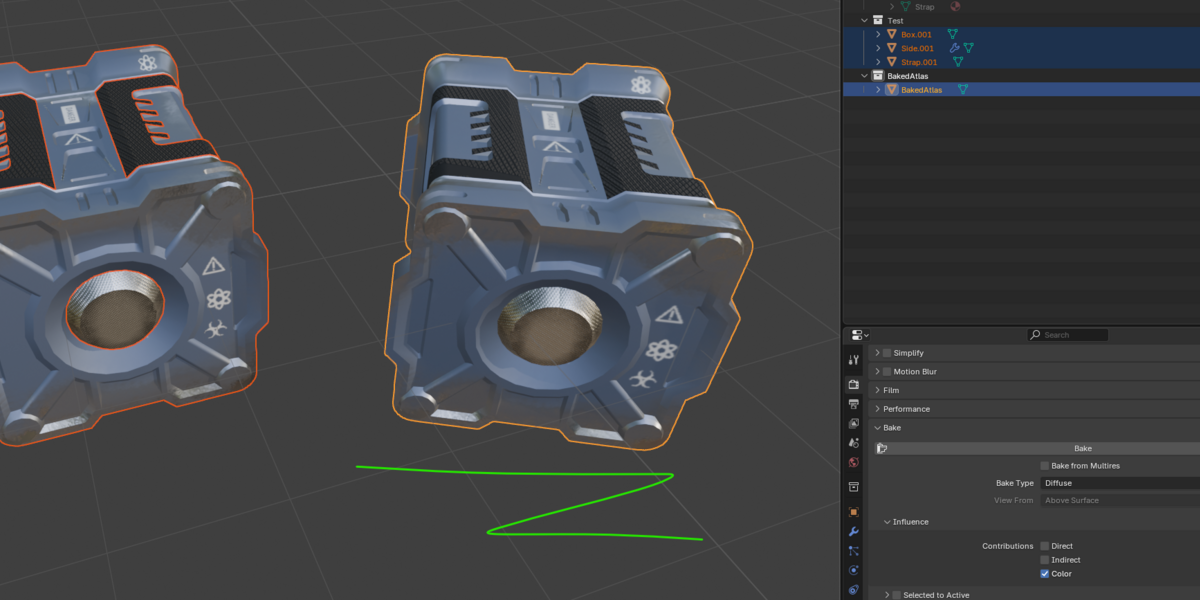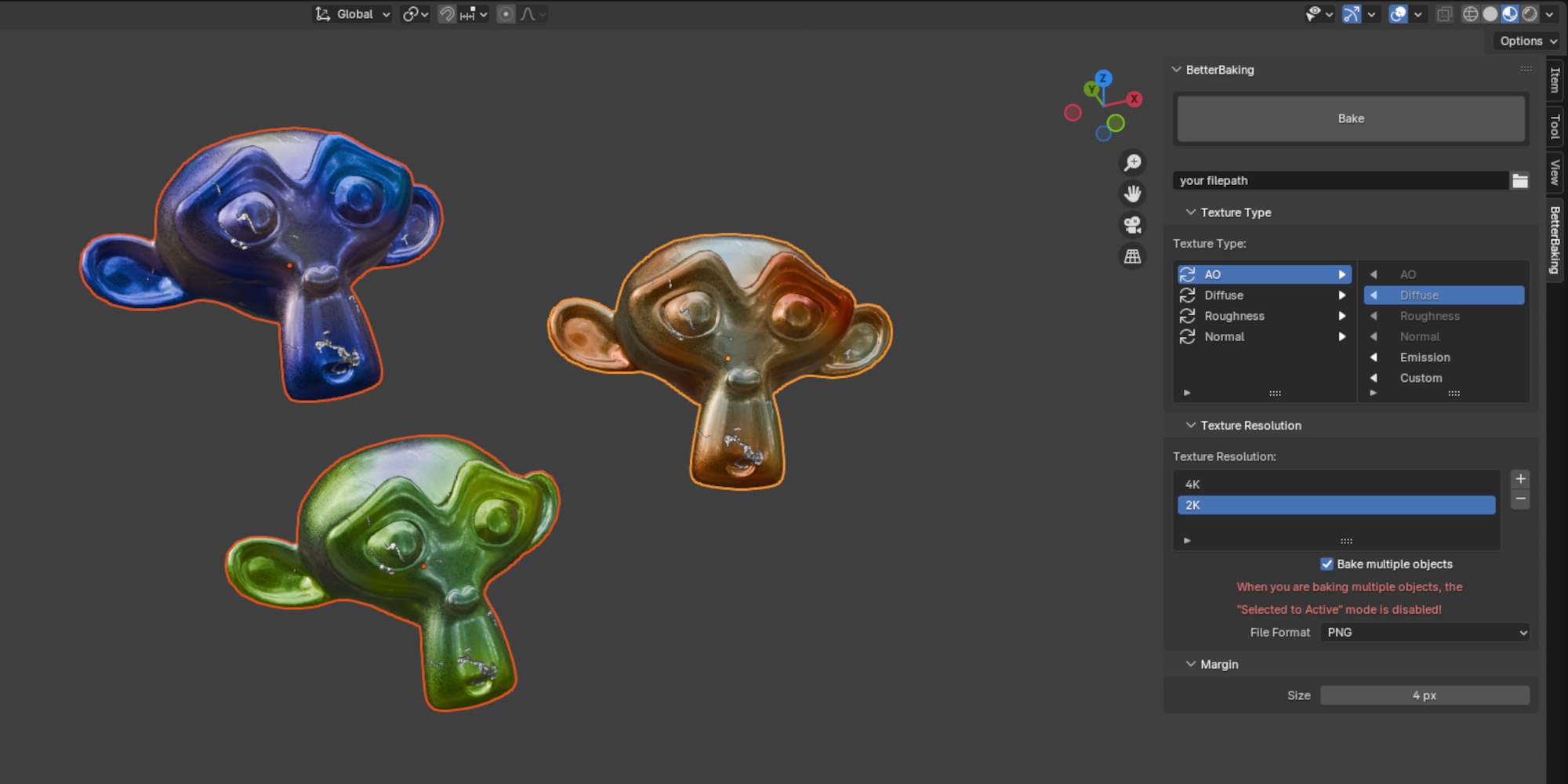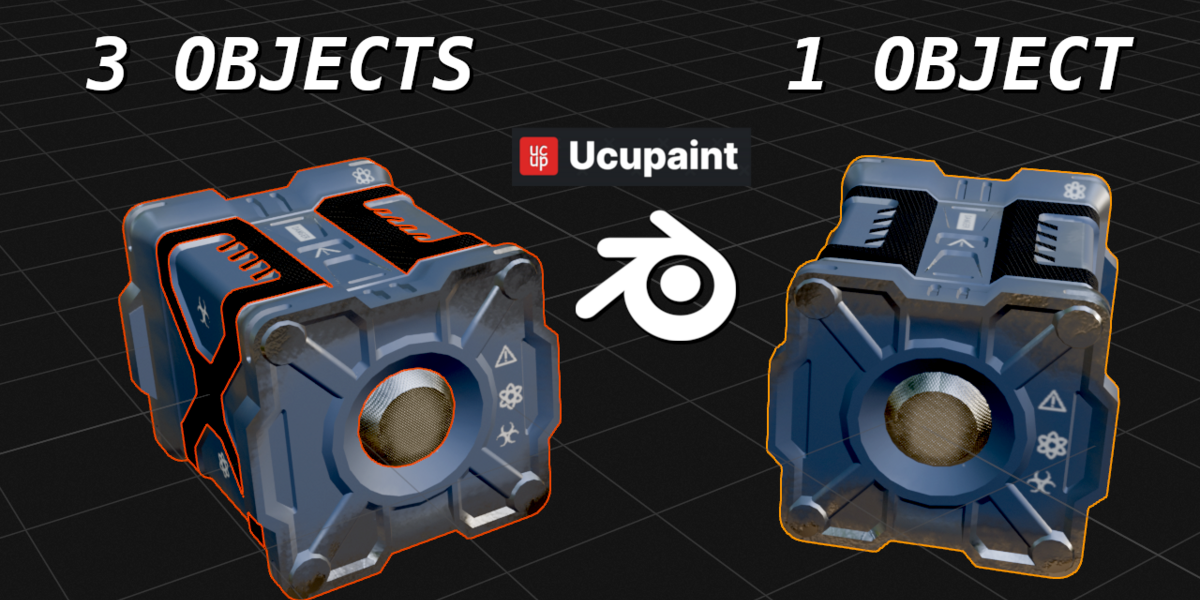
Uvr Baker is a Blender add-on by Michael Jared for baking multiple objects with different materials into one PBR texture set. It addresses a gap in the Ucupaint workflow: Ucupaint currently cannot bake those objects to one texture set. This can help when you want to combine separately modeled parts while keeping a shared texture set.
Set up the UV maps and bake
Install Uvr Baker as a regular add-on through Edit > Preferences > Install from Disk, then select the downloaded Python file. The add-on appears in Blender’s N-panel. Before baking, add a second, non-overlapping UV set to each object and choose the Source UV and Target UV in the add-on. Disable Ucupaint while baking because its automatic image selection in the shader node can interfere. Then select the objects and bake a single channel or multiple channels. The developer documentation includes installation details and a video explainer.
Build a PBR material and plan for bake time
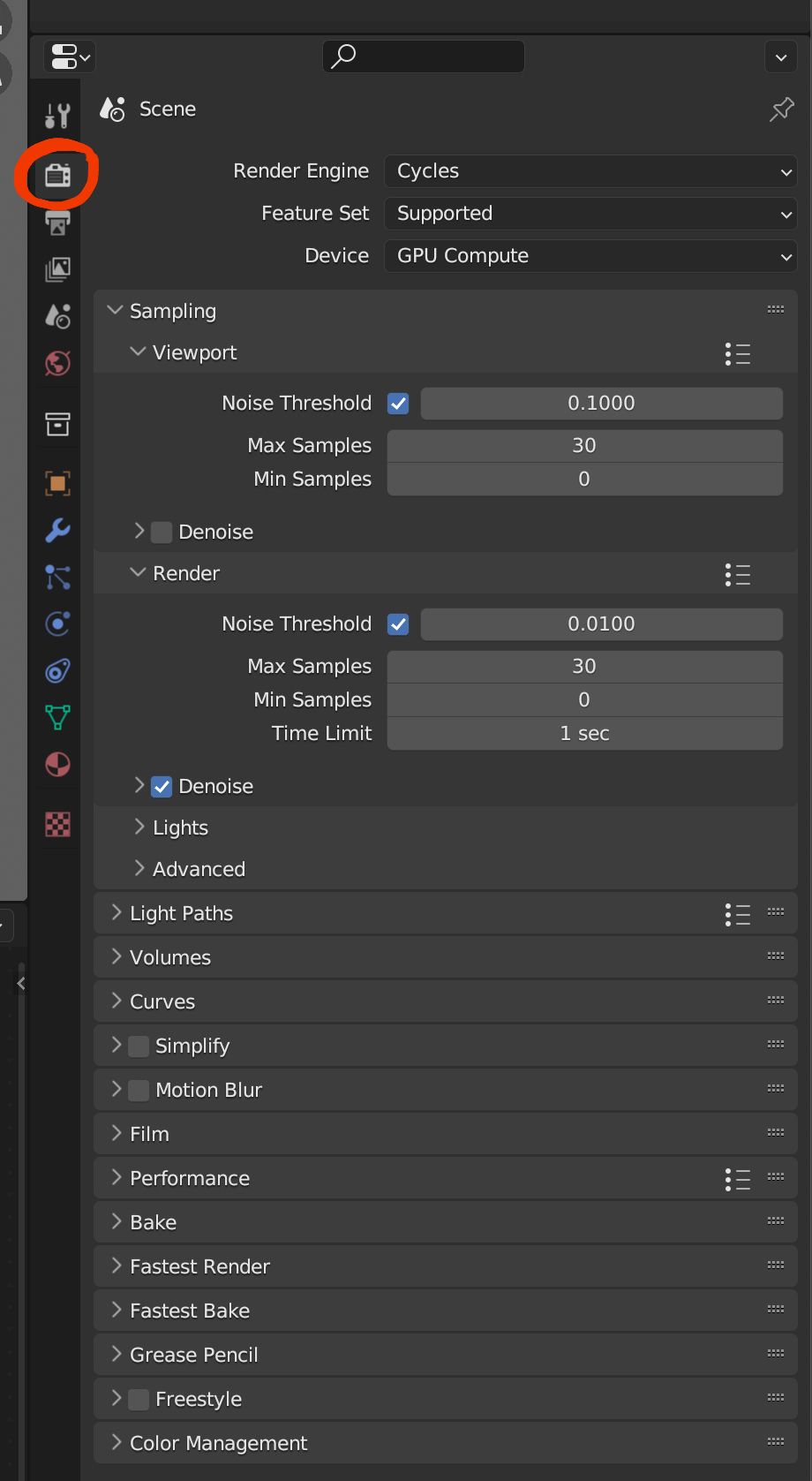
The Build PBR Material operator can duplicate objects into a new collection; the developer recommends leaving Duplicate Objects enabled. The operator also joins the objects. Uvr Baker is not heavily optimized, so baking can use substantial resources and take time. The developer recommends power-of-two resolutions such as 1024 or 2048 and warns that 4K baking will probably be very slow.
Blender support and license
The developer’s product listing lists Blender 4.0 through 5.0, the Cycles and Eevee render engines, and an MIT license. Check the listing for current release details before installing.