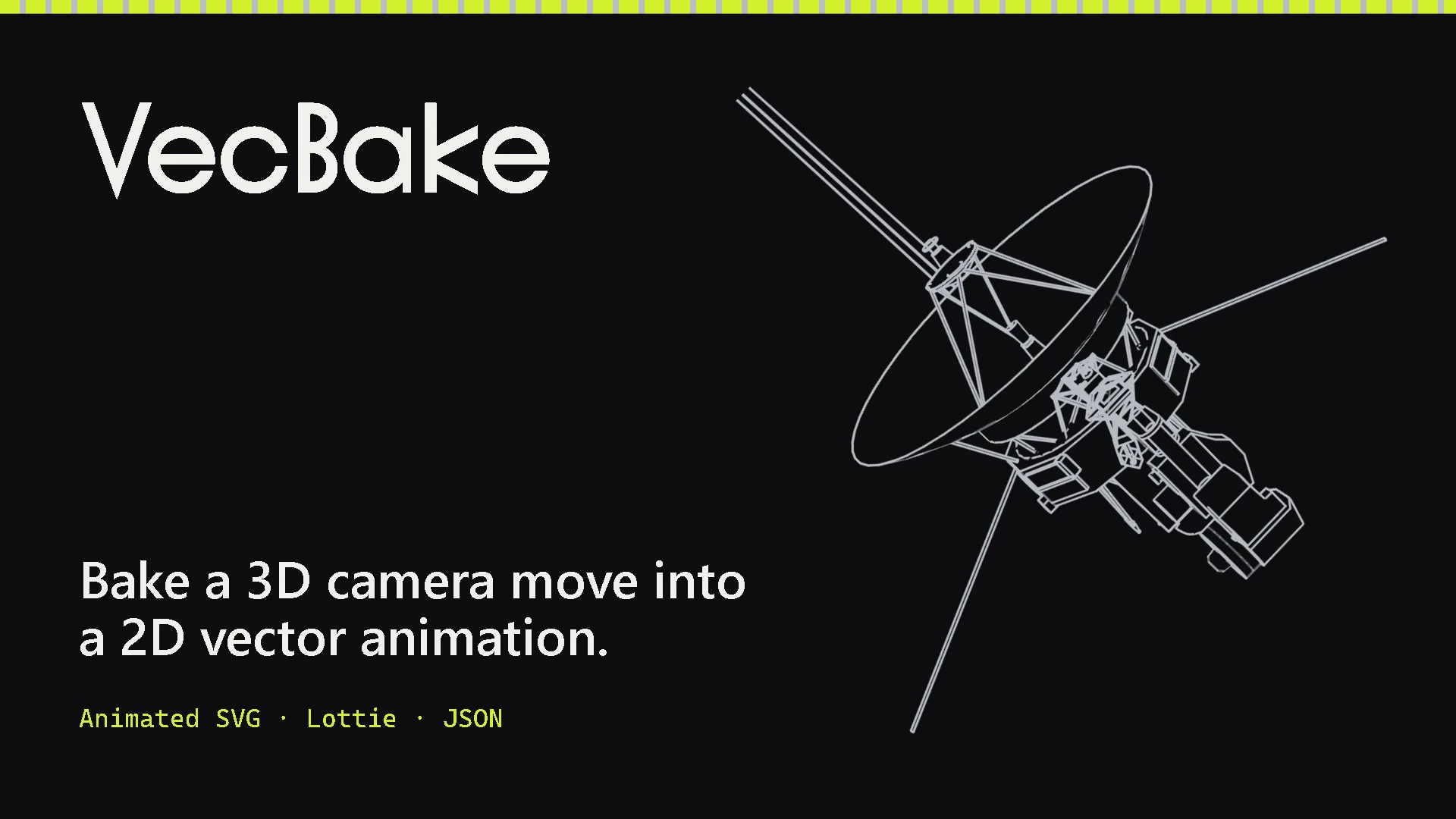
VecBake converts a camera move in a Blender scene into an interpolated 2D vector animation. The Blender Extensions listing describes a workflow that starts with camera animation: choose the scene objects to bake, then select Bake & Export from VecBake's tab in the 3D Viewport sidebar.
Geometry and export formats
VecBake handles meshes, curves, text, and surfaces using the geometry Blender evaluates for them. The listing's featured image shows a bake from a NASA model of the Voyager spacecraft.
Output options include animated SVG for the Lerpa web player, JSON, Lottie, SVGs of the first and last frames, a still SVG of the current frame, and an HTML preview page. The listing identifies the Lerpa player as the destination for animated SVG; it names the other formats without specifying a particular destination for them.
Run a bake from Blender or a script
The viewport provides the Bake & Export control for a manual workflow. For scripted baking, the listing documents bpy.ops.vecbake.export() and running Blender in the background with blender -b.
Version 0.4.0 removed the non-blocking script interface. Its release notes direct scripts to the export operator or a background Blender process. The notes also say worker processes use Blender's own Python and Python arguments, load no add-on package, and change no environment variables. They state that bakes are byte-identical to version 0.3.0.
Local files and compatibility
VecBake runs locally and writes output only to a folder you choose. Its listed permission is file access to write baked SVG, Lottie, and JSON files to that folder.
The add-on fits projects that start with a Blender camera animation and need one of its listed vector, data, still-frame, or preview outputs. The catalogue specifies Blender 5.1.0 or later and the GNU General Public License version 3.0 or later. Check those requirements against your Blender setup and project before installing.