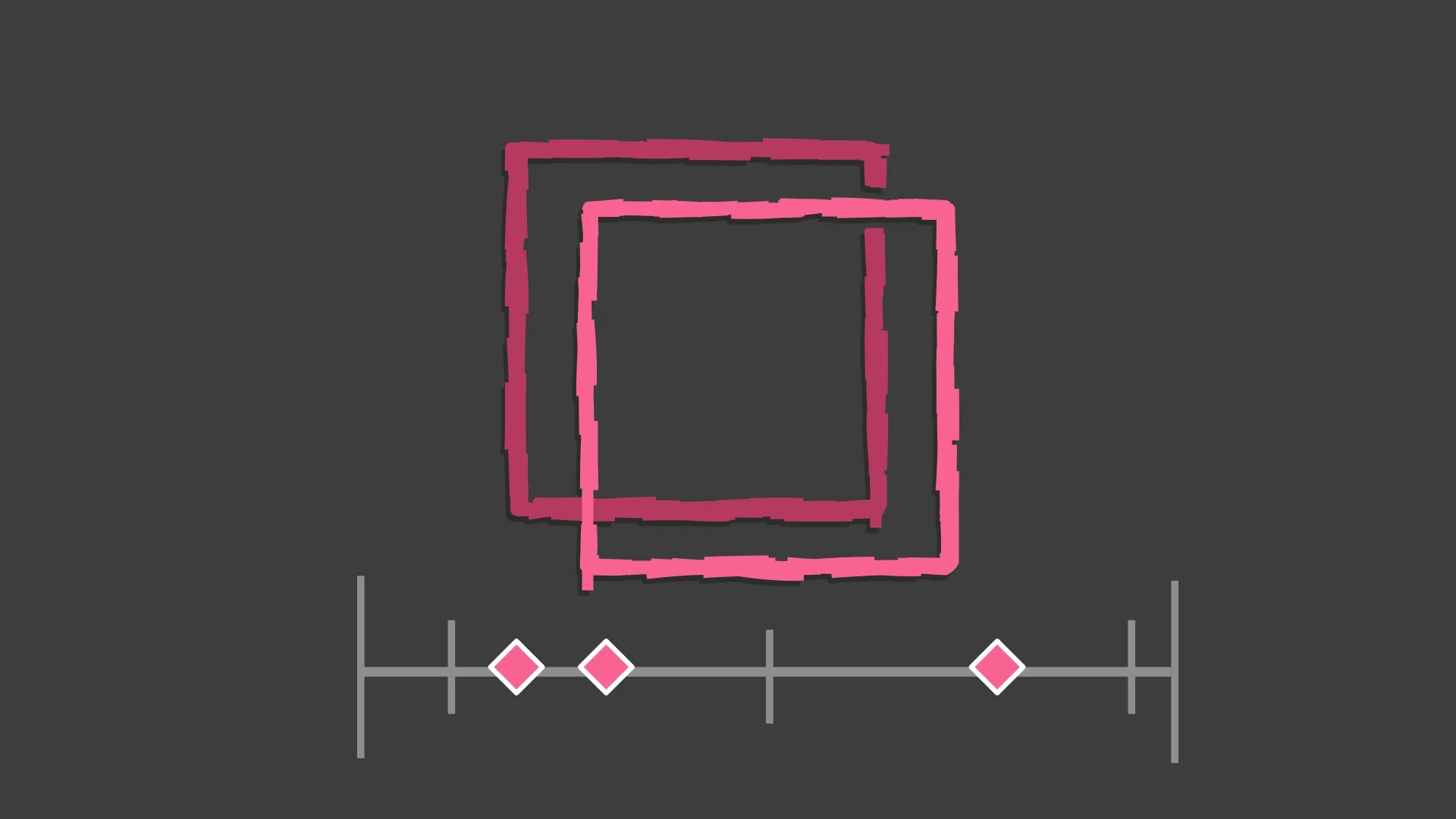
Multi Range Renderer is a Blender add-on for rendering chosen animation frames across selected cameras. Add frame ranges such as 200–230 or individual frames such as 200, 340, and 511 without changing the scene’s frame range or setting up a separate render job. The Blender Extensions listing describes its features and compatibility.
How the render queue works
The add-on processes the queue sequentially in Blender’s visible render window, where you can watch progress and cancel the run. You can render several selected cameras in one pass; the resulting frames are sorted into a folder for each camera. If the render window closes, the queue stops cleanly instead of leaving handlers behind.
Where to find it
Open Render → Multi Range Render from Blender’s top menu. The settings are under Properties → Output → Multi Range Renderer. The project file must be saved first because the output folder is derived from the .blend file.
Compatibility and permissions
The extension requires Blender 4.2.0 or later; compatibility checks cover Blender 4.2 through 5.2 and the 5.3 beta. The extension requests file access to create output folders and write rendered frames. It is licensed under GNU GPL v3.0 or later.
When it can help
Use the queue to rerender frames that came out incorrectly, split a long animation across sessions, or render a few key frames for review. The listed version is 1.2.1. Blender’s Extensions guide covers installing the downloaded add-on from disk.