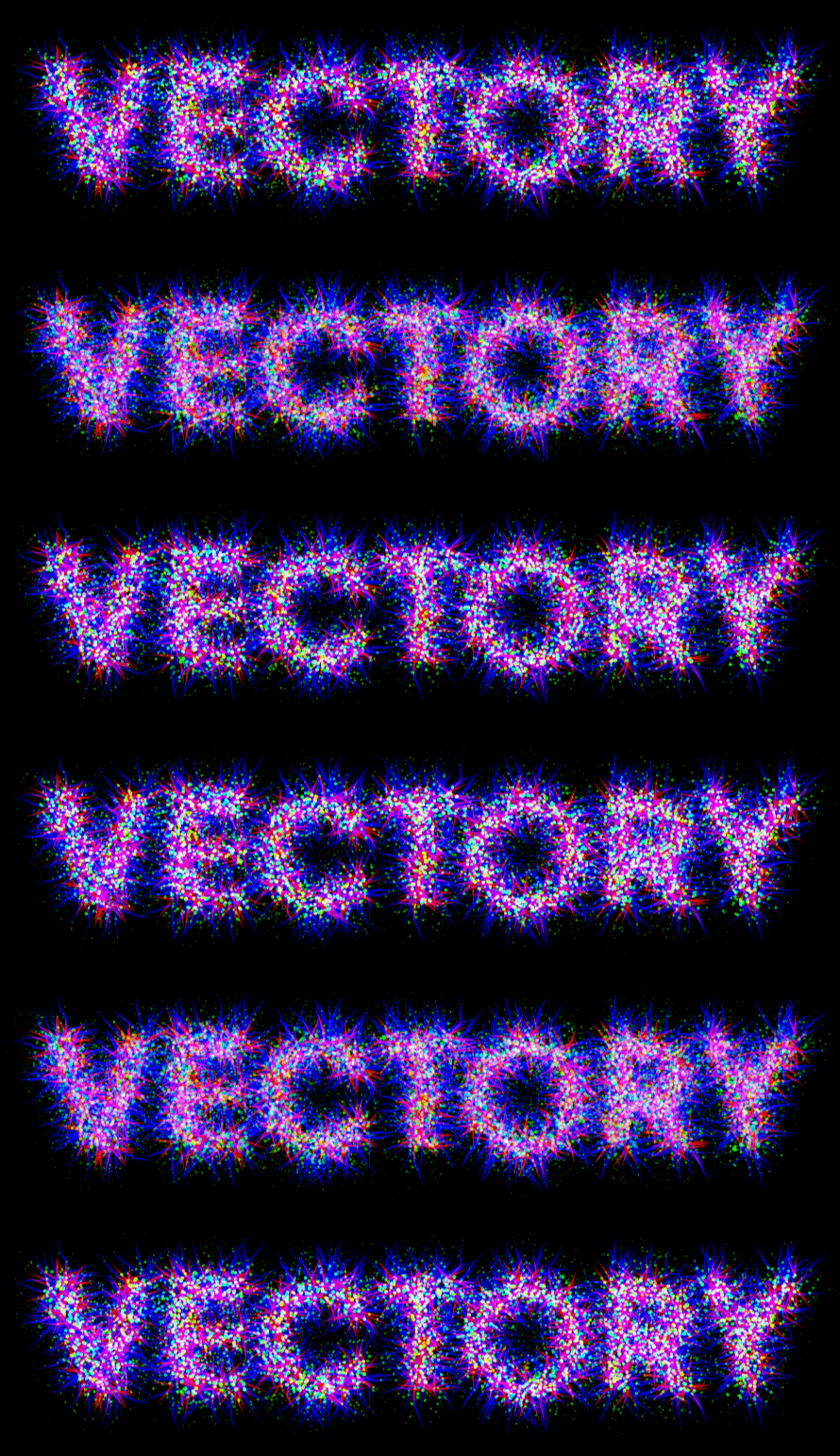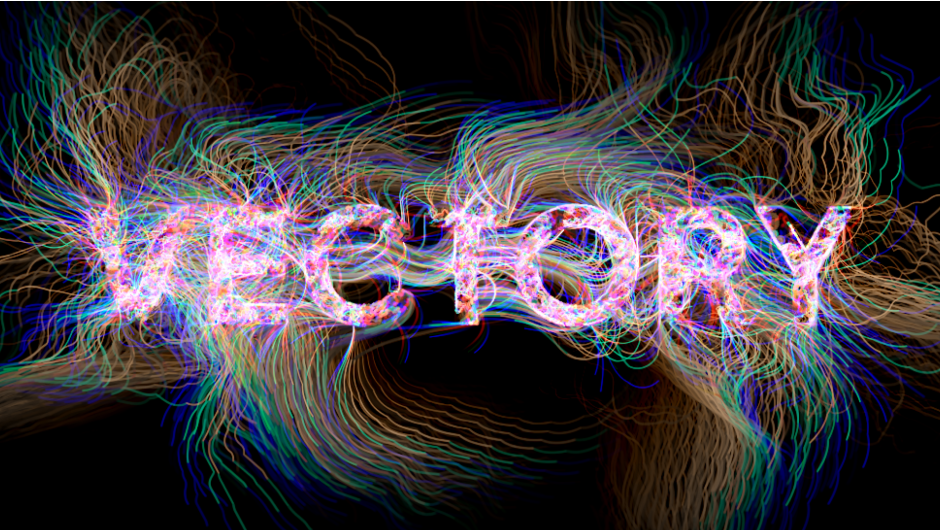
Vectory by Zaebects is an After Effects plugin that turns a source image into lines and moving trails. Particle agents travel across the image, read the brightness at each pixel and change direction in response. Together, their paths form a still drawing or an evolving pattern, for organic motion graphics and abstract textures.
Choose how the paths appear
Particles displays the moving points. Static Trails renders their complete paths as a still line drawing. Trails keeps the particles moving and leaves fading streaks behind them. These modes let you choose between visible points, a fixed image treatment and continuous motion.
Guide movement with forces and variation
Spawn and Count settings control how many agents are created per second and how they are distributed across the source image. A brightness cutoff defines where particles can spawn. You can adjust speed and global direction, then set particle size and lifetime. Movement randomness and Fluctuation add variation, while Gravity Points attract or repel agents to shape their routes. These controls affect how ordered or irregular the resulting lines look.
Set color and rendering options
Vectory can keep the source image colors, use a custom palette or animate color transitions. Drawing Mode switches between Nice and Simple rendering, with optional transparency and background color control. This gives you separate choices for the particle paths and their final color treatment.
Check compatibility and license options
For current compatibility and license options, consult the Vectory listing from aescripts. The listing also includes the version history and support link.