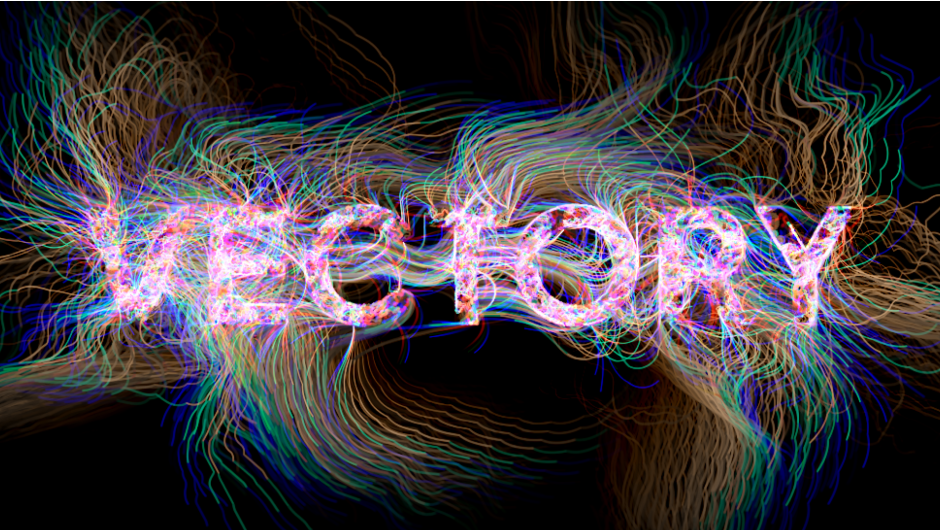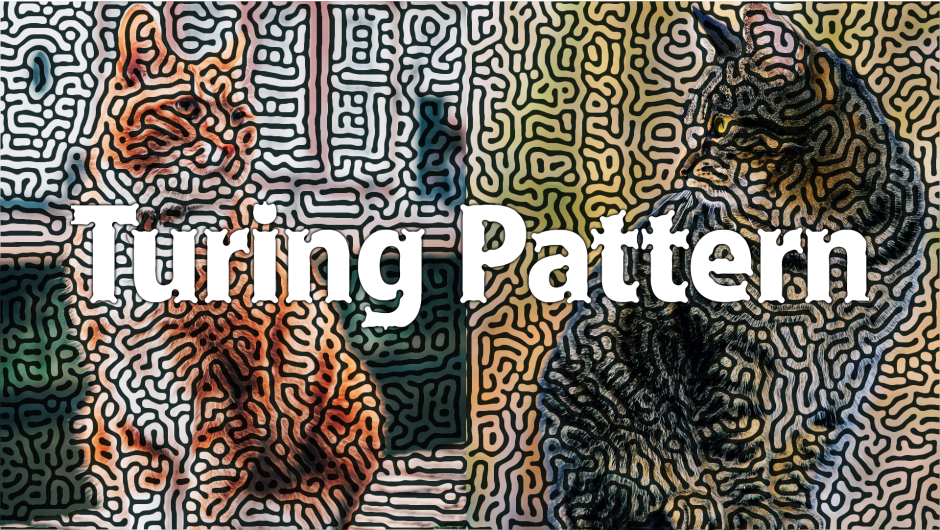
Turing Pattern is an After Effects plugin by HanaYuki for generating Turing patterns from images or footage. The listing describes the results as organic and distinctive, and says the computation uses a GPU. It also states that the plugin currently works only on Windows. See the product listing for the trial and current compatibility details.
How the effect is controlled
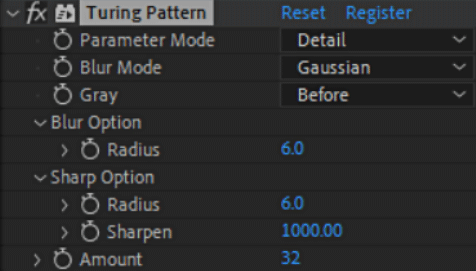
The product page describes an easy operation mode and two additional modes for more detailed operation. It does not name the modes or explain their individual settings. Try the available trial with the kind of source material you expect to use to judge the controls and visual result.
Compatibility and performance
The compatibility section lists After Effects 2022, 2023, 2024, 2025, and 2026. The page’s Windows-only note rules it out for macOS workstations. Check the listing against your installed After Effects version before adding the effect to a project workflow.
The product listing describes its GPU computation as fast, but the listing does not specify a minimum GPU or publish performance benchmarks. Test it on your own workstation and footage to see how it performs in your project.
Who should consider it
Turing Pattern is for After Effects users who want to generate patterned treatments from existing images or footage. Its main fit questions are whether your workstation runs Windows, whether your After Effects version is listed, and whether the generated look works with your source material.