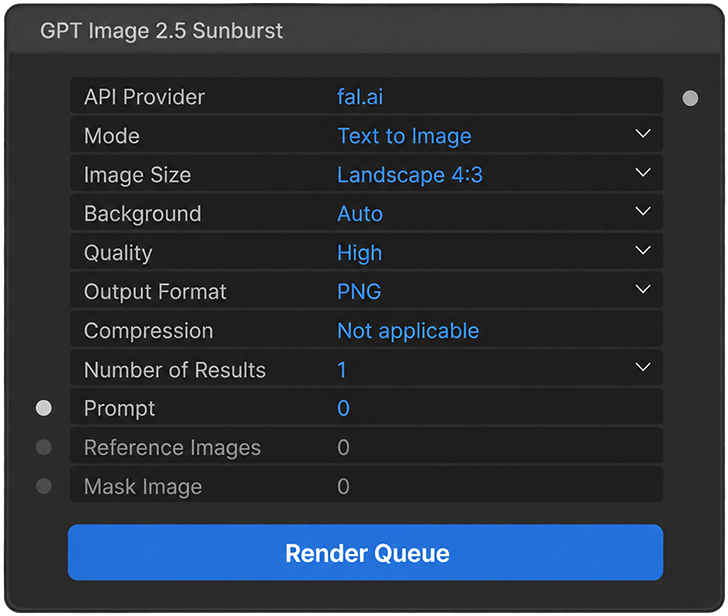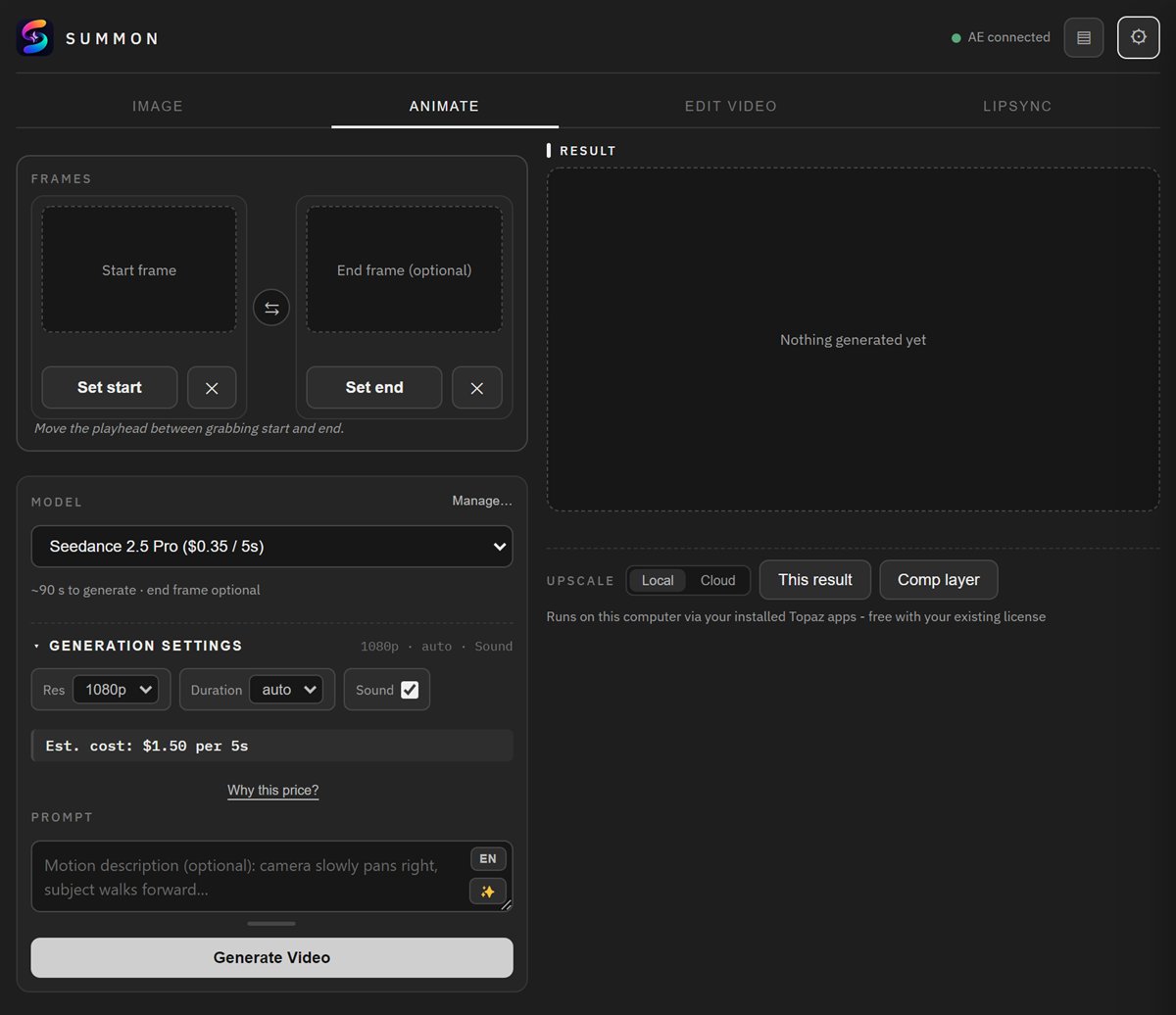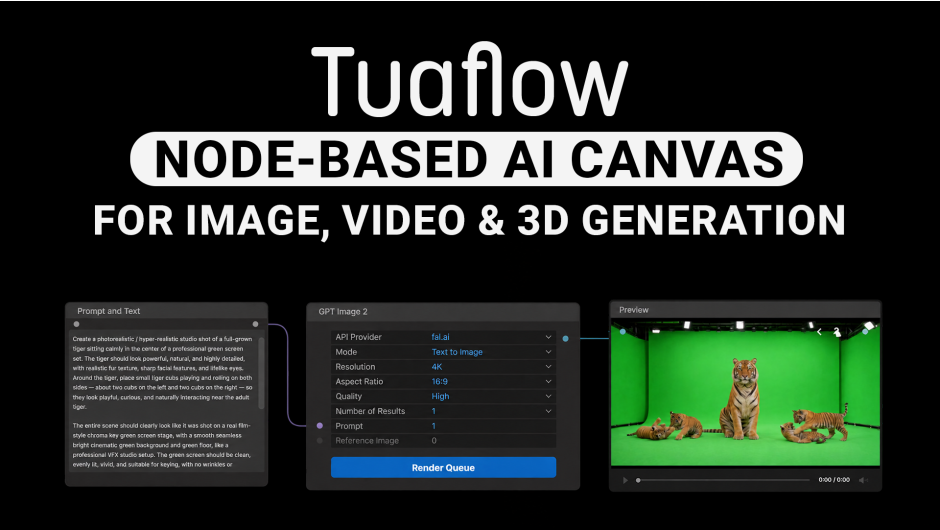
TuaFlow, by Sushanta Biswas, is a node-based AI creative plugin for Adobe After Effects. It connects prompts, inputs, and supported models on a canvas, letting editors generate or refine images, videos, and 3D assets, preview results, and import media into an After Effects project.
Connect generation steps on one canvas
For images, TuaFlow supports text prompts, reference images, and image-to-image workflows. Its video tools generate clips from ideas, images, and references. For 3D assets, the listed input options include text, a single image, or multiple views. The canvas also includes a Prompt Assistant node. Editors can preview outputs, import generated media, manage render queues, and use import, export, and canvas shortcuts.
Provider choice affects models and costs
TuaFlow connects to fal.ai, Higgsfield, and RunningHub APIs. TuaFlow is the creative software for connecting to these providers; it does not sell API access or per-generation credits. Generation costs are paid directly to the provider. The model list covers options across providers, so connecting one API does not unlock every listed model. Features such as image-to-video, reference-to-video, audio, resolution, duration, and 3D generation also depend on the model and provider.
Local GPU generation and compatibility
TuaFlow supports local generation on your computer for selected models. Z-Image Turbo supports local image generation, and TRELLIS.2 Image to 3D supports local 3D generation. This option applies to supported local models; other listed models use connected providers. TuaFlow is listed as compatible with After Effects 2025, 2026, and 2027.
Check model fit before starting
- Confirm your After Effects version is listed as compatible. TuaFlow also requires a Floating License Server; the product page lists it at $99.99 if you need to add one.
- Choose a provider and check that it offers the model you need, since one connection does not provide the full cross-provider model list.
- Check the chosen model's supported inputs and outputs if your project depends on a particular feature, resolution, or duration.
- For local generation, confirm you plan to use one of the listed local models.
The model library may change as TuaFlow receives updates. Check the TuaFlow product listing for its current model and compatibility details.