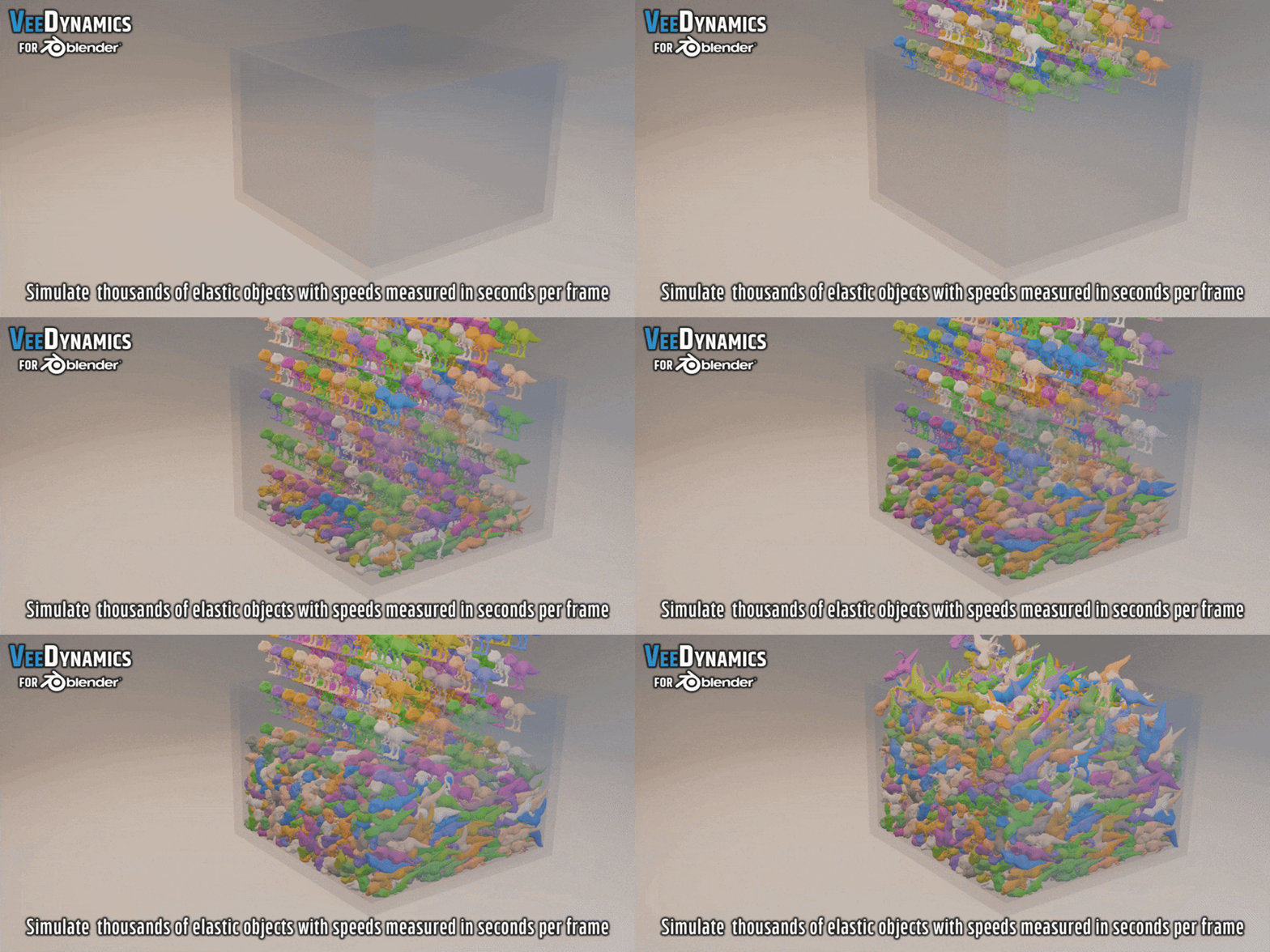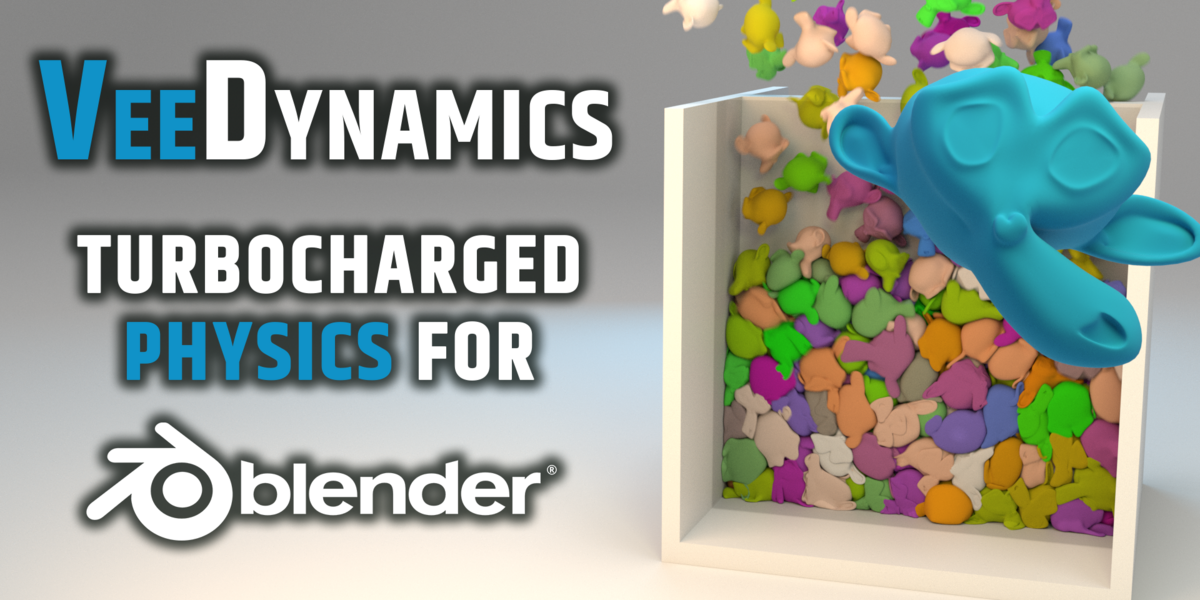
VeeDynamics connects Blender to the Gaia Vertex Block Descent simulator for elastic body simulation. Its product listing says it can simulate thousands of elastic objects, with performance measured in seconds per frame. The listing does not specify a benchmark scene or hardware configuration, so treat that performance description as a vendor claim rather than a guaranteed result for every project.
What VeeDynamics is designed to do
The product is intended for Blender artists who need elastic body simulation across many objects. VeeDynamics comprises two components, a Blender add-on and the VeeDynamics engine. The developer documentation is the place to check for setup instructions and details about using it in a project.
System requirements and Blender support
VeeDynamics is currently supported only on Windows 10 or Windows 11, 64-bit. It requires an NVIDIA GPU with CUDA compute capability 7.5 or higher. Look up the exact GPU model in NVIDIA's CUDA GPU list and confirm its compute capability is 7.5 or higher.
The product page states Blender 4.3 or newer as a requirement. The marketplace compatibility field lists Blender 4.3 to 5.1. If your project uses a version outside that listed range, check the release notes and documentation for current support details.
Licensing and updates
The Blender add-on is licensed under the GPL, while the VeeDynamics engine is covered by a separate EULA. The marketplace describes two license variants. Indie is for users who have generated no more than $100,000 USD in gross revenue from commercial activity during the last 12 months. Professional is for users who have generated more than $100,000 USD in that period. The listing says both variants have the same software functionality and permit commercial use. It also says a purchase includes a lifetime license and future VeeDynamics updates at no additional charge.
Checks before choosing it
Confirm that your workstation meets the Windows and CUDA requirements, then compare your Blender version with the marketplace compatibility range and current release notes. Review both component licenses, since the add-on and engine have different terms. For installation steps and current product details, use the VeeDynamics documentation and the marketplace listing.