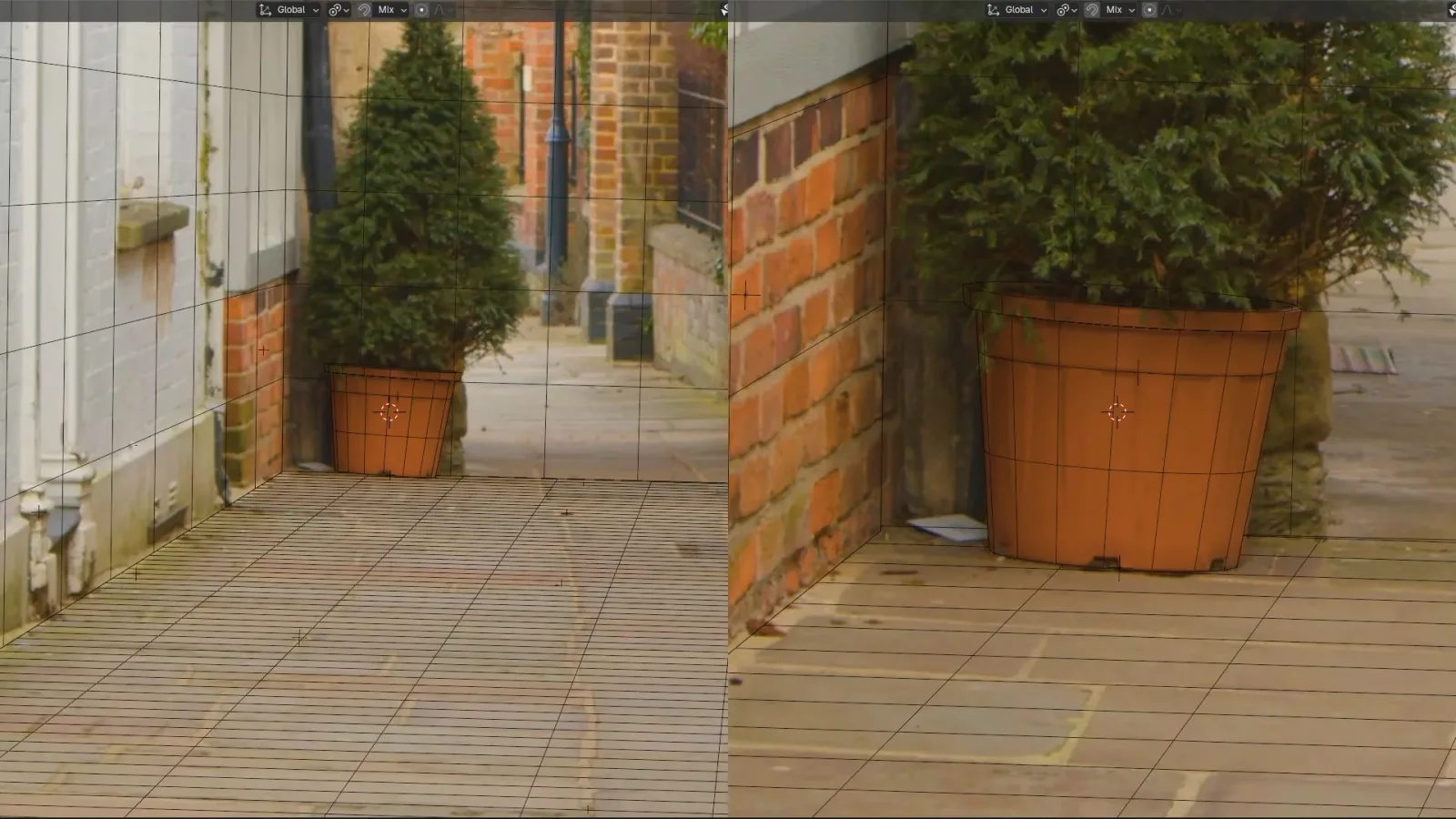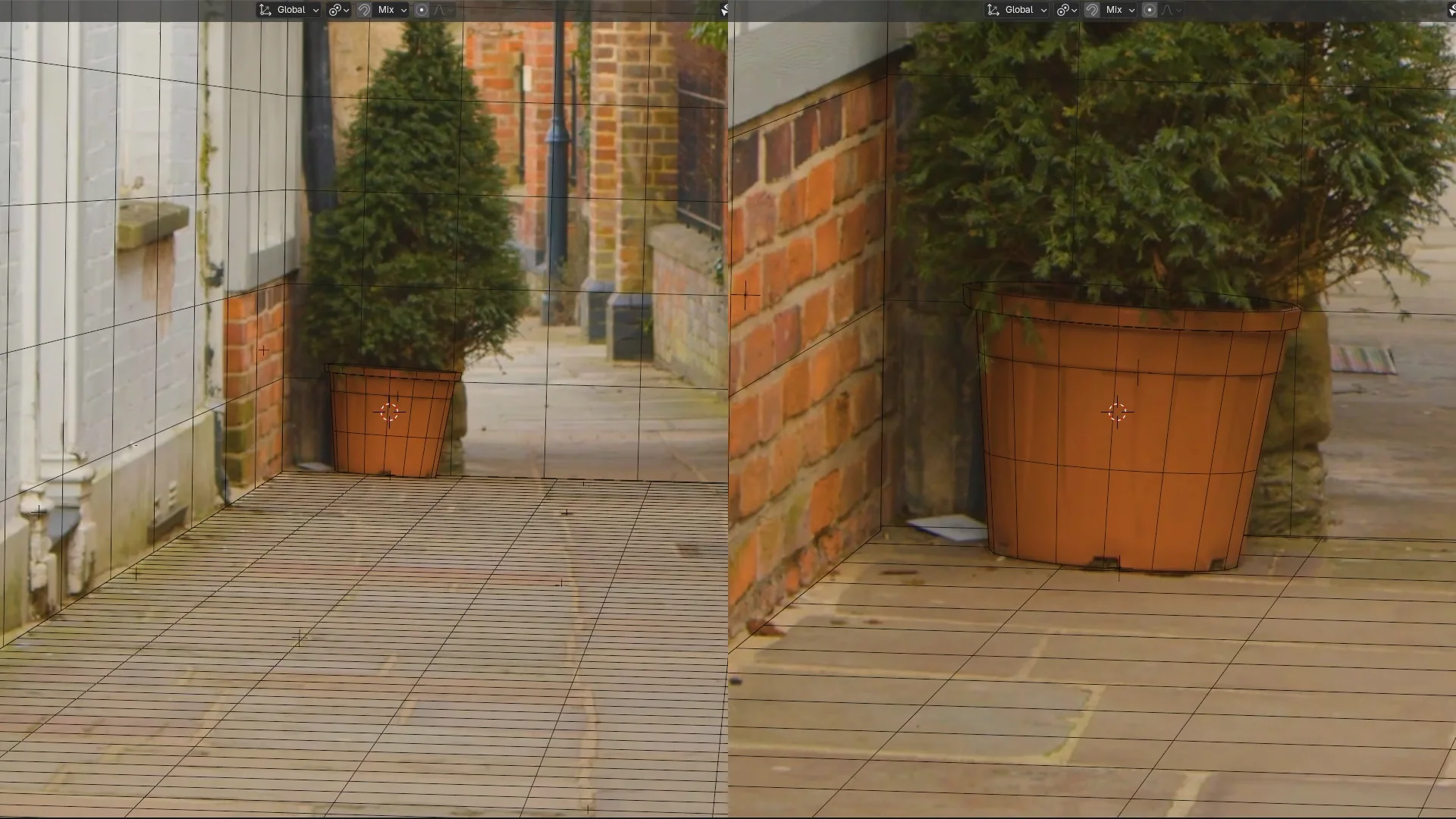
Viewport stabilizer keeps a chosen 3D point fixed on screen in Blender's 3D View. For matchmove work, it gives you a steady reference while reviewing tracked footage. The Blender Extensions listing describes the add-on as useful for checking and adjusting the accuracy of matchmoving operations.
Choose what to stabilize
You can use the 3D Cursor, the active object's pivot, or a specified object's pivot as the target. To stabilize on selected vertices, enable that option in the add-on settings first. The product feature listing has details on these controls.
Work from the 3D View
Find the controls under 3D View > Sidebar > View. Alt+C toggles stabilization by default, and you can change the shortcut in the settings.
Create an Empty at the center of an object or selected vertices
Viewport stabilizer can find the center of an object or selected vertices and create an Empty there with one click.