VoiceLab is a vogeledits plugin for Adobe After Effects and Premiere Pro. Its local Kokoro text-to-speech model generates voiceovers; optional ElevenLabs tools add voice changing and sound-effect generation within the editing project.
Generate voiceovers with a local model
Type a script, choose a voice and generate audio with the local model. aescripts lists 54 voices across nine languages: American English, British English, Spanish, French, Italian, Brazilian Portuguese, Hindi, Japanese and Mandarin Chinese. Local generation runs on your computer and needs no API key, credits or subscription.
This workflow can help when you need a scratch voiceover, narration for an explainer or a replacement line while editing. The local option also suits projects where you want unreleased script work to stay on your computer, as the product page describes.
Place audio in your project
In Premiere Pro, VoiceLab can generate audio in the project bin or sequence. Generated voiceover can be placed at the playhead. In After Effects, choosing Generate in Composition adds a layer to the composition.
Add ElevenLabs tools when needed
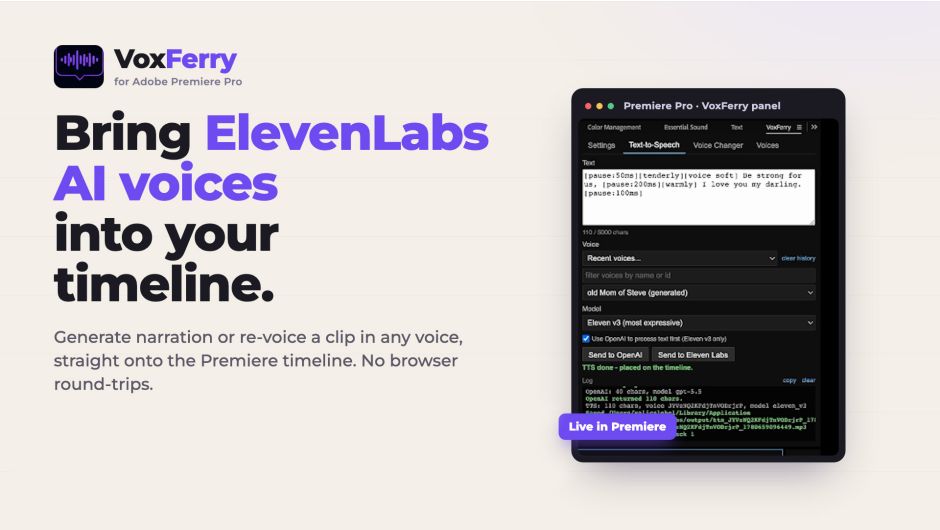
VoiceLab also supports an optional ElevenLabs API key. Its Voice Change feature replaces a selected timeline clip with another voice while keeping the timing. The SFX feature creates a sound from a text description and places it on the timeline. You can also add an ElevenLabs voice by its ID. ElevenLabs bills usage through your own plan; VoiceLab adds no markup.
Versions and compatibility
The release history lists version 0.0.3, dated November 6, 2026, as fixing an ElevenLabs API key bug. Version 0.0.2 added the local language options. The listing gives compatibility ranges for After Effects 2020–2026 and Premiere Pro 2020–2027. Check the VoiceLab listing on aescripts for the current trial, price and compatibility details.